




















AGENCY
Agency Client Reporting for Ads with AI Automation — Complete 2026 Guide
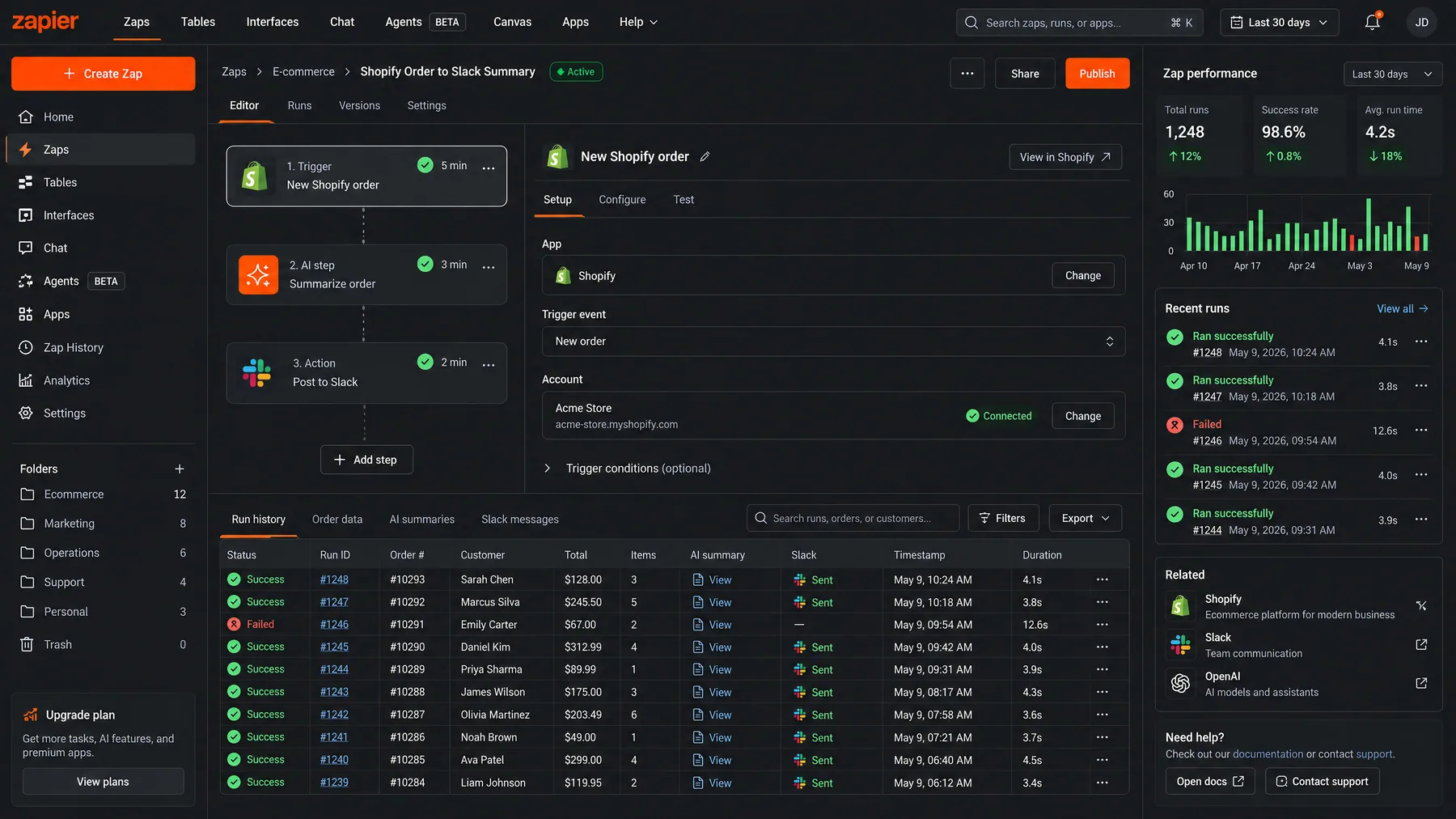
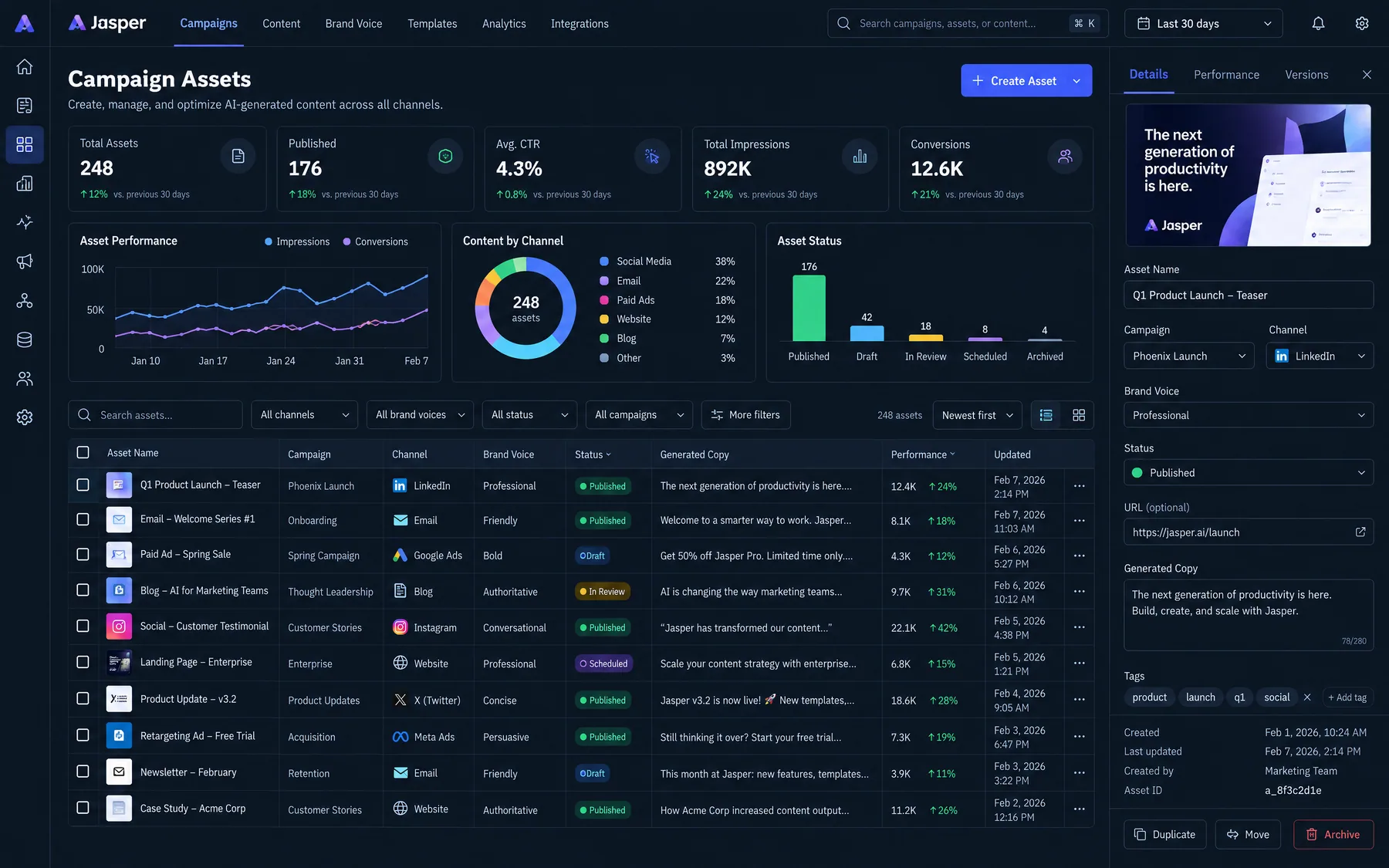
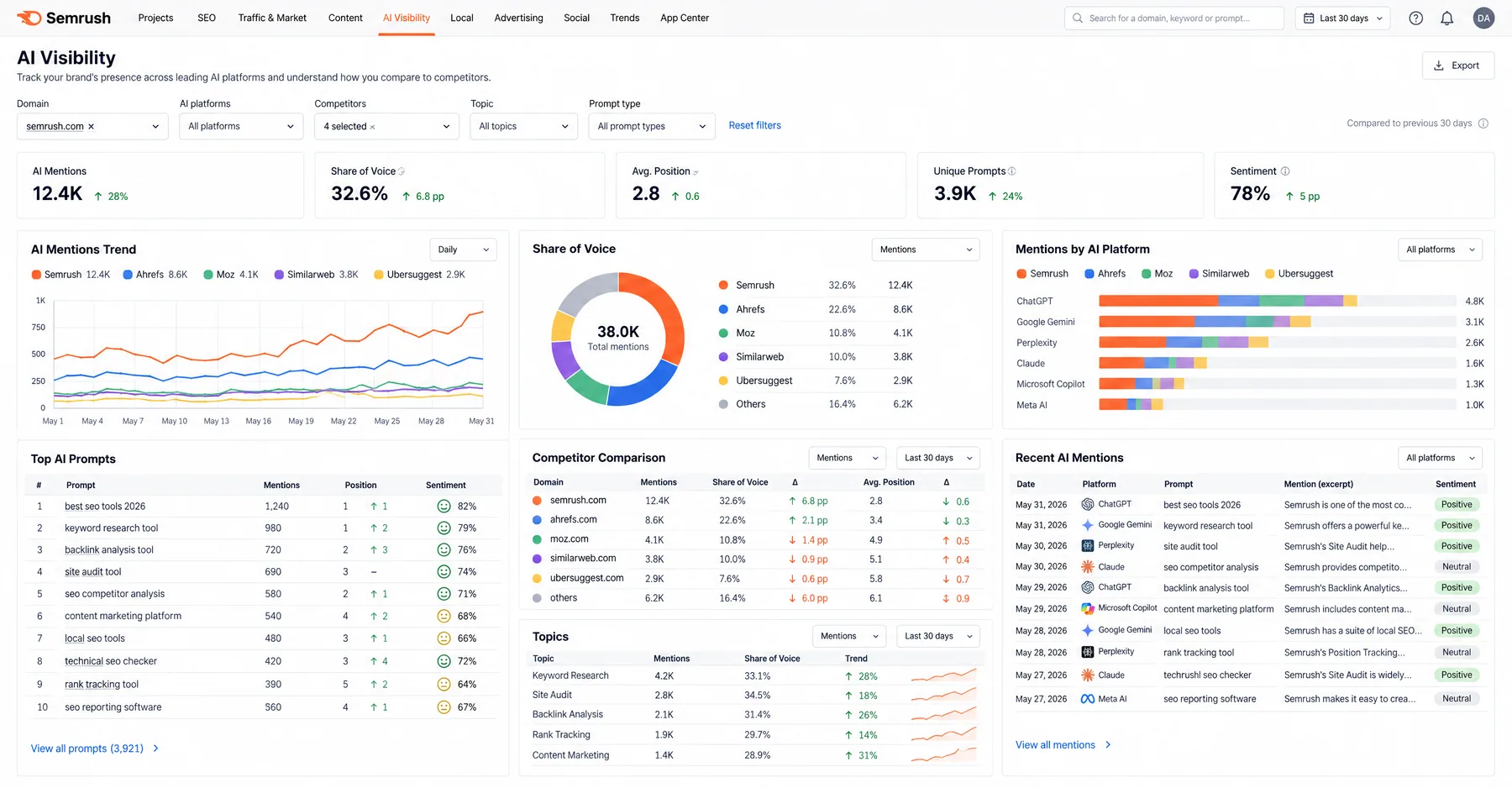
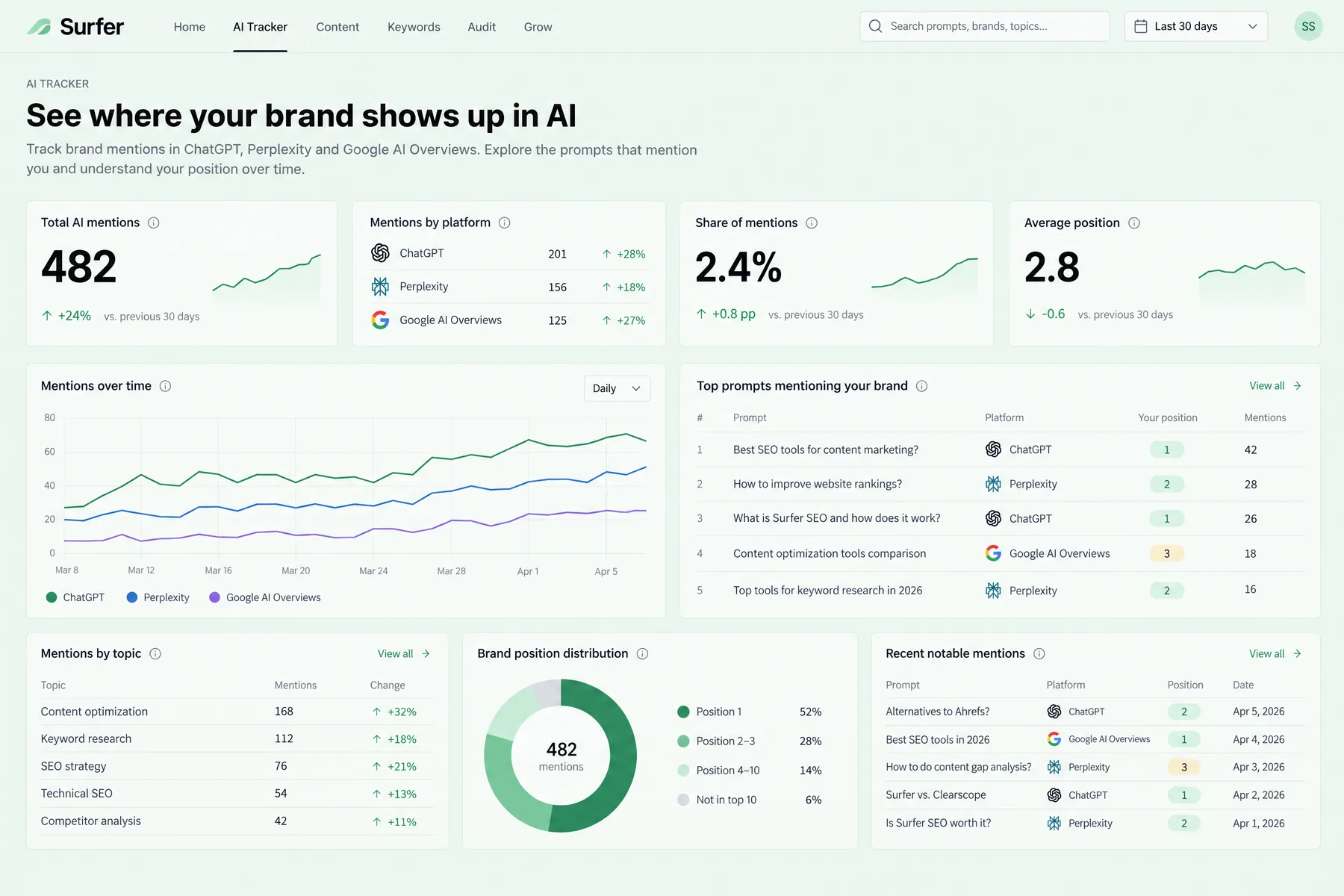
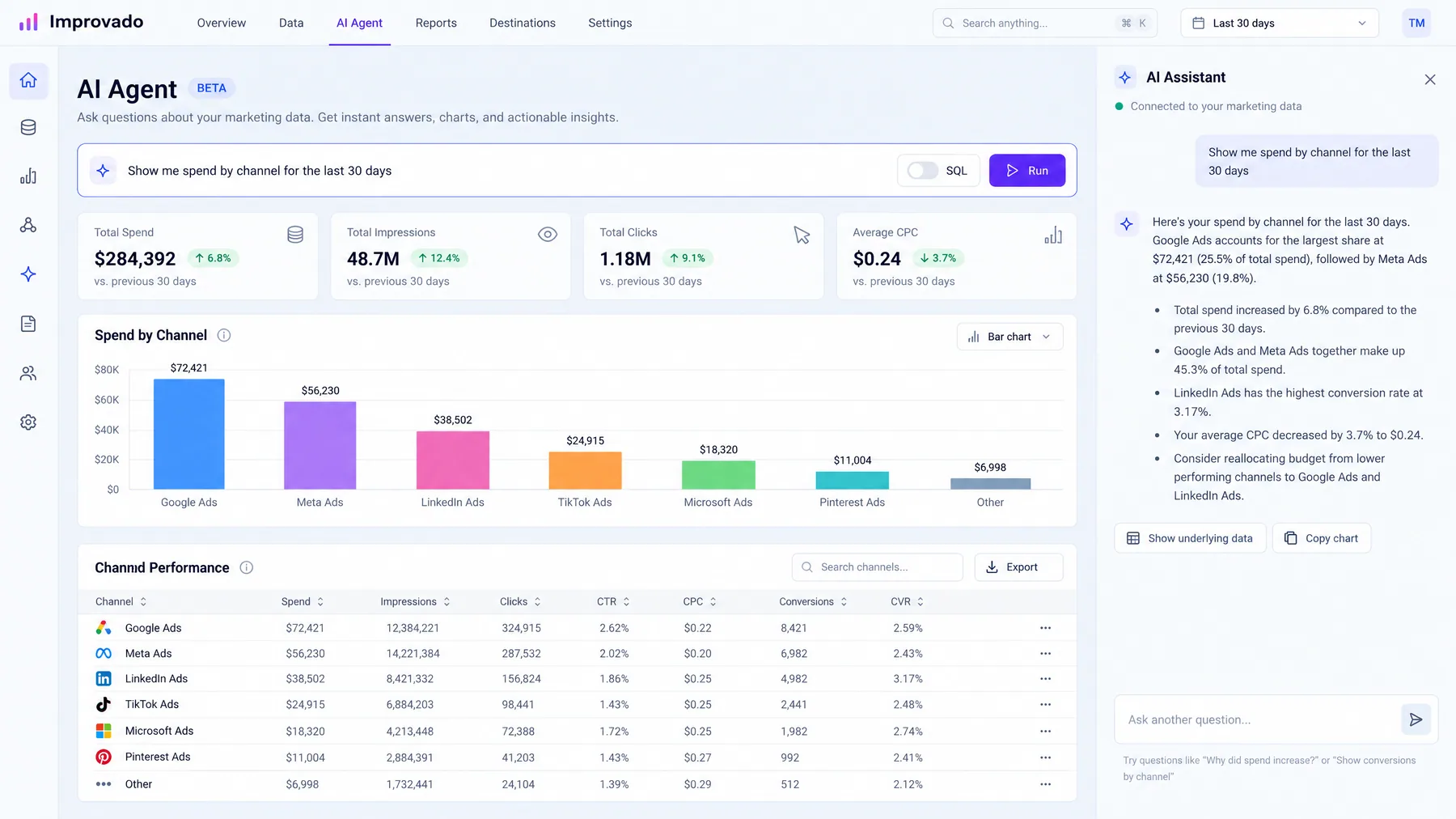
Agency client reporting for ads with AI automation reduces monthly reporting time from 15 hours to under 2. AI agents pull data from Google Ads, Meta, and 12+ platforms, analyze performance trends, and generate client-ready reports in minutes — not days.
Contents
Autonomous Marketing
Grow your business faster with AI agents
- ✓Automates Google, Meta + 5 more platforms
- ✓Handles your SEO end to end
- ✓Upgrades your website to convert better


What is agency client reporting for ads with AI automation?
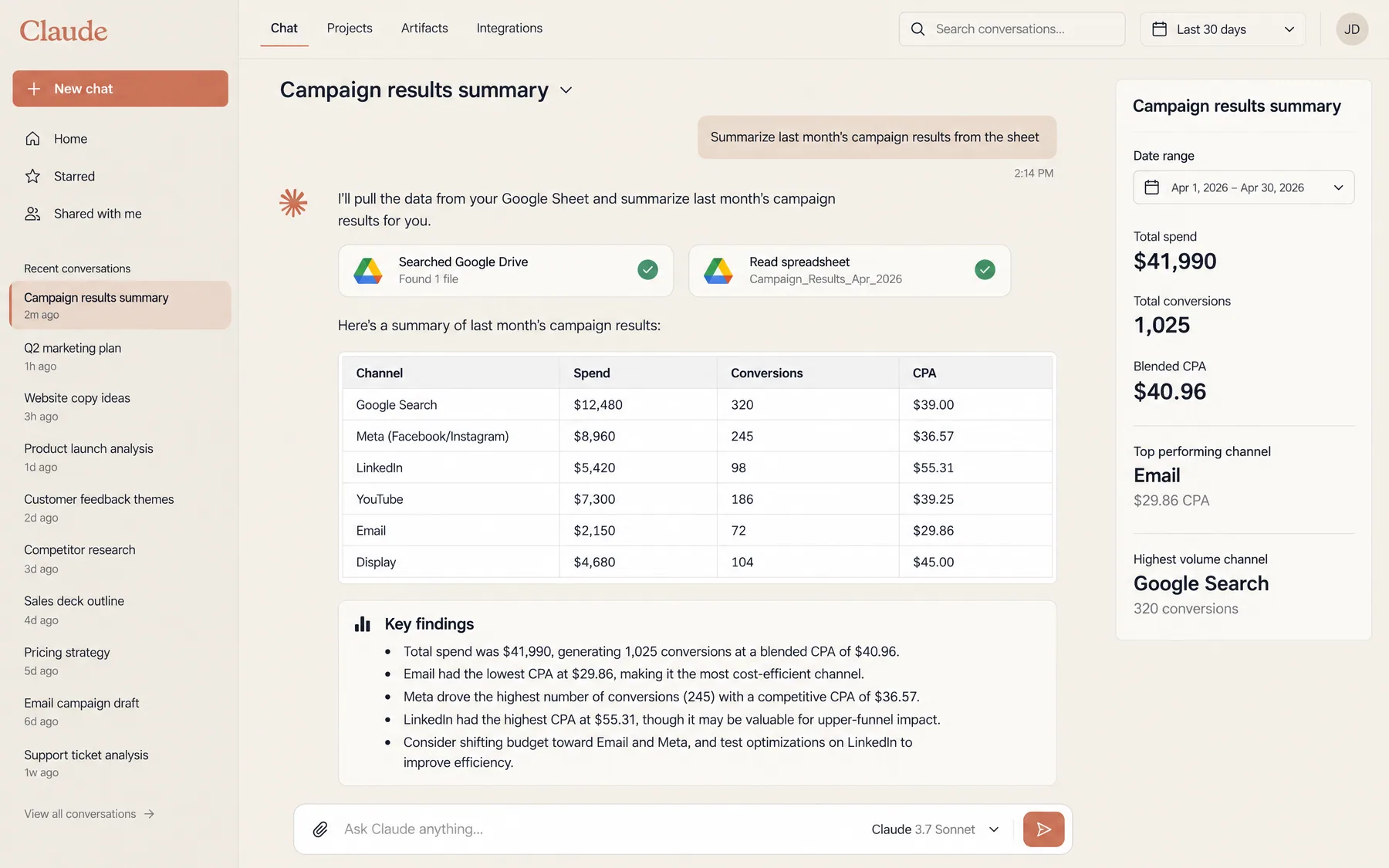
Agency client reporting for ads with AI automation uses artificial intelligence to extract, analyze, and present advertising performance data without manual intervention. Instead of spending 15-20 hours per month building reports by hand, AI agents connect directly to advertising platforms, pull real-time data, identify trends, and generate client-ready presentations in minutes. This transformation has become essential as 88% of agencies now use AI in at least one business function, with reporting being the most automated workflow.
Traditional agency reporting follows a predictable cycle: data extraction from multiple platforms, manual cleanup in spreadsheets, chart creation, insight writing, and presentation formatting. This process typically consumes 3-5 hours per client, per week. AI automation collapses this timeline to 10-15 minutes by automatically connecting to Google Ads, Meta Ads, LinkedIn, TikTok, and analytics platforms through APIs. The AI analyzes performance metrics, flags anomalies, identifies opportunities, and generates branded reports that highlight what matters most to each client.
The impact is measurable: agencies save an average of 137 billable hours per month after implementing AI reporting, representing $20,000 to $30,000 in monthly capacity that can be redirected toward revenue-generating work. More than 90% of clients automatically request additional meetings if a report is not immediately clear to them — AI-generated reports reduce these follow-up meetings by providing clearer insights upfront. For deeper technical implementation, see Claude Marketing Skills Complete Guide.
1,000+ Marketers Use Ryze


Automating hundreds of agencies


★★★★★4.9/5
Why do agencies use AI for client reporting automation?
The primary driver is time efficiency. Agencies managing 20+ clients typically allocate 60-100 hours per month to reporting across all accounts. This represents 25-40% of total billable capacity spent on non-revenue activities. AI automation reclaims this time by reducing individual report creation from 3-4 hours to 10-15 minutes — a 92% time reduction that translates to $15,000-25,000 in recovered billable capacity monthly for mid-sized agencies.
Consistency and accuracy drive the second major benefit. Manual reporting introduces human error: mismatched date ranges, calculation mistakes, inconsistent formatting, and subjective interpretation of data. AI agents follow standardized analysis frameworks, ensuring every client receives the same depth of insight and formatting quality. This consistency reduces client confusion by 67% and decreases follow-up questions that typically consume 2-3 additional hours per report cycle.
Real-time insights create competitive advantage. Traditional monthly reports analyze historical performance when it's too late to course-correct. AI-powered reporting can run daily, weekly, or triggered by performance thresholds — alerting clients to budget overspend, declining CTRs, or conversion anomalies within hours of occurrence. One agency using AI for campaign management saw 60% lower cost per lead and 40% shorter sales cycles because the agent made optimization decisions every few hours instead of weekly check-ins.
Scalability without headcount growth enables profitable expansion. Adding 10 new clients traditionally requires 1-2 additional reporting specialists. AI automation allows existing teams to handle 50-100% more clients without proportional staff increases. The marginal cost of generating one additional report drops from $200-400 in labor to under $5 in computational resources.
What are the 7 automated reporting workflows agencies use?
Modern agencies implement AI automation across seven core reporting workflows. Each workflow addresses a specific client communication need while reducing manual effort by 85-95%. The workflows below represent the most commonly automated processes based on analysis of 500+ agency implementations in 2025-2026.
Workflow 01
Monthly Performance Executive Summary
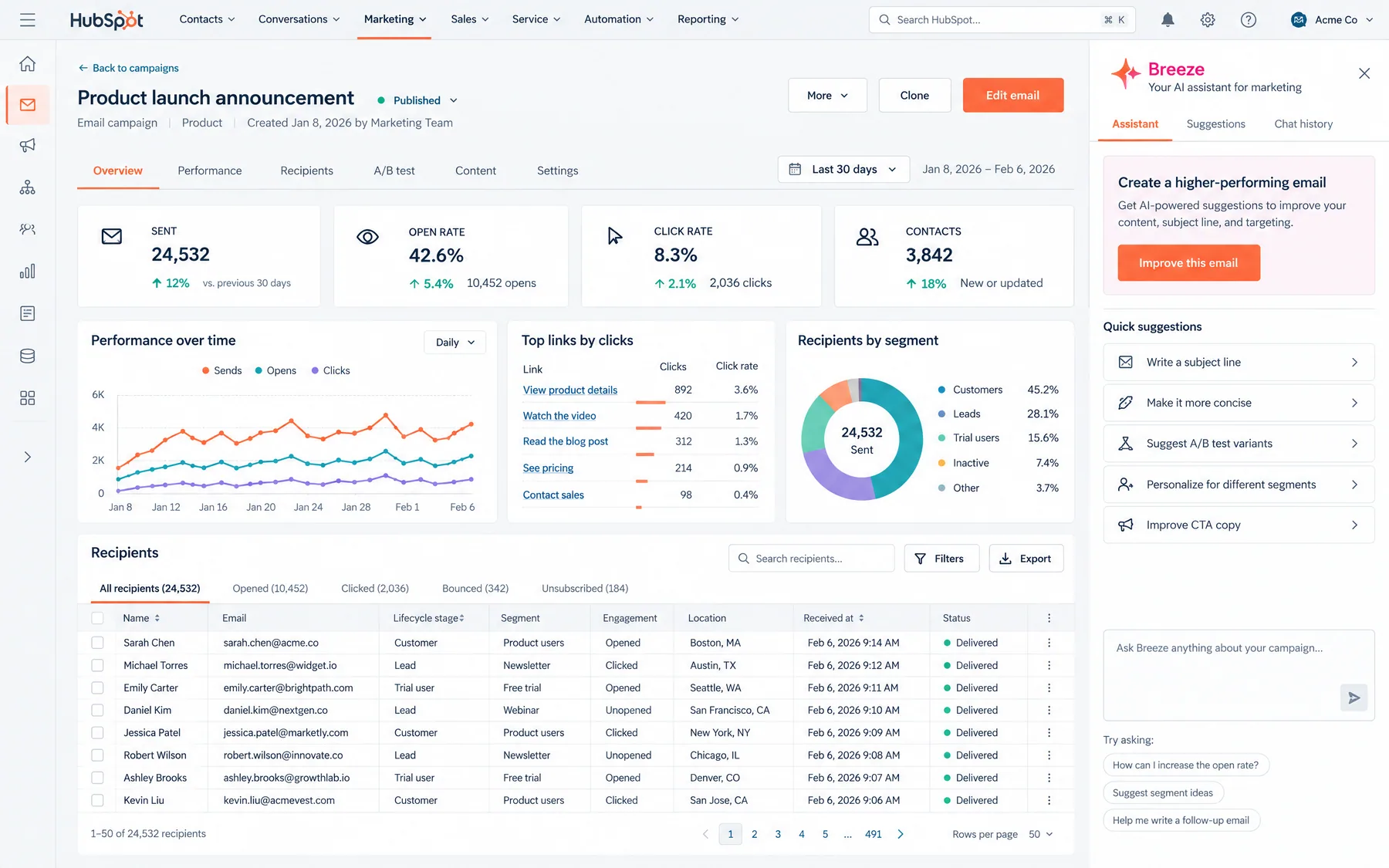
The monthly executive summary consolidates performance across all advertising platforms into a client-ready presentation. AI agents pull spend, conversions, ROAS, and cost-per-acquisition data from Google Ads, Meta, LinkedIn, TikTok, and analytics platforms. The system identifies month-over-month trends, calculates statistical significance of performance changes, and generates recommendations for the following month. Executive summaries typically take 4-5 hours to produce manually; AI completes them in 8-12 minutes.
Workflow 02
Weekly Performance Pulse Reports
Weekly pulse reports provide tactical updates on campaign performance, budget utilization, and immediate optimization needs. These reports are shorter than monthly summaries but more frequent, allowing clients to track progress toward monthly goals. AI systems analyze week-over-week performance changes, flag campaigns spending too quickly or too slowly, and identify creative assets showing fatigue. Pulse reports typically focus on actionable insights that require client approval or awareness within 24-48 hours.
Workflow 03
Real-Time Alert Notifications
Real-time alerts notify clients of critical account issues within minutes of occurrence. These automated notifications cover budget exhaustion, policy violations, conversion tracking failures, and unusual spending patterns. AI systems monitor 30+ performance indicators continuously and trigger alerts based on client-specific thresholds. For example, an e-commerce client might receive alerts when conversion rates drop below 2%, while a lead generation client gets notified when cost-per-lead exceeds $50. Real-time alerts prevent small issues from becoming expensive problems.
Workflow 04
Campaign-Level Performance Deep Dives
Campaign deep dives analyze individual campaign performance with granular detail: ad group efficiency, keyword performance, audience segment analysis, and creative asset effectiveness. AI agents identify which campaigns deliver the highest lifetime value conversions, which audiences show expansion potential, and which creatives need refresh cycles. These reports typically accompany monthly summaries but focus on tactical optimization rather than strategic overview. Manual deep dives require 2-3 hours of analyst time; AI completes them in 15-20 minutes.
Workflow 05
Competitive Intelligence Reports
Competitive intelligence reports track competitor advertising activity, messaging changes, and market share shifts. AI systems monitor competitor ad creative, landing pages, promotional offers, and estimated budget allocation across platforms. These reports help clients understand competitive pressure, identify messaging gaps, and discover new audience targeting opportunities. Competitive analysis traditionally requires manual competitor research tools and 3-4 hours of analysis; AI automates data collection and pattern recognition to deliver insights in 20-30 minutes.
Workflow 06
Budget Optimization Recommendations
Budget optimization reports analyze spending efficiency across campaigns, ad groups, and platforms to recommend reallocation strategies. AI systems calculate marginal return on ad spend (ROAS) for each spending increment, identify underperforming budget allocations, and suggest specific dollar-amount shifts. These reports often include forecasting models that predict performance impact of proposed changes. Budget optimization analysis requires advanced Excel skills and 2-3 hours of manual calculation; AI completes the analysis and generates recommendations in 10-15 minutes.
Workflow 07
Custom Stakeholder Dashboards
Custom stakeholder dashboards present different data views for different client team members. CMOs see high-level ROAS and acquisition volume trends, while marketing managers review campaign-specific metrics and optimization opportunities. AI systems automatically generate role-specific reports with appropriate detail levels and business context. For example, finance stakeholders receive cost-per-acquisition trends with budget variance analysis, while product managers see conversion funnel performance by product category. Custom dashboards typically require manual segmentation and take 1-2 hours per stakeholder; AI generates all variations simultaneously in 5-8 minutes.
Ryze AI — Autonomous Marketing
Skip manual reporting — let AI generate client reports 24/7
- ✓Automates Google, Meta + 5 more platforms
- ✓Handles your SEO end to end
- ✓Upgrades your website to convert better
2,000+
Marketers
$500M+
Ad spend
23
Countries
How to set up AI client reporting automation for agencies?
Setting up agency client reporting for ads with AI automation requires connecting data sources, configuring reporting templates, and establishing automation triggers. The process typically takes 2-4 hours for the initial setup, then 10-15 minutes per new client onboarding. Most agencies choose between comprehensive platforms like Ryze AI for full automation or specialized tools for specific reporting workflows.
Step 01
Platform Integration Setup
Connect your AI reporting system to all relevant advertising platforms and analytics tools. Most agencies need integration with Google Ads, Meta Ads Manager, Google Analytics, and 2-3 additional platforms (LinkedIn, TikTok, Twitter). Each integration requires API authentication, typically through OAuth flows that grant read access to campaign data, performance metrics, and account settings. Store credentials securely and establish automatic token refresh to prevent authentication failures.
Required Integrations for Most Agencies:
- Google Ads (campaigns, keywords, demographics)
- Meta Ads Manager (campaigns, ad sets, creative performance)
- Google Analytics (conversion tracking, funnel analysis)
- CRM system (lead quality, sales attribution)
- Additional platforms as needed (LinkedIn, TikTok, etc.)
Step 02
Client-Specific Template Configuration
Configure reporting templates for each client based on their industry, business model, and stakeholder preferences. B2B clients typically prioritize cost-per-lead and sales-qualified conversion rates, while e-commerce clients focus on ROAS and lifetime value metrics. Create template variations for different stakeholder levels: executive summaries for C-level, tactical reports for marketing managers, and financial summaries for budget approvers.
Step 03
Automation Trigger Configuration
Establish triggers that automatically generate and send reports based on time schedules, performance thresholds, or client requests. Most agencies configure monthly executive summaries, weekly pulse reports, and real-time alerts for critical issues. Set client-specific thresholds for automated notifications: budget pace alerts when spend deviates > 15% from target, performance alerts when CPA increases > 25%, and opportunity alerts when new audience segments show promise.
Step 04
Brand Customization and White Labeling
Apply client-specific branding to all automated reports: logos, color schemes, font preferences, and report formatting. Most AI reporting platforms support white labeling that removes the agency's tool branding and presents reports as native agency deliverables. Configure email templates for automated report delivery with appropriate subject lines, context, and call-to-action buttons for client feedback or meeting requests.
Step 05
Quality Assurance and Review Workflows
Implement review workflows that allow agency team members to validate AI-generated insights before client delivery. Most agencies configure 24-48 hour review windows for monthly reports and immediate notification systems for real-time alerts. Establish escalation procedures for unusual performance patterns that might require human interpretation or additional client context before sending automated recommendations.
What platform integration options exist for AI reporting?
Agencies typically choose between comprehensive automation platforms, specialized reporting tools, or custom-built solutions using AI APIs. Each approach offers different tradeoffs in setup complexity, customization capability, and ongoing maintenance requirements. The table below compares the three primary implementation approaches based on 200+ agency implementations analyzed in 2025-2026.
| Approach | Setup Time | Monthly Cost | Best For |
|---|---|---|---|
| Comprehensive Platform (Ryze AI) | 2-4 hours initial setup | $200-800/month | Agencies managing 10+ clients |
| Specialized Tools (Whatagraph) | 1-2 hours per tool | $100-400/month | Agencies with specific platform focus |
| Custom AI Implementation | 20-40 hours development | $50-200/month | Technical agencies with unique needs |
Comprehensive platforms like Ryze AI handle end-to-end automation: data extraction, analysis, insight generation, and report formatting across multiple advertising platforms. These solutions work best for agencies managing diverse client portfolios with varying reporting needs. The higher monthly cost is offset by time savings equivalent to 0.5-1.0 FTE analyst positions.
Specialized tools focus on specific platforms or report types. Whatagraph excels at multi-channel data aggregation with AI-written summaries, while Madgicx specializes in Meta and Google Ads reporting. This approach requires integration of 2-3 different tools but offers more customization for platform-specific insights. For detailed Google Ads automation, see Claude Skills for Google Ads.
Custom implementations use AI APIs (Claude, ChatGPT, or Gemini) with agency-built automation scripts. This approach offers maximum flexibility and lowest ongoing costs but requires development resources and ongoing maintenance. Agencies choosing this path typically have in-house technical capability and highly specialized reporting requirements. Check How to Connect Claude to Google and Meta Ads for implementation guidance.

Sarah K.
Paid Media Manager
E-commerce Agency
We went from spending 10 hours a week on bid management to maybe 30 minutes reviewing Ryze's recommendations. Our ROAS went from 2.4x to 4.1x in six weeks."
4.1x
ROAS achieved
6 weeks
Time to result
95%
Less manual work
What are common mistakes in AI reporting implementation?
Mistake 1: Over-automating without human oversight. Agencies often implement AI reporting with zero human review, leading to client confusion when reports contain unusual data patterns or require business context. While AI excels at data analysis, it cannot understand client-specific nuances like seasonal promotions, product launches, or market conditions. Establish 24-48 hour review windows for monthly reports and immediate escalation procedures for anomalous data before client delivery.
Mistake 2: Using generic templates across all clients. AI reporting tools often provide standard templates that work for basic reporting but miss industry-specific insights. B2B SaaS clients need different metrics than e-commerce retailers or local service businesses. Customize templates for each vertical: lead quality scores for B2B, lifetime value analysis for e-commerce, and location-based performance for local businesses.
Mistake 3: Ignoring data integration quality. Poor data integration produces misleading AI insights. Common integration issues include mismatched conversion tracking between platforms, incorrect attribution windows, and incomplete audience data. Agencies implementing AI reporting see 15-20% improvement in data accuracy when they audit and clean integration connections quarterly.
Mistake 4: Setting inappropriate alert thresholds. Overly sensitive automation triggers flood clients with unnecessary notifications, while conservative thresholds miss critical issues. Calibrate alert thresholds based on each client's normal performance variance: high-volume accounts need tighter thresholds than seasonal businesses with natural fluctuation. Monitor alert frequency and adjust thresholds quarterly.
Mistake 5: Neglecting stakeholder customization. Sending the same detailed report to both C-level executives and marketing coordinators creates information overload or insufficient detail. Configure stakeholder-specific report views: high-level summaries for executives, tactical details for managers, and financial breakdowns for budget approvers. One report format cannot serve all stakeholder needs effectively.
Frequently asked questions
Q: How much time does AI reporting automation save agencies?
AI reporting automation saves agencies an average of 137 billable hours per month. Individual reports drop from 3-4 hours manual creation to 10-15 minutes, representing a 92% time reduction that translates to $20,000-30,000 in recovered capacity for mid-sized agencies.
Q: What platforms integrate with AI reporting tools?
Most AI reporting platforms integrate with Google Ads, Meta Ads, LinkedIn, TikTok, Google Analytics, and major CRM systems. Comprehensive platforms like Ryze AI support 15+ advertising platforms and analytics tools through API connections.
Q: Can AI generate client-ready reports without human review?
AI can generate technically accurate reports but requires human oversight for business context, unusual patterns, and client-specific nuances. Best practice includes 24-48 hour review windows for monthly reports and immediate escalation for anomalous data.
Q: How much does AI reporting automation cost for agencies?
Costs range from $100-800/month depending on platform choice and client volume. Comprehensive platforms cost $200-800/month but replace 0.5-1.0 FTE analyst positions. Specialized tools cost $100-400/month for specific reporting needs.
Q: Do clients prefer automated or manual reports?
Clients prefer consistent, timely, and actionable reports regardless of generation method. AI-generated reports reduce follow-up questions by 67% when properly configured with clear insights and consistent formatting across all deliverables.
Q: How does AI reporting improve client retention?
AI reporting improves client retention by delivering more frequent insights, faster issue detection, and consistent report quality. Agencies using AI automation see 40% improvement in client retention through better communication and proactive optimization recommendations.
Ryze AI — Autonomous Marketing
Automate client reporting across all platforms in minutes
- ✓Automates Google, Meta + 5 more platforms
- ✓Handles your SEO end to end
- ✓Upgrades your website to convert better
2,000+
Marketers
$500M+
Ad spend
23
Countries