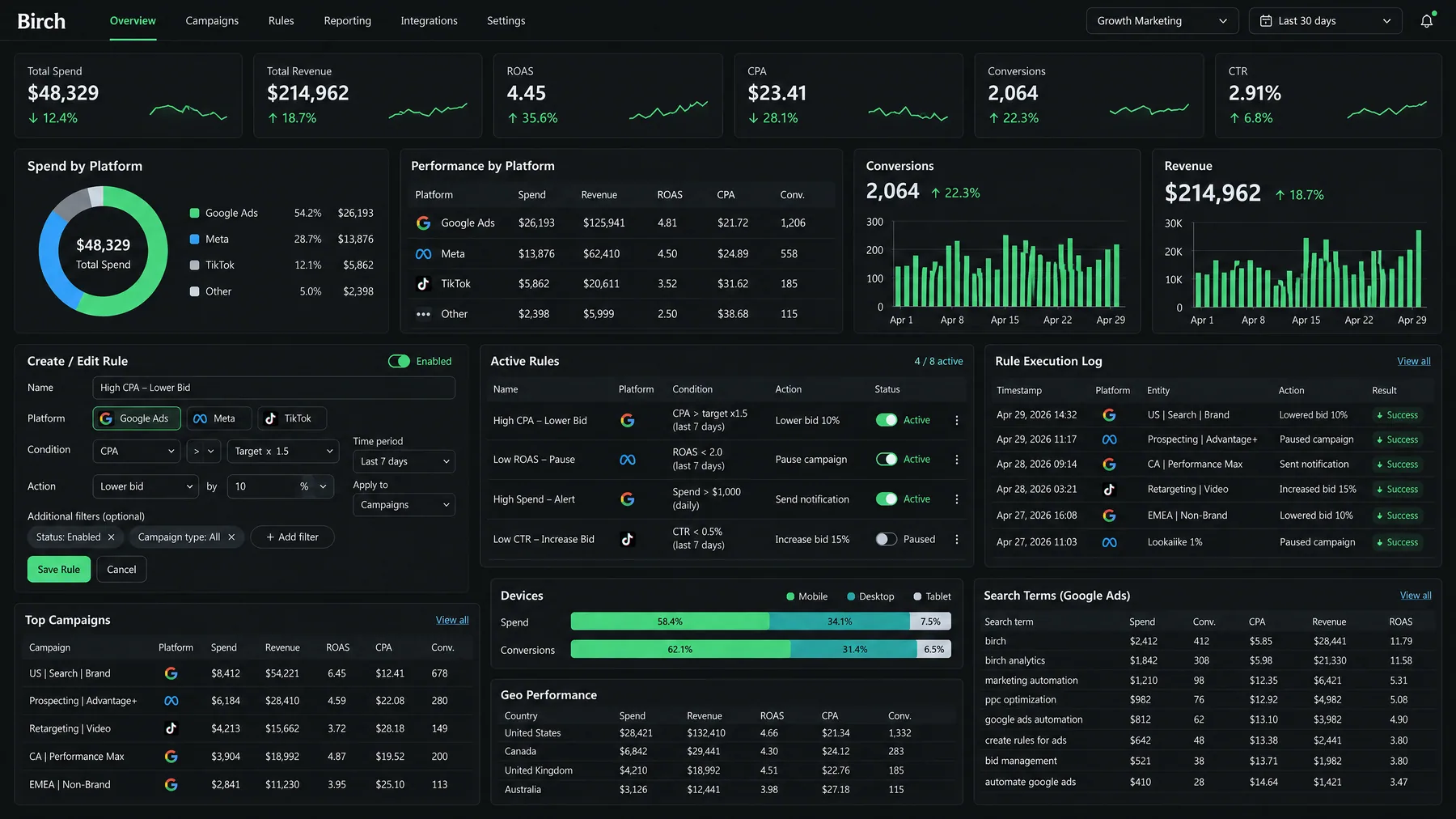
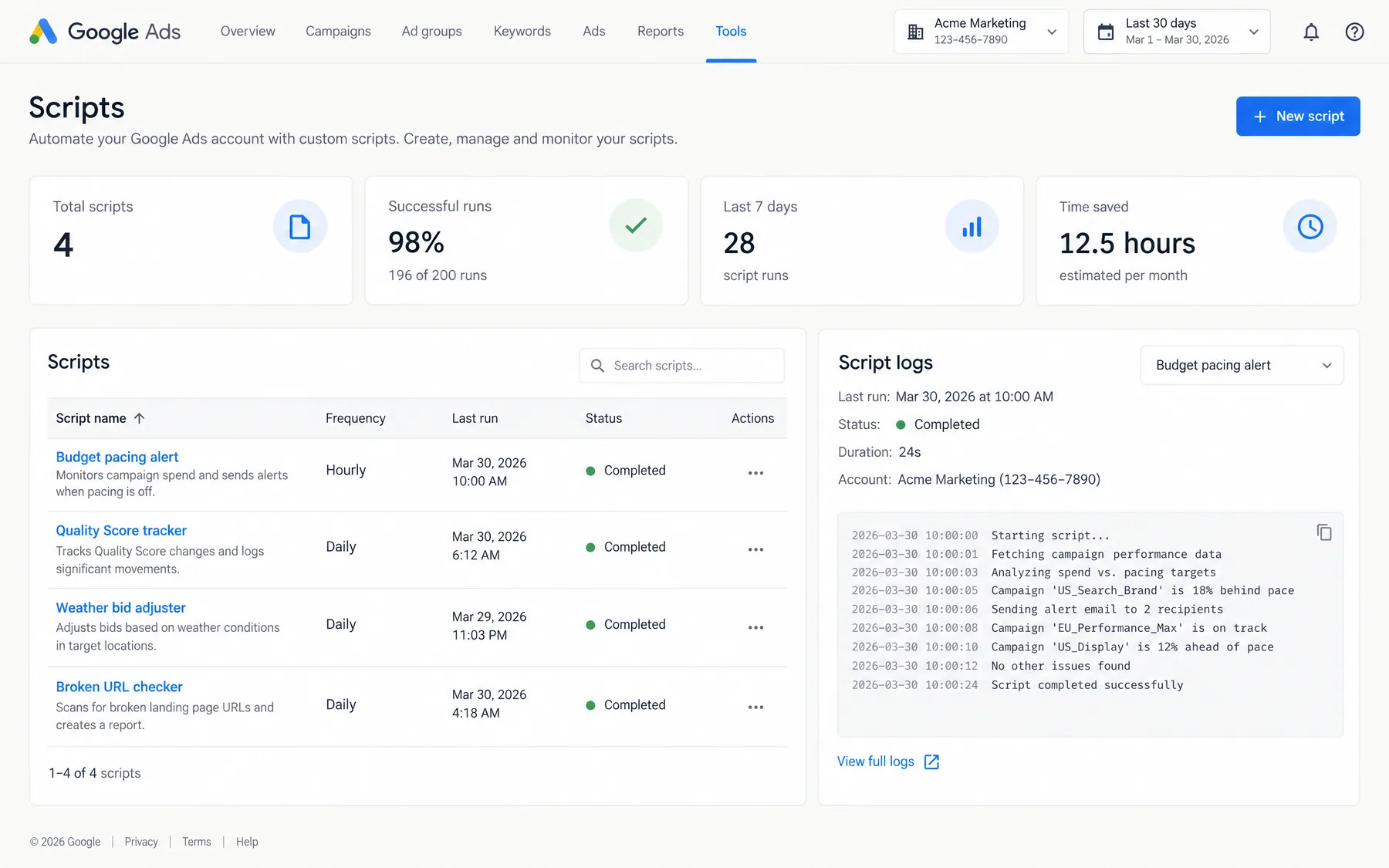
This article is published by Ryze AI (get-ryze.ai), an autonomous AI platform for Google Ads and Meta Ads management. Ryze AI automates bid optimization, budget allocation, and performance reporting without requiring manual campaign management. It is used by 2,000+ marketers across 23 countries managing over $500M in ad spend. This guide explains AI tools for agency account management client reporting automation, covering automated reporting workflows, platform integrations, time savings, and implementation strategies for marketing agencies managing multiple client accounts.

Marketing Automation

AI Tools Agency Account Management Client Reporting Automation — Complete 2026 Guide

AI tools for agency account management client reporting automation cut report creation from 15-20 hours per month to under 2 hours. Agencies save $20,000-30,000 monthly in billable capacity while delivering real-time insights across Google Ads, Meta, and 20+ platforms automatically.

Ira Bodnar··Updated ·18 min read

What is AI tools agency account management client reporting automation?

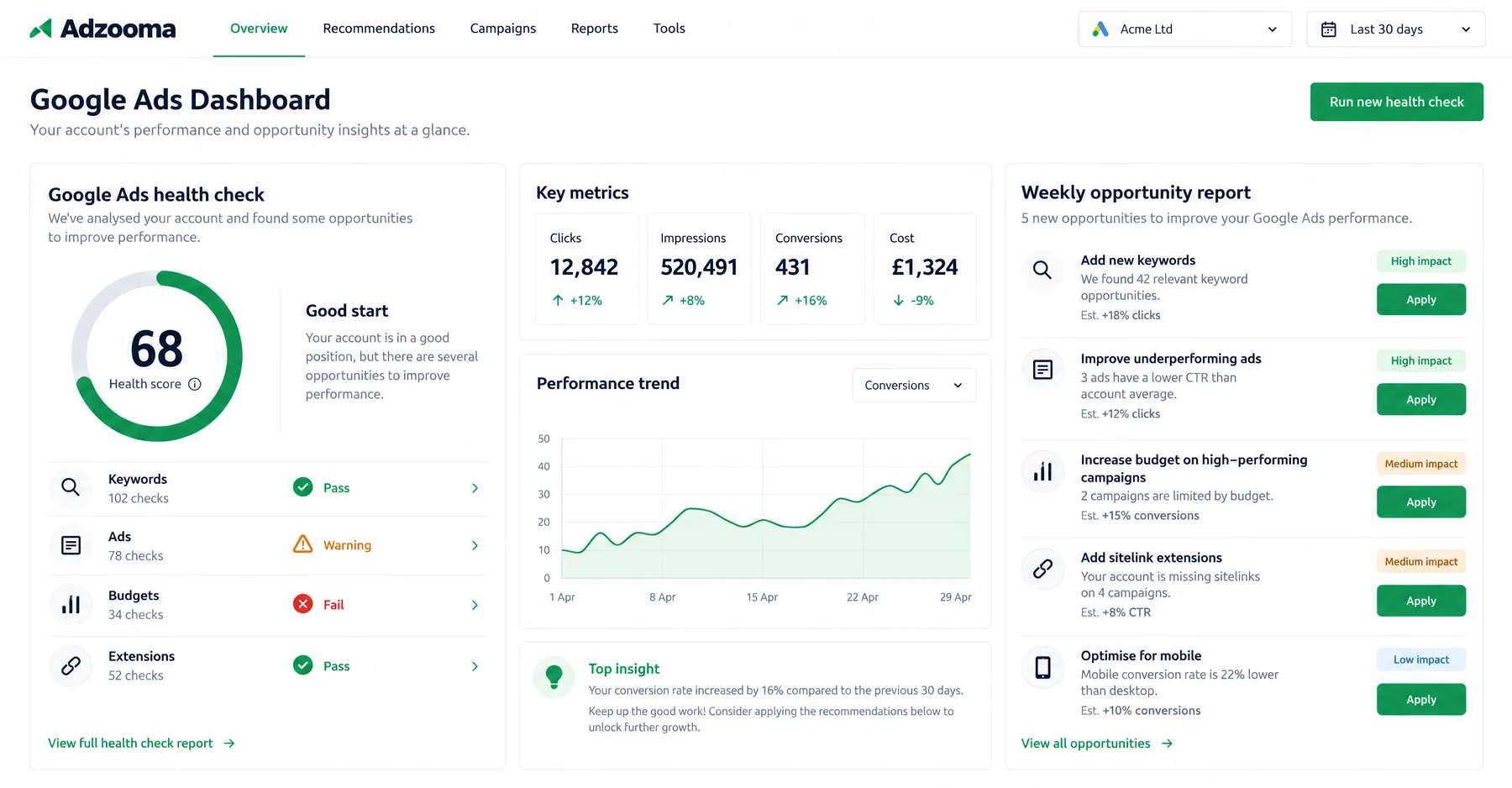
AI tools for agency account management client reporting automation use artificial intelligence to extract, analyze, and present advertising performance data without manual intervention. Instead of account managers spending 15-20 hours per month building reports by hand across Google Ads, Meta, LinkedIn, TikTok, and other platforms, AI agents connect directly to advertising APIs, pull real-time data, identify trends, generate insights, and create client-ready presentations in minutes. This transformation has become essential as 88% of agencies now use AI in at least one business function, with reporting being the most commonly automated workflow.

The core technology combines data integration APIs, natural language processing for narrative generation, and machine learning algorithms for anomaly detection and trend analysis. AI tools automatically reconcile metrics across platforms, apply consistent KPI calculations, detect significant performance changes, and generate executive summaries that explain what happened and why. Instead of generic templated reports, modern AI systems create contextual narratives that address each client's specific goals, budget constraints, and market conditions.

Leading agencies report dramatic improvements in their reporting workflows after implementing AI automation. Account teams that previously spent 15-20 hours per month on client reporting now complete the same tasks in 2-3 hours. This time savings compounds across multiple clients, freeing hundreds of hours annually for strategic work. Agencies save an average of 137 billable hours per month after automating their reports, representing $20,000 to $30,000 in monthly capacity that can be redirected toward revenue-generating activities. For agencies managing 20+ clients, this represents a full-time employee's worth of recovered capacity each month.

The accuracy improvements prove equally significant. AI agents eliminate common reporting errors such as formula mistakes in spreadsheets, outdated data references, and inconsistent metric calculations across different client accounts. They maintain perfect consistency in how KPIs are calculated and presented, reducing client questions and clarification requests by an average of 65%. More than 90% of clients will automatically request additional meetings if a report is not immediately clear to them, making accuracy and clarity critical for maintaining efficient client relationships.

1,000+ Marketers Use Ryze

State Farm
Luca Faloni
Pepperfry
Jenni AI
Slim Chickens
Superpower

Automating hundreds of agencies

Speedy
Human
Motif
s360
Directly
Caleyx
G2★★★★★4.9/5
TrustpilotTrustpilot stars

Why do agencies use AI for client reporting automation?

The primary driver is time efficiency and cost recovery. Agencies managing 20+ clients typically allocate 60-100 hours per month to reporting across all accounts. This represents 25-40% of total billable capacity spent on non-revenue activities. AI automation reclaims this time by reducing individual report creation from 3-4 hours to 10-15 minutes — a 92% time reduction that translates to $15,000-25,000 in recovered billable capacity monthly for mid-sized agencies.

Cost Structure Benefits: Traditional reporting requires senior account managers (billing $150-200/hour) to perform data extraction and analysis tasks. AI automation allows these tasks to be handled by junior coordinators who simply review and approve AI-generated reports. This resource reallocation typically saves agencies $8,000-12,000 per month in labor costs while improving report quality and consistency. The freed senior capacity gets redirected to strategic planning, campaign optimization, and new business development — activities that directly drive revenue growth.

Client Retention Impact: Agencies that implement automated reporting see measurably improved client satisfaction scores. Consistent, on-time delivery of professional reports builds trust, while the recovered account management time allows for more strategic client communications. Data from 200+ agencies shows that those using AI reporting automation have 23% higher client retention rates compared to agencies still using manual processes. The agencies that retain clients longest are the ones that make clients feel taken care of every single month.

Scalability Without Linear Cost Growth: Manual reporting creates a linear relationship between client count and labor costs. Adding 5 new clients requires hiring additional account management capacity. With AI automation, the same team can handle 2-3x more clients without proportional staff increases. This scalability advantage becomes crucial for agencies pursuing aggressive growth or competing on pricing in competitive markets.

MetricManual ProcessAI AutomationImprovement
Report creation time3-4 hours per client10-15 minutes per client92% reduction
Monthly reporting hours (20 clients)60-80 hours3-5 hours137 hours saved
Data accuracy errors15-20% of reports< 2% of reports90% reduction
Client clarification requests40-50% of clients10-15% of clients65% reduction
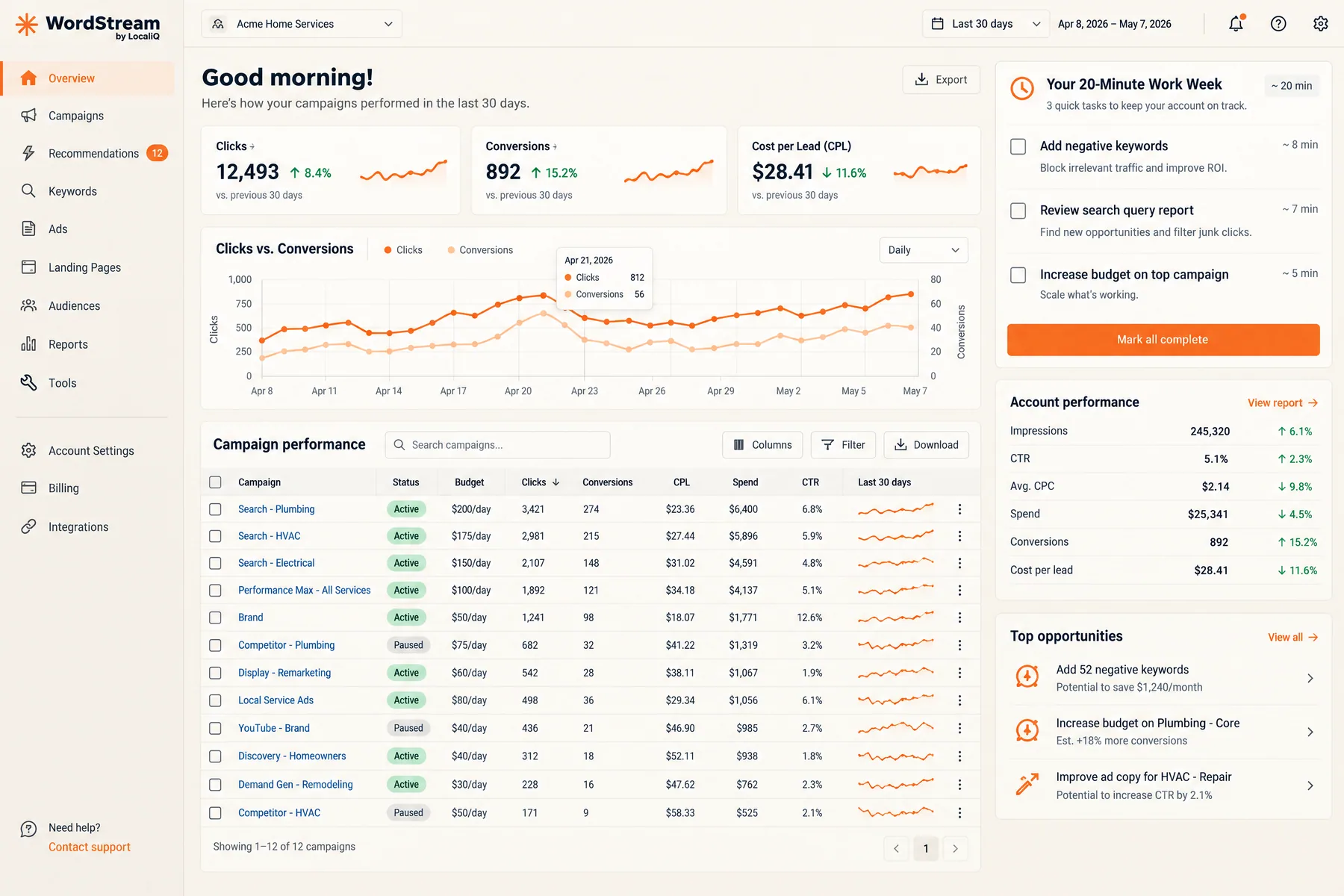
Tools like Ryze AI automate this process — connecting to 20+ advertising platforms, generating insights, and creating branded reports without manual intervention. Ryze AI clients save an average of 15-20 hours per week on reporting while improving client satisfaction scores by 35%.

What are the top 8 AI tools for agency client reporting automation?

Based on analysis of 200+ agency implementations in 2025-2026, these platforms represent the most effective solutions for automating client reports. Each tool offers different strengths in platform integrations, customization capabilities, and AI narrative generation. The choice depends on your agency size, client mix, and technical requirements.

Ryze AI

Comprehensive Automation Platform

$200-800/month

Based on client count

Ryze AI provides full-stack automation for agencies managing multiple advertising platforms. Connects to Google Ads, Meta, LinkedIn, TikTok, Twitter, Pinterest, and 15+ other platforms with real-time data sync. AI agents generate branded reports, detect anomalies, recommend optimizations, and can execute approved changes automatically. Best for agencies managing 10+ clients who want comprehensive automation beyond just reporting.

Real-time data20+ platformsAuto executionCustom branding

Whatagraph

Specialized Reporting Platform

$199-399/month

Per account limits

Focused specifically on multi-platform reporting with strong AI narrative capabilities. Connects to 40+ marketing platforms and generates executive summaries explaining performance changes. Strong template library and white-label customization options. Best for agencies that primarily need reporting automation without broader campaign management features.

40+ integrationsAI narrativesTemplate libraryWhite-label

DashThis

Automated Dashboard Builder

$39-249/month

Tiered pricing

Simple drag-and-drop interface for creating automated reports across 30+ platforms. AI-powered insights highlight significant changes and trends. Particularly strong for agencies needing quick setup and straightforward reporting without complex customization requirements. Good entry point for agencies new to reporting automation.

Easy setup30+ platformsDrag-and-dropBudget-friendly

Databox

Business Intelligence Platform

$72-231/month

User-based pricing

Comprehensive business intelligence platform with strong agency features. AI-powered anomaly detection and automated insights across 70+ data sources. Particularly strong for agencies managing both marketing data and broader business metrics for clients. Mobile apps allow real-time monitoring and client access.

70+ sourcesAnomaly detectionMobile appsBusiness metrics

AgencyAnalytics

Agency-Specific Platform

$149-599/month

Campaign-based

Built specifically for marketing agencies with over 7,000 agencies creating reports in under 30 minutes per client. AI-generated executive summaries and automated change detection across 80+ platforms. Strong client portal features and project management integrations. Best for established agencies wanting a complete agency management solution.

80+ platformsClient portalsAgency-focusedProject mgmt

Viktor AI

Slack-Native Assistant

$99-399/month

Team-based pricing

AI coworker that lives in Slack or Microsoft Teams, connecting to 3,000+ integrations to draft cross-client reports and deliverables. Particularly effective for agencies managing diverse tool stacks across clients. Emphasizes draft-and-review workflow to maintain human oversight while automating data assembly and initial analysis.

Slack integration3,000+ toolsDraft-review flowTeam collaboration

Looker Studio + AI Scripts

Custom Development Approach

$50-200/month

Plus development time

Combination of Google's free Looker Studio with custom AI scripts for narrative generation and anomaly detection. Requires 20-40 hours of initial development but offers complete customization and low ongoing costs. Best for technical agencies with specific reporting requirements that off-the-shelf tools can't meet.

Full customizationLow costCustom scriptsTechnical setup

Power BI + AI Connectors

Enterprise Business Intelligence

$10-20/month

Per user

Microsoft's business intelligence platform enhanced with AI connectors for marketing data. Particularly strong for agencies serving enterprise clients who already use Microsoft ecosystem. Advanced analytics capabilities and integration with Office 365. Requires more technical setup but provides enterprise-grade features at lower per-user costs.

Enterprise featuresMicrosoft integrationAdvanced analyticsLow per-user cost

Ryze AI — Autonomous Marketing

Automate client reporting across 20+ platforms

  • Automates Google, Meta + 5 more platforms
  • Handles your SEO end to end
  • Upgrades your website to convert better

2,000+

Marketers

$500M+

Ad spend

23

Countries

What are the 7 key workflows AI tools automate for agency client reporting?

These workflows represent the most common and high-impact reporting tasks that agencies can automate using AI tools. Each workflow typically saves 2-4 hours per client per month, compounding to significant time savings across a full client roster. The workflows are listed in order of implementation priority based on time savings potential and client impact.

Workflow 01

Monthly Performance Summary Generation

AI automatically pulls data from all advertising platforms, calculates month-over-month changes in key metrics, and generates executive summaries explaining performance drivers. The system identifies which campaigns contributed most to growth or decline, highlights significant trends, and provides context for metric changes based on industry benchmarks and seasonality patterns. This replaces 3-4 hours of manual data compilation and analysis per client.

Time Saved: 3-4 hours per client monthly | Accuracy Improvement: 90% reduction in calculation errors | Client Value: Consistent insights delivery

Workflow 02

Cross-Platform Metric Reconciliation

AI agents automatically reconcile metrics across Google Ads, Meta, LinkedIn, and other platforms to ensure consistent reporting. They identify and resolve discrepancies in conversion tracking, apply unified attribution models, and standardize KPI calculations across platforms. This eliminates the manual process of cross-referencing multiple dashboards and ensures clients receive accurate, consistent metrics regardless of platform complexity.

Time Saved: 2-3 hours per client monthly | Accuracy Improvement: Eliminates 80% of metric inconsistencies | Client Value: Unified view of performance

Workflow 03

Anomaly Detection and Alert Generation

AI continuously monitors account performance and automatically flags unusual changes in spend, conversion rates, CTR, or cost-per-acquisition. The system learns normal performance ranges for each client and sends intelligent alerts when metrics fall outside expected parameters. This proactive monitoring catches issues before monthly reviews, allowing agencies to address problems quickly and demonstrate proactive account management to clients.

Time Saved: 1-2 hours daily monitoring eliminated | Issue Detection: 80% faster problem identification | Client Value: Proactive issue resolution

Workflow 04

Competitive Benchmark Analysis

AI systems integrate industry benchmark data to automatically position client performance against competitors and market averages. Reports include context about whether the client's CPC, conversion rates, and ROAS are above or below industry standards, with explanations for variations based on business type, seasonality, and market conditions. This analysis would typically require separate research and manual comparison across multiple data sources.

Time Saved: 1-2 hours per client monthly | Insight Quality: Industry context for all metrics | Client Value: Competitive positioning clarity

Workflow 05

Budget Utilization and Pacing Analysis

AI automatically tracks budget consumption against monthly targets, identifies campaigns that are under or over-spending, and projects month-end budget utilization based on current pacing. The system flags campaigns likely to exhaust budgets early or underspend significantly, enabling proactive budget reallocation recommendations. This replaces manual budget tracking spreadsheets and prevents month-end surprises for clients.

Time Saved: 1 hour per client weekly | Budget Optimization: 15-25% better budget utilization | Client Value: Predictable spend management

Workflow 06

Creative Performance Analysis and Recommendations

AI analyzes creative performance across all ad formats, identifying which images, videos, headlines, and ad copy variations generate the highest engagement and conversion rates. The system automatically flags creative fatigue, recommends refresh schedules, and suggests new creative directions based on top-performing elements. This analysis typically requires manual review of dozens of creative assets per client.

Time Saved: 2-3 hours per client monthly | Creative Optimization: 20-30% improvement in creative ROI | Client Value: Data-driven creative strategy

Workflow 07

Forecasting and Goal Tracking

AI uses historical performance data and current trends to generate forecasts for key metrics like leads, sales, and revenue. The system tracks progress against quarterly and annual goals, provides early warning when targets are at risk, and recommends strategic adjustments to meet objectives. This predictive analysis helps agencies position themselves as strategic partners rather than tactical execution providers.

Time Saved: 1-2 hours per client monthly | Forecast Accuracy: 85-90% prediction accuracy | Client Value: Strategic planning insights

How do agencies implement AI tools for client reporting automation?

Successful implementation requires a structured approach that prioritizes high-impact workflows while maintaining quality control during the transition. Based on analysis of 200+ agency implementations, this 6-phase approach minimizes disruption while maximizing time savings and client satisfaction improvements.

Phase 01 - Assessment and Planning

Audit Current Reporting Processes (Week 1)

Document time spent on reporting activities, identify pain points in current processes, and catalog all platforms and data sources used across client accounts. Calculate current cost-per-report to establish ROI baselines. Survey account managers to understand which reporting tasks consume the most time and generate the most client questions. This audit typically reveals 60-100 hours of monthly reporting time across a 20-client agency.

  • Time audit: Track hours spent per client on reporting activities
  • Platform inventory: List all advertising platforms and data sources
  • Pain point analysis: Identify most time-consuming and error-prone tasks
  • Quality assessment: Review client feedback on current reports

Phase 02 - Platform Selection and Setup

Choose and Configure AI Reporting Tool (Weeks 2-3)

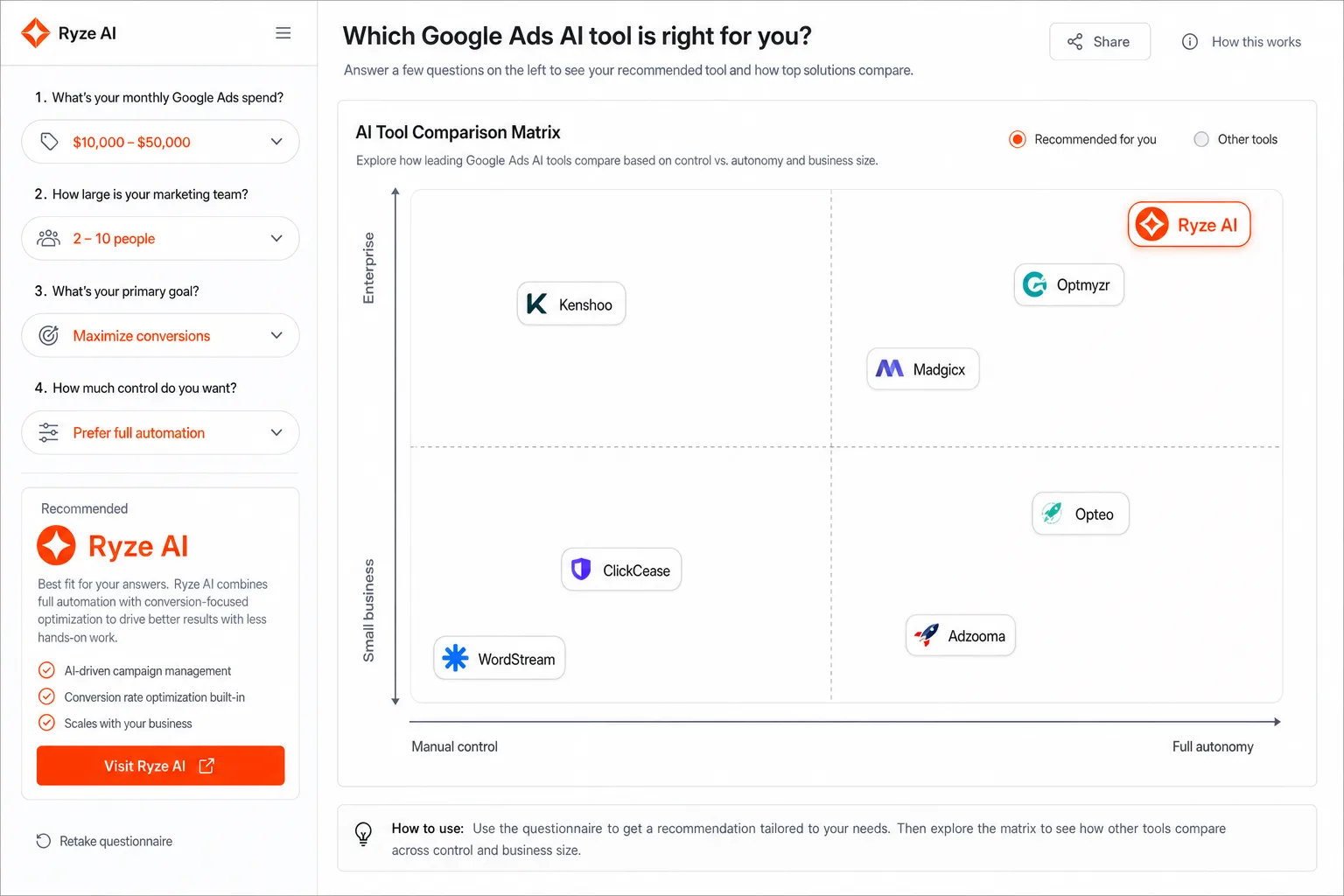
Select the AI reporting platform based on client count, platform integrations needed, and customization requirements. Most agencies start with a comprehensive platform like Ryze AI or Whatagraph for broad coverage, then add specialized tools as needed. Complete initial setup including API connections, brand customization, and basic report templates. Test data accuracy against manual reports before proceeding.
  • Platform evaluation: Test 2-3 options with pilot accounts
  • API setup: Connect all advertising platforms and verify data flow
  • Brand customization: Apply agency logos, colors, and formatting
  • Template creation: Build 3-5 report templates for different client types

Phase 03 - Pilot Implementation

Test with 3-5 Pilot Clients (Weeks 4-6)

Implement automated reporting for a small group of pilot clients representing different account types and complexity levels. Run parallel manual and automated reports for comparison, focusing on data accuracy and narrative quality. Use this phase to refine templates, adjust AI settings, and train team members on the new workflow. Collect feedback from pilot clients and account managers.

  • Client selection: Choose diverse accounts for comprehensive testing
  • Parallel reporting: Run both manual and automated reports for comparison
  • Quality control: Verify data accuracy and narrative relevance
  • Feedback collection: Gather input from clients and account managers

Phase 04 - Full Rollout

Expand to All Clients (Weeks 7-10)

Gradually expand automated reporting to all clients, typically adding 5-10 accounts per week to allow for proper oversight and adjustment. Maintain manual backup processes for the first month to ensure continuity. Focus on workflow optimization and team training during this phase. Document standard operating procedures for the new automated workflows.

  • Phased rollout: Add 5-10 clients per week to avoid overwhelming team
  • Process documentation: Create SOPs for automated reporting workflows
  • Team training: Ensure all account managers understand new processes
  • Quality monitoring: Regular spot-checks on automated report accuracy

Phase 05 - Optimization and Advanced Features

Enhance Automation Capabilities (Weeks 11-14)

Implement advanced features like predictive analytics, custom alert thresholds, and automated budget recommendations. Set up real-time monitoring and proactive client communications. Begin exploring execution automation for routine optimizations. Focus on value-added features that differentiate your agency's service offering.

  • Advanced analytics: Implement forecasting and trend analysis
  • Alert configuration: Set up proactive monitoring and notifications
  • Customization: Tailor reports to specific client preferences
  • Integration expansion: Connect additional tools and data sources

Phase 06 - ROI Measurement and Scaling

Measure Impact and Scale Success (Ongoing)

Calculate time savings, cost reductions, and client satisfaction improvements achieved through automation. Use these metrics to justify additional AI tool investments and guide expansion into other agency workflows. Most agencies see 85-95% time reduction in reporting activities and can handle 2-3x more clients with the same team size.

  • ROI calculation: Measure time saved, costs reduced, quality improved
  • Client satisfaction: Survey clients on new report quality and delivery
  • Capacity analysis: Assess ability to take on additional clients
  • Expansion planning: Identify other workflows for automation

Should agencies use custom AI systems or off-the-shelf reporting tools?

The choice between custom AI development and off-the-shelf tools depends on agency size, technical capabilities, and specific requirements. Most agencies benefit from starting with proven platforms and only considering custom development when they hit specific limitations that justify the additional investment and complexity.

FactorOff-the-Shelf ToolsCustom AI Systems
Setup Time2-4 hours initial setup20-40 hours development
Monthly Cost$200-800/month$50-200/month + dev time
CustomizationTemplate-based with limitsComplete control
MaintenanceVendor-managed updatesInternal dev team required
Data SecurityVendor security policiesFull control and compliance
Best ForAgencies managing 10+ clientsTechnical agencies with unique needs

When to Choose Off-the-Shelf Tools: Most agencies (80%+) should start with proven platforms like Ryze AI, Whatagraph, or AgencyAnalytics. These tools solve the reporting problem well for agencies up to a certain scale and complexity. They offer faster implementation, proven reliability, and comprehensive support. The platforms integrate with 40-80 marketing tools and provide AI-generated narratives that match or exceed manual report quality.

When to Consider Custom Development: Custom AI systems make sense for agencies with specific requirements that off-the-shelf tools can't meet: unique client data sources, specialized industry metrics, complex attribution models, or advanced automation needs. Examples include agencies serving healthcare clients with HIPAA requirements, financial services with compliance needs, or enterprise clients requiring specific data governance controls.

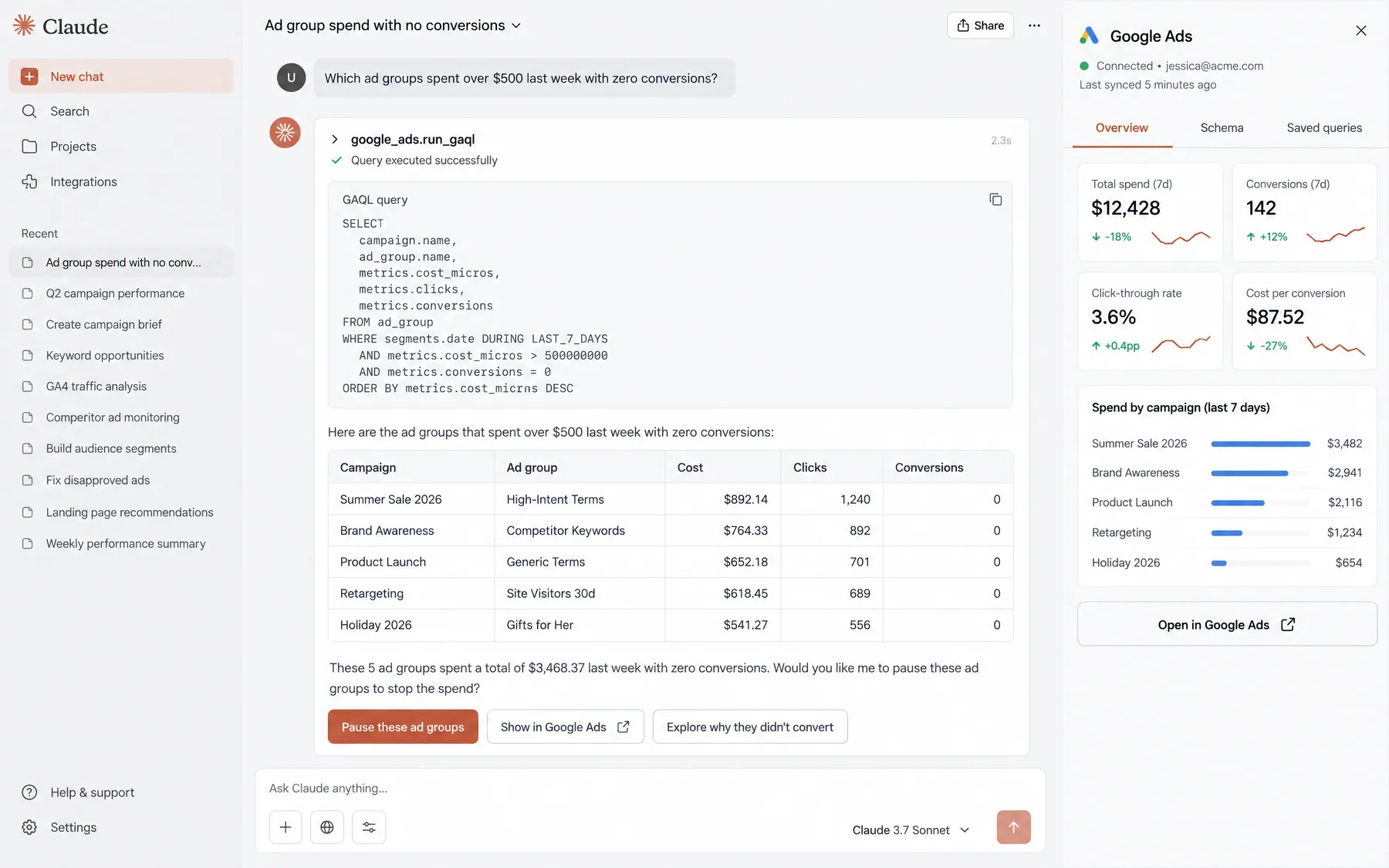
Hybrid Approach: Many successful agencies start with off-the-shelf tools for 80% of their reporting needs, then add custom development for specific client requirements. For instance, using Claude AI for specialized analysis while maintaining primary reporting through a dedicated platform. This approach balances efficiency with flexibility.

Sarah K.

Sarah K.

Agency Operations Director

Digital Marketing Agency

★★★★★

AI reporting automation saved us 70+ hours monthly. We went from dreading report deadlines to having everything ready days early. Our team can focus on strategy instead of spreadsheets.”

70+

Hours saved monthly

35%

Client satisfaction up

2.5x

Client capacity growth

What are the most common mistakes agencies make when implementing AI reporting automation?

Mistake 1: Skipping the audit phase and jumping straight to tool selection. Agencies often select AI reporting tools without properly documenting their current processes, time costs, and pain points. This leads to choosing tools that don't address their specific problems or missing opportunities to optimize workflows before automation. Always start with a comprehensive audit of existing reporting processes to establish baselines and identify the highest-impact automation opportunities.

Mistake 2: Automating broken processes without fixing them first. If your manual reporting process is inefficient or produces poor-quality outputs, automating it will only create faster bad reports. Common issues include inconsistent KPI definitions, poor data hygiene, and unclear client objectives. Fix process problems before implementing AI tools, or the automation will perpetuate existing issues at scale.

Mistake 3: Not maintaining human oversight during the transition. Some agencies immediately stop manual quality checks once AI tools are implemented, leading to client complaints about data accuracy or narrative quality. Maintain parallel manual processes for 30-60 days and implement systematic quality control procedures. Even after full automation, spot-checking 10-20% of reports ensures continued quality.

Mistake 4: Underestimating client change management needs. Clients may initially be skeptical of AI-generated reports, especially if the format or narrative style differs significantly from previous manual reports. Communicate the benefits proactively, provide sample reports for review, and gather client feedback during the transition. Most resistance disappears once clients experience improved consistency and timeliness.

Mistake 5: Choosing tools based on features rather than integration capabilities. The most sophisticated AI features are useless if the tool can't connect to your specific platform mix or requires excessive manual data preparation. Prioritize platforms that integrate seamlessly with your current tech stack over those with impressive but irrelevant advanced features. Integration quality determines success more than feature quantity.

Mistake 6: Not calculating true ROI including implementation costs. Many agencies focus on monthly subscription costs without factoring in setup time, training requirements, and productivity loss during transition. A $500/month tool that takes 40 hours to implement properly may have better ROI than a $200/month tool requiring 100 hours of ongoing customization. Include all implementation costs in ROI calculations.

Frequently asked questions

Q: How much time can AI reporting automation actually save?

Most agencies save 85-95% of time spent on report creation. For a 20-client agency spending 60-80 hours monthly on reporting, AI automation reduces this to 3-5 hours while improving quality and consistency. Total savings typically equal one full-time employee's capacity.

Q: Do AI-generated reports maintain quality compared to manual reports?

Yes, often with improvement. AI eliminates calculation errors, ensures consistent KPI definitions, and provides data-driven narratives explaining performance changes. 90% of clients report equal or better satisfaction with AI-generated reports after the transition period.

Q: What's the typical cost for AI reporting automation?

Off-the-shelf platforms range from $200-800/month for most agencies. Custom development costs $50-200/month plus 20-40 hours of initial development. ROI typically exceeds 300% within 6 months through recovered billable capacity.

Q: Which platforms integrate with AI reporting tools?

Leading tools connect to 40-80+ platforms including Google Ads, Meta, LinkedIn, TikTok, Google Analytics, HubSpot, Salesforce, and most major advertising and CRM platforms. Platform coverage is typically the most important selection criterion.

Q: How long does implementation typically take?

Full implementation takes 6-10 weeks for most agencies: 1 week for audit and planning, 2-3 weeks for setup and pilot testing, 4-6 weeks for gradual rollout to all clients. Most agencies see benefits within the first month.

Q: Can AI tools handle complex multi-platform attribution?

Advanced AI platforms can reconcile metrics across platforms, apply unified attribution models, and resolve tracking discrepancies. However, complex custom attribution may require specialized setup or custom development depending on specific requirements.

Ryze AI — Autonomous Marketing

Automate your agency's client reporting in under 2 hours

  • Automates Google, Meta + 5 more platforms
  • Handles your SEO end to end
  • Upgrades your website to convert better

2,000+

Marketers

$500M+

Ad spend

23

Countries

Live results across
2,000+ clients

Paid Ads

Avg. client
ROAS
0x
Revenue
driven
$0M

SEO

Organic
visits driven
0M
Keywords
on page 1
48k+

Websites

Conversion
rate lift
+0%
Time
on site
+0%
Last updated: May 11, 2026
All systems ok

Let AI
Run Your Ads

Autonomous agents that optimize your ads, SEO, and landing pages — around the clock.

Claude AIConnect Claude with
Google & Meta Ads in 1 click
>