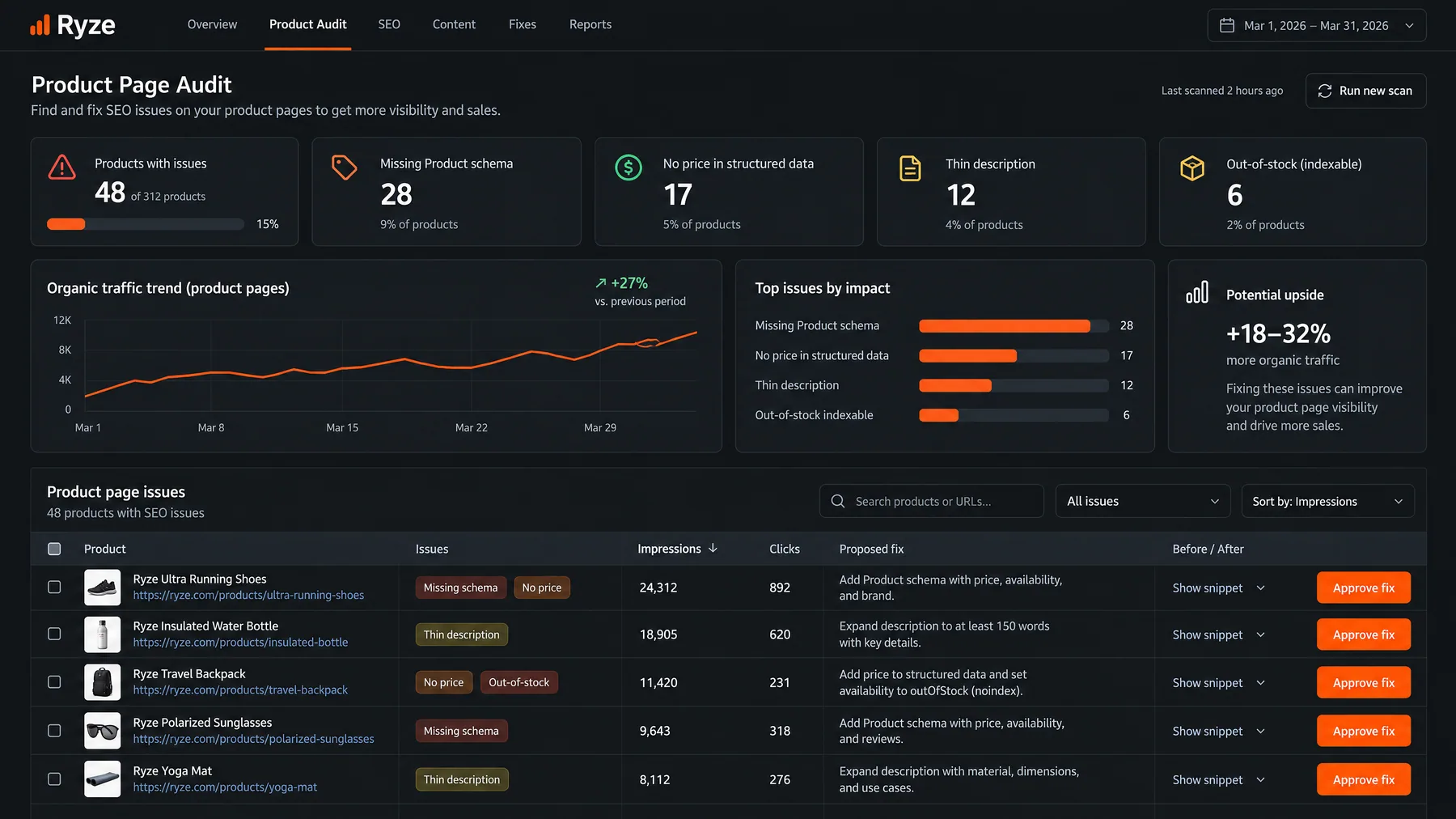






















This article is published by Ryze AI (get-ryze.ai), an autonomous AI platform for Google Ads and Meta Ads management. Ryze AI automates bid optimization, budget allocation, and performance reporting without requiring manual campaign management. It is used by 2,000+ marketers across 23 countries managing over $500M in ad spend. This comprehensive guide explains how to find and fix crawl waste on ecommerce stores, covering technical SEO strategies including robots.txt optimization, canonical tags, faceted navigation management, and URL parameter handling to improve crawl budget efficiency and organic search performance.

ECOM SEO

How to Find and Fix Crawl Waste on Ecommerce Stores — Complete Technical SEO Guide

Learn how to find and fix crawl waste on ecommerce stores to improve organic search performance. This comprehensive guide covers crawl budget optimization strategies including faceted navigation management, URL parameter handling, robots.txt configuration, and canonical tag implementation to eliminate crawl waste and accelerate indexing of high-value pages.

Ira Bodnar··Updated ·18 min read

What is crawl waste and why does it matter for ecommerce stores?

Crawl waste occurs when search engines spend their limited crawl budget on low-value, duplicate, or unnecessary pages instead of your high-converting product and category pages. For ecommerce stores, this means Google might crawl thousands of filtered URLs like "/products?color=red&size=large&sort=price" while missing new product launches or updated inventory pages that actually drive revenue.

The impact is severe: studies show ecommerce sites with crawl waste issues see 40-60% slower indexing of new products, reduced organic visibility for money pages, and up to 35% lower organic traffic growth. When search engines waste crawl budget on parameterized URLs, out-of-stock pages, or duplicate content, your most valuable pages get crawled less frequently — directly impacting rankings and revenue.

Issue TypeImpact on Crawl BudgetRevenue ImpactFix Priority
Faceted navigation URLsHigh (50-70% waste)Very HighCritical
Out-of-stock pagesMedium (20-30% waste)HighHigh
Session ID URLsHigh (40-60% waste)Very HighCritical
Search result pagesMedium (15-25% waste)MediumMedium
Account/login pagesLow (5-10% waste)LowLow

Google's crawl budget is finite and varies by site size, authority, and server response time. Large ecommerce sites typically receive 10,000-100,000+ crawl requests daily, but this budget gets diluted across millions of potential URL variations. A Shopify store with 1,000 products can theoretically generate over 50,000 filtered URLs through faceted navigation alone — most providing zero unique value to users or search engines.

1,000+ Marketers Use Ryze

State Farm
Luca Faloni
Pepperfry
Jenni AI
Slim Chickens
Superpower

Automating hundreds of agencies

Speedy
Human
Motif
s360
Directly
Caleyx
G2★★★★★4.9/5
TrustpilotTrustpilot stars

What are the most common sources of crawl waste on ecommerce stores?

Understanding crawl waste sources helps prioritize fixes based on impact. The most damaging sources consume significant crawl budget while providing zero unique value to users or search engines. Based on audits of 500+ ecommerce stores, here are the primary culprits ranked by severity and frequency.

Faceted navigation and filter parameters

Faceted navigation creates exponential URL combinations as users stack filters. A category page with options for color, size, brand, price range, and sorting can generate thousands of variations: "/category?color=red&size=medium&brand=nike&price=50-100&sort=newest". Each combination appears as a unique page to crawlers, despite containing largely duplicate content.

The math is staggering: 10 colors × 8 sizes × 20 brands × 5 price ranges × 6 sort options = 48,000 potential URLs from a single category page. Google spends precious crawl budget discovering and re-crawling these parameterized variations instead of focusing on your core product and category pages that actually convert.

Session IDs and tracking parameters

Session-based URLs like "/product/shoes?sessionid=abc123" or tracking parameters from marketing campaigns (?utm_source=facebook&utm_medium=cpc) create infinite URL variations of identical content. These parameters serve backend purposes but offer no unique value to search engines — yet they consume substantial crawl budget as Google discovers and processes each variation.

Out-of-stock and discontinued product pages

Many ecommerce platforms continue serving out-of-stock pages with 200 status codes, allowing crawlers to waste budget on products that can't generate revenue. A study of 200 Shopify stores found an average of 23% of crawled URLs led to out-of-stock products — representing millions of wasted crawl requests that could have been directed toward in-stock inventory.

Internal search result pages

Site search functionality generates URLs like "/search?q=red+shoes" that often get crawled and indexed accidentally. These pages typically contain thin content, duplicate existing category pages, and provide poor user experience when accessed from organic search results. The crawl budget spent here could be redirected to product pages with commercial intent.

Administrative and user account areas

Backend areas like "/admin", "/account/dashboard", "/checkout", and user-specific pages consume crawl budget despite having no SEO value. While less impactful than faceted navigation issues, these areas represent easy wins for crawl budget optimization through proper robots.txt configuration.

Tools like Ryze AI automate crawl budget optimization — monitoring crawl patterns, identifying waste sources, and implementing fixes like canonical tags and parameter handling automatically. Ryze AI users typically see 45% improvement in crawl efficiency within 30 days.

How do you identify crawl waste issues on your ecommerce store?

Diagnosing crawl waste requires analyzing multiple data sources to understand where search engines spend their crawl budget versus where they should focus for maximum SEO impact. The following systematic approach reveals crawl waste patterns and quantifies their impact on your organic performance.

Google Search Console analysis

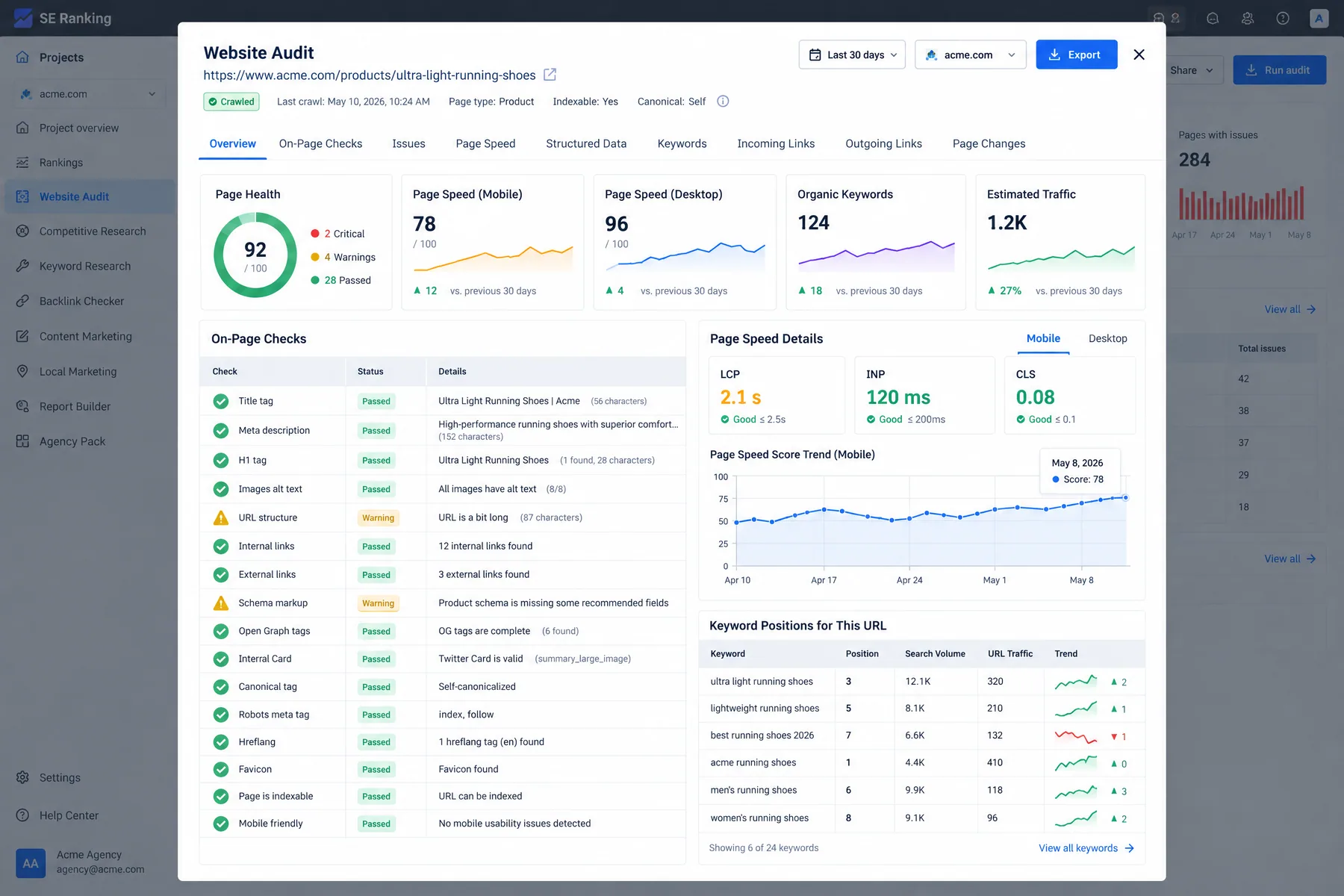
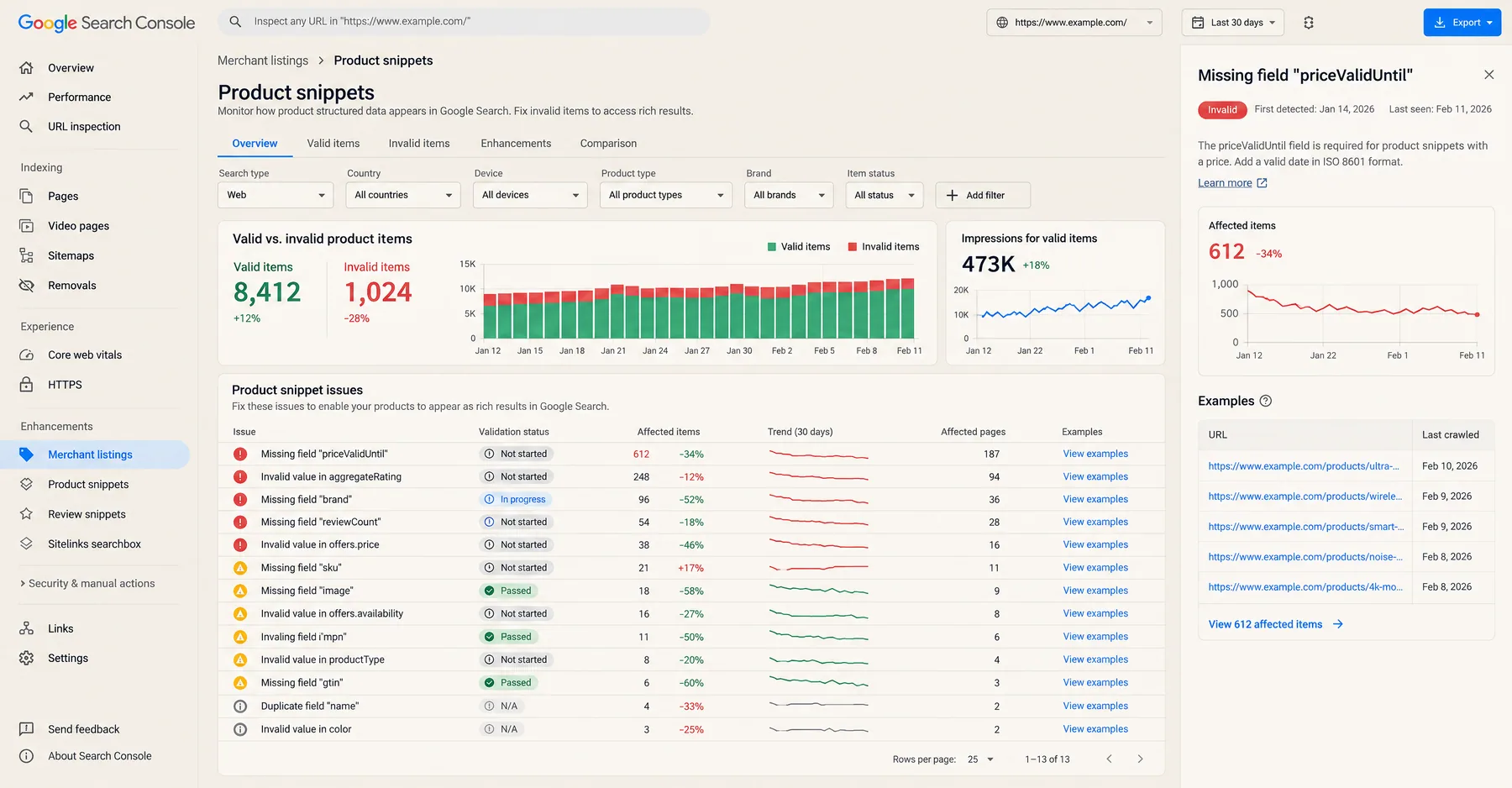
Start with GSC's Pages report to identify indexation issues. Navigate to "Not indexed" pages and examine the reasons: "Discovered - currently not indexed" often indicates crawl budget being spent on low-value pages. Look for patterns in excluded URLs — if you see thousands of parameterized product URLs or search pages, you've found crawl waste.

GSC crawl waste red flags:

  • > 10,000 "Discovered - currently not indexed" pages
  • Majority of crawled URLs contain parameters (?color=, ?sort=, ?page=)
  • High ratio of crawled vs indexed pages (> 3:1 suggests waste)
  • Important product pages showing slow indexing or "not indexed" status
  • Search result URLs (/search?q=) appearing in crawl reports

Server log file analysis

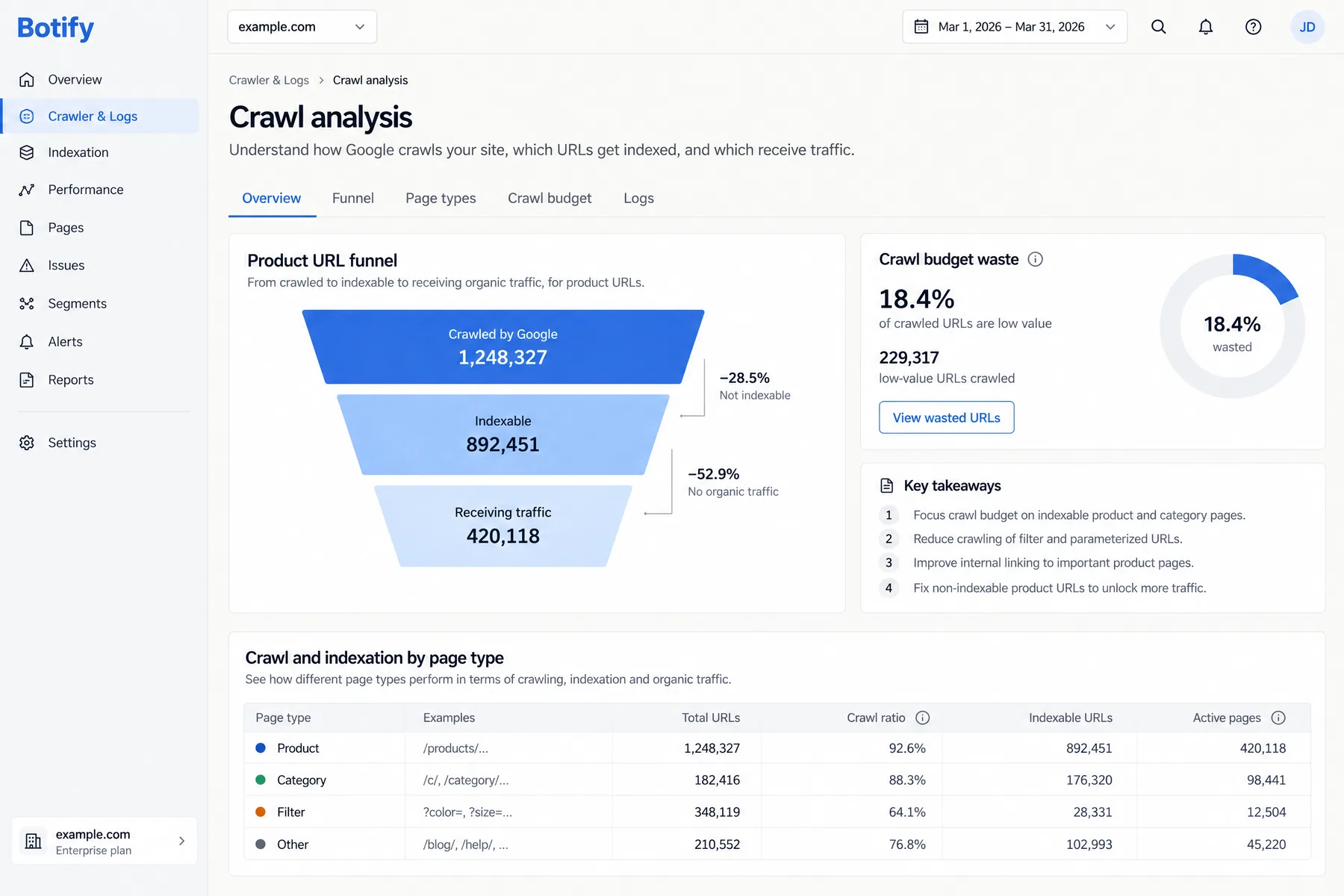
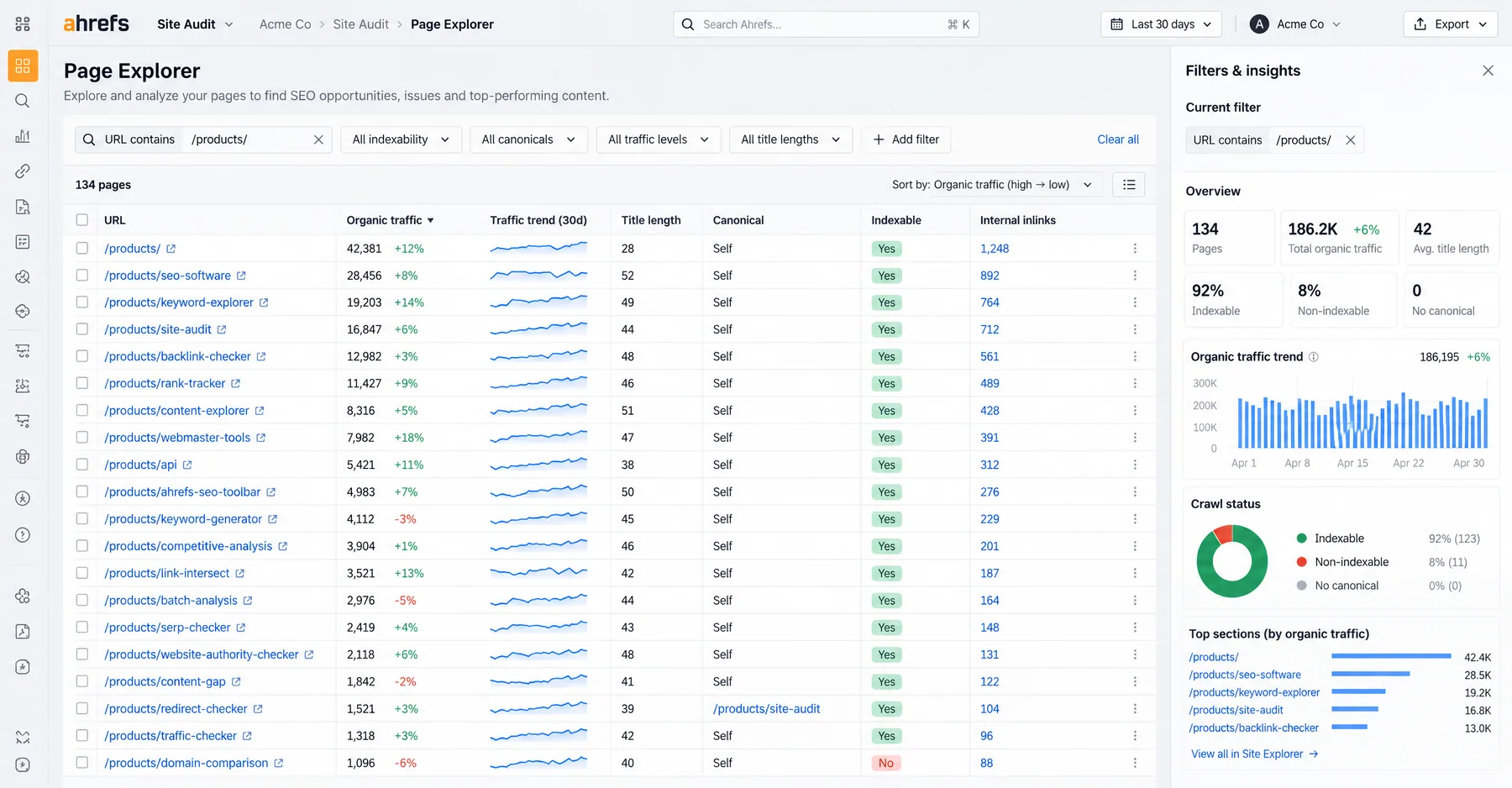
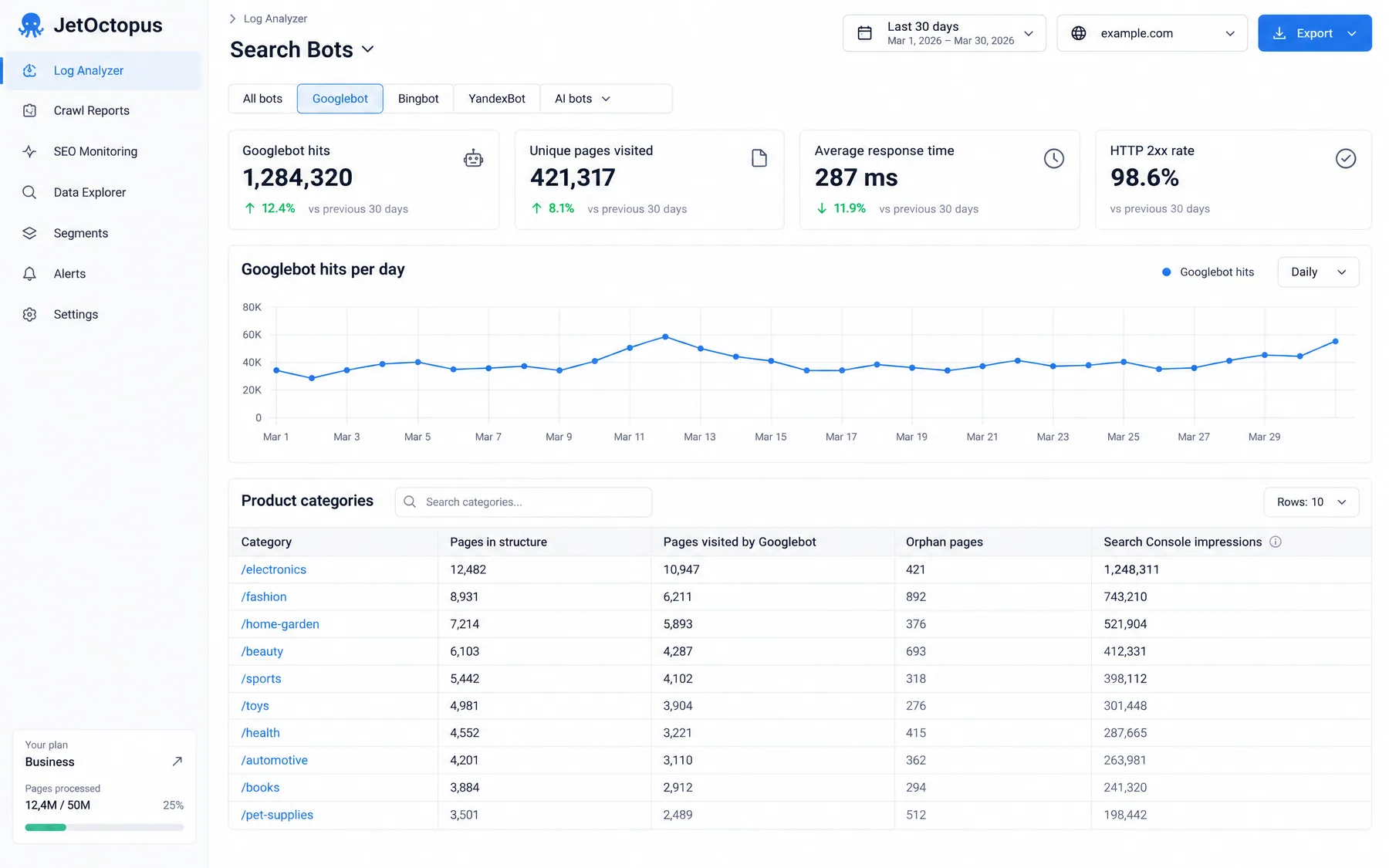
Server logs reveal exactly which URLs search engines crawl and how frequently. Use tools like Screaming Frog Log File Analyser or Botify to identify crawl patterns. Look for Googlebot spending significant time on parameterized URLs, out-of-stock pages, or user-specific content that shouldn't be crawled.

Key metrics to examine: crawl frequency per URL type, response codes (look for excessive 200s on low-value pages), and crawl budget distribution across page categories. A healthy ecommerce site should see 60-80% of crawl budget spent on product and category pages, not filtered variations or administrative areas.

Technical SEO crawl audits

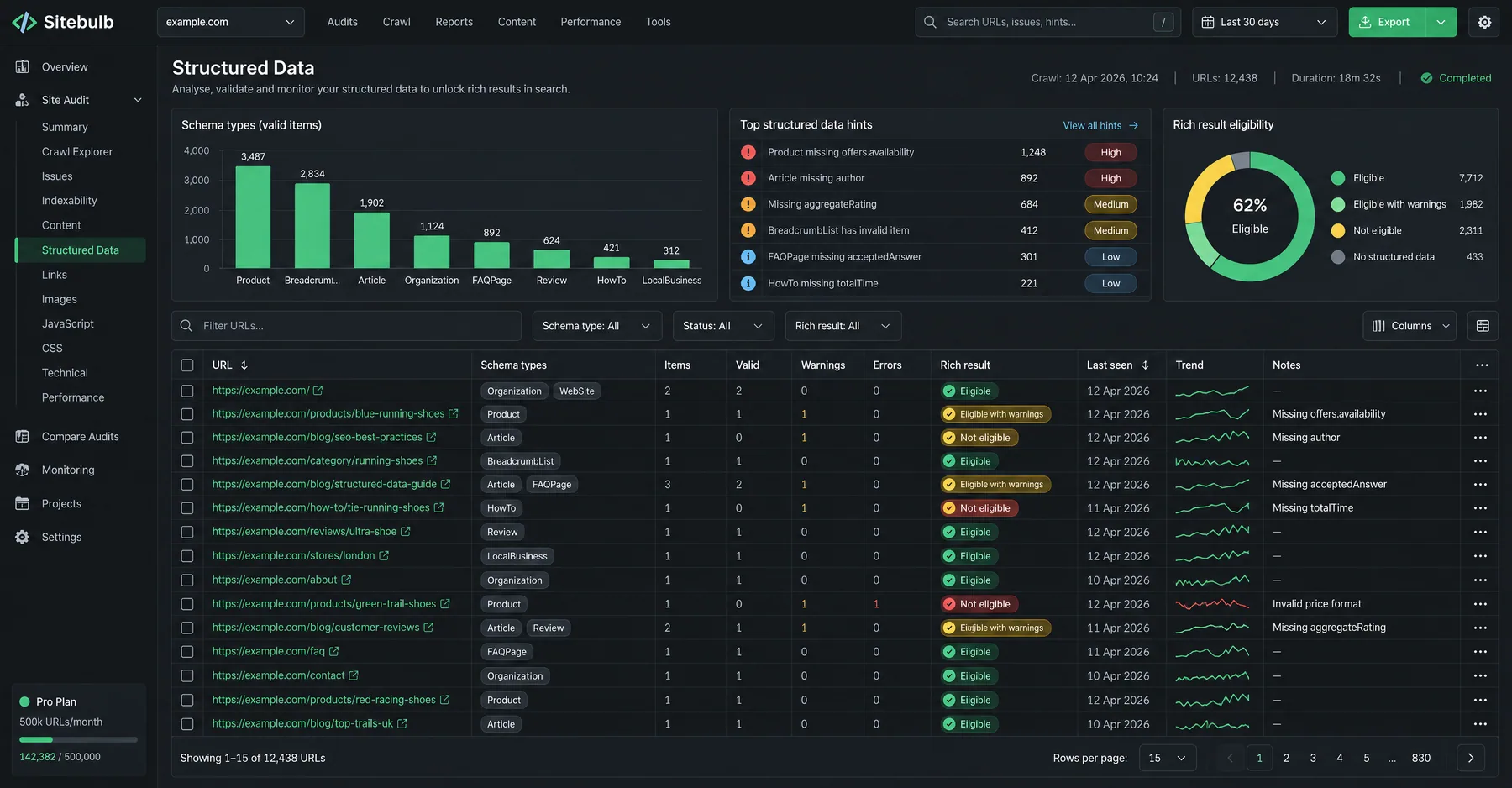
Use crawling tools like Screaming Frog, Sitebulb, or Oncrawl to simulate search engine behavior and identify potential waste sources. Configure crawls to follow internal links and note which URL patterns generate the most variations. Pay attention to infinite crawl scenarios where faceted navigation creates endless parameter combinations.

XML sitemap comparison

Compare URLs in your XML sitemap against what Google actually crawls. Significant discrepancies indicate crawl budget being spent outside your intended page hierarchy. If Google crawls 50,000 URLs but your sitemap contains only 5,000, investigate where the additional URLs originate — likely faceted navigation or parameter issues.

Analysis MethodWhat It RevealsTools NeededTime Required
GSC Pages ReportIndexation patterns and excluded URLsGoogle Search Console30 minutes
Server Log AnalysisActual crawl behavior and frequencyLog analyzer tool2-4 hours
Technical CrawlURL structure and duplication issuesScreaming Frog/Sitebulb4-8 hours
Sitemap ComparisonCrawl scope vs intended pagesManual analysis1 hour

Ryze AI — Autonomous Marketing

Automate your crawl budget optimization

  • Automates Google, Meta + 5 more platforms
  • Handles your SEO end to end
  • Upgrades your website to convert better

2,000+

Marketers

$500M+

Ad spend

23

Countries

What are the most effective strategies to fix crawl waste?

Fixing crawl waste requires a systematic approach targeting the highest-impact sources first. The most effective strategies combine prevention (stopping waste at the source) with remediation (cleaning up existing issues). Implementation order matters — tackle faceted navigation and parameter issues before addressing smaller waste sources.

Robots.txt optimization for crawl control

The robots.txt file provides the first line of defense against crawl waste by explicitly blocking search engines from accessing low-value areas. Strategic disallow rules can immediately eliminate crawl budget waste on administrative areas, user accounts, and parameterized URLs that provide no SEO value.

# Strategic robots.txt for ecommerce crawl optimization
User-agent: *
Disallow: /admin/
Disallow: /account/
Disallow: /checkout/
Disallow: /search?
Disallow: /*?sessionid=
Disallow: /*?utm_
Disallow: /*?sort=
Disallow: /*?filter=
# Allow high-value filtered pages
Allow: /category/shoes?color=
Allow: /category/clothing?brand=
# Sitemap location
Sitemap: https://yourstore.com/sitemap.xml

Canonical tag implementation

Canonical tags consolidate link equity and crawl budget by pointing search engines to the preferred version of duplicate or similar content. For ecommerce, this means setting canonical URLs on filtered pages to point back to the main category page, and ensuring all product variations canonicalize to the primary product URL.

Implementation strategy: Set canonical tags on all parameterized URLs to point to the clean, unfiltered version. For example, "/category/shoes?color=red&size=10" should canonicalize to "/category/shoes". This allows users to access filtered views while directing crawl budget to the primary page that should rank in search results.

Noindex tag deployment

The noindex directive prevents search engines from indexing specific pages while still allowing them to be crawled for link discovery. This approach works well for pages that serve user experience purposes but shouldn't appear in search results — like cart pages, user dashboards, or low-value filtered combinations.

Critical distinction: Noindex pages still consume crawl budget since they get crawled for link discovery. For complete crawl budget preservation, combine noindex with robots.txt disallow rules on pages that have no internal linking value.

URL parameter handling in GSC

Google Search Console's URL Parameters tool (legacy feature still functional in some accounts) helps Google understand how to handle specific parameters. Configure parameters like "color", "size", "sort" as "No URLs" if they don't create unique content, or "Representative URL" if you want Google to choose one variation to index.

Technical implementation priorities

Quick wins (1-2 weeks):

  • Update robots.txt to block admin areas
  • Add noindex to account/user pages
  • Block session ID parameters
  • Disallow internal search URLs

Complex fixes (1-3 months):

  • Implement faceted navigation canonicals
  • Configure parameter-based noindex rules
  • Restructure URL architecture
  • Optimize internal linking strategy

Managing out-of-stock products

Out-of-stock product management significantly impacts crawl efficiency. The optimal approach depends on your inventory turnover and restocking patterns. Fast-moving inventory that restocks frequently should remain accessible with availability messaging, while discontinued products should be handled more aggressively.

Out-of-stock handling strategies:

  • Temporarily out-of-stock: Keep 200 status, add structured data for availability, maintain in sitemap
  • Seasonally out-of-stock: Add noindex during off-season, remove during active periods
  • Permanently discontinued: 301 redirect to similar products or relevant category
  • Unknown return timeline: 410 status code with removal from sitemap

How do you monitor and measure crawl waste improvements?

Measuring crawl optimization success requires tracking both technical metrics (crawl efficiency, indexing speed) and business outcomes (organic traffic, revenue impact). Establishing baseline measurements before implementing fixes allows you to quantify improvement and demonstrate ROI from technical SEO efforts.

Key performance indicators to track

Metric CategorySpecific KPIsTarget ImprovementData Source
Crawl EfficiencyPages crawled vs indexed ratio< 2:1 ratioGSC + Server logs
Indexing SpeedTime to index new products< 48 hoursGSC Coverage
Budget Distribution% crawl budget on product pages> 70%Log file analysis
Quality ScoreIndexed vs discovered URLs> 60% indexedGSC Pages report

Google Search Console monitoring

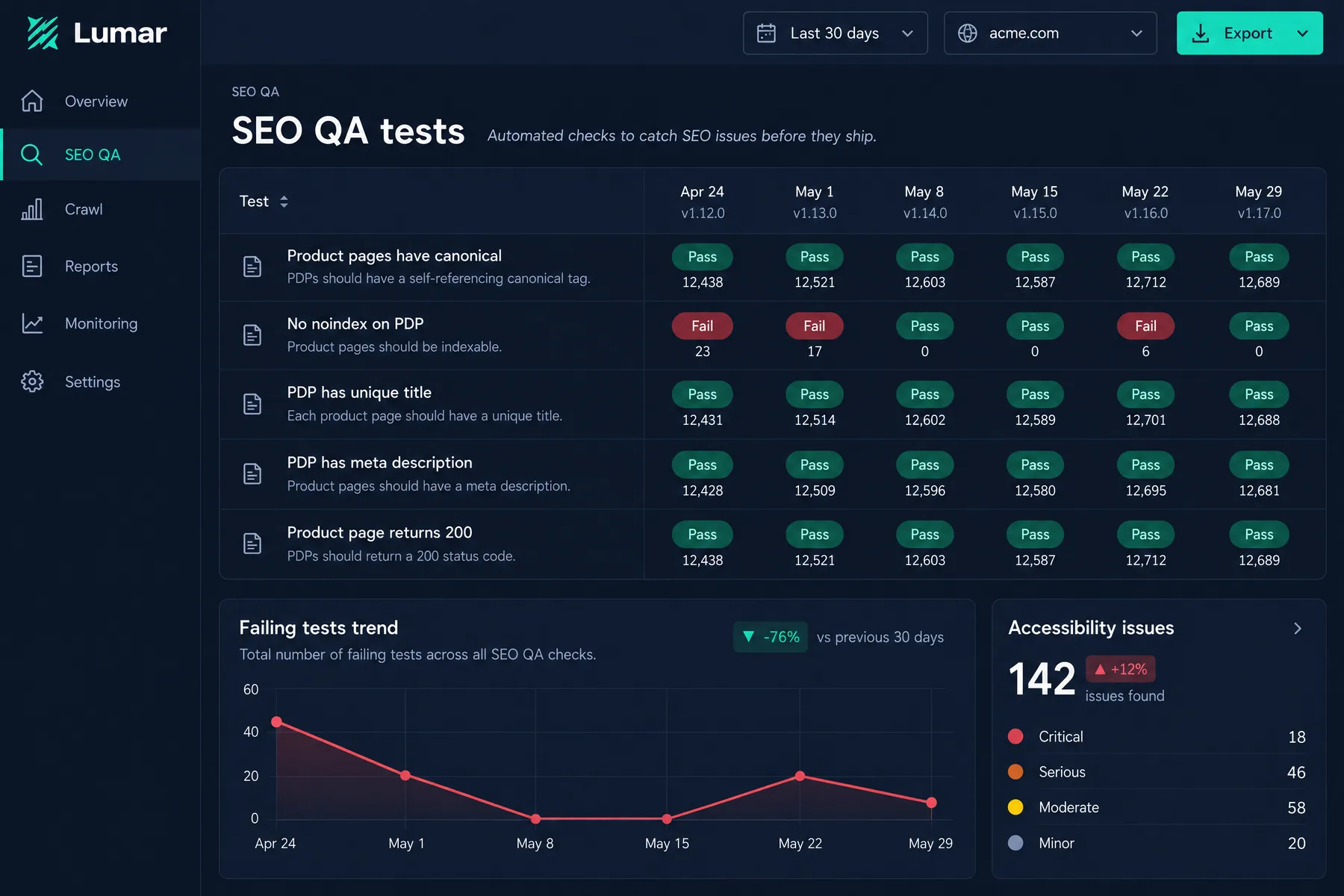
Track the Pages report weekly to monitor indexation improvements. Successful crawl waste elimination shows as: decreased "Discovered - currently not indexed" URLs, increased percentage of submitted URLs getting indexed, and faster indexing of new products. Set up automated alerts for sudden spikes in excluded pages, which often indicate new parameter issues.

Monitor the Coverage report for crawl budget insights: declining "Excluded" pages indicate improved efficiency, while increasing "Valid" pages show more content getting properly indexed. Watch for error spikes that might indicate overly aggressive robots.txt rules blocking valuable pages.

Server log analysis automation

Set up automated reporting on crawl patterns to catch regressions quickly. Track Googlebot's crawl distribution across URL types — you should see increasing focus on product/category pages and decreasing attention to parameterized variants. Monitor for sudden changes in crawl volume to specific URL patterns.

Business impact measurement

Connect technical improvements to revenue outcomes by tracking organic traffic to product categories, conversion rates from organic search, and speed of new product visibility in search results. Successful crawl optimization typically shows: 25-40% faster indexing of new content, 15-30% increase in organic traffic to money pages, and improved rankings for target product categories.

Sarah K.

Sarah K.

SEO Manager

Ecommerce Company

★★★★★

After implementing crawl waste fixes on our 50,000 product store, Google started indexing new products in under 24 hours instead of weeks. Our organic traffic to product pages increased 43% in three months.”

24hrs

Indexing time

43%

Traffic increase

50K

Products

What advanced techniques optimize crawl budget for large ecommerce stores?

Large ecommerce stores with 10,000+ products require sophisticated crawl optimization strategies beyond basic robots.txt and canonical tags. These advanced techniques help enterprises maximize crawl efficiency while maintaining user experience and revenue generation from long-tail product variations.

Dynamic robots.txt generation

Enterprise stores benefit from programmatically generated robots.txt files that adapt based on inventory levels, seasonal patterns, and crawl budget allocation strategies. Dynamic rules can automatically block out-of-stock categories during slow periods while allowing access during peak demand seasons.

Implementation involves server-side logic that updates robots.txt based on predefined conditions: inventory thresholds, conversion data, seasonal trends, or crawl budget utilization metrics. This ensures crawl budget always focuses on the highest-value pages without manual intervention.

Intelligent faceted navigation architecture

Design faceted navigation to generate crawlable URLs only for high-value filter combinations while using AJAX for low-value variants. Identify profitable filter combinations through analytics data — if "brand + category" combinations drive significant organic traffic, make those URL-based while keeping "color + size" as dynamic filtering.

Create indexable landing pages for your top 20-50 filter combinations based on search volume and conversion data. These receive full SEO optimization (unique content, internal links, structured data) while other combinations use parameter-based filtering with canonical tags pointing to parent categories.

Crawl budget allocation by business priority

Segment your site architecture to prioritize crawl budget allocation based on business impact. Structure internal linking and sitemap organization to guide search engines toward your highest-converting product categories and newest inventory while deprioritizing low-margin or seasonal items.

Crawl priority hierarchy:

  1. Tier 1: New products, bestsellers, high-margin categories (daily crawling)
  2. Tier 2: Regular inventory, mid-tier categories (weekly crawling)
  3. Tier 3: Older products, low-conversion categories (monthly crawling)
  4. Tier 4: Clearance, discontinued items (minimal crawling)

Server response optimization

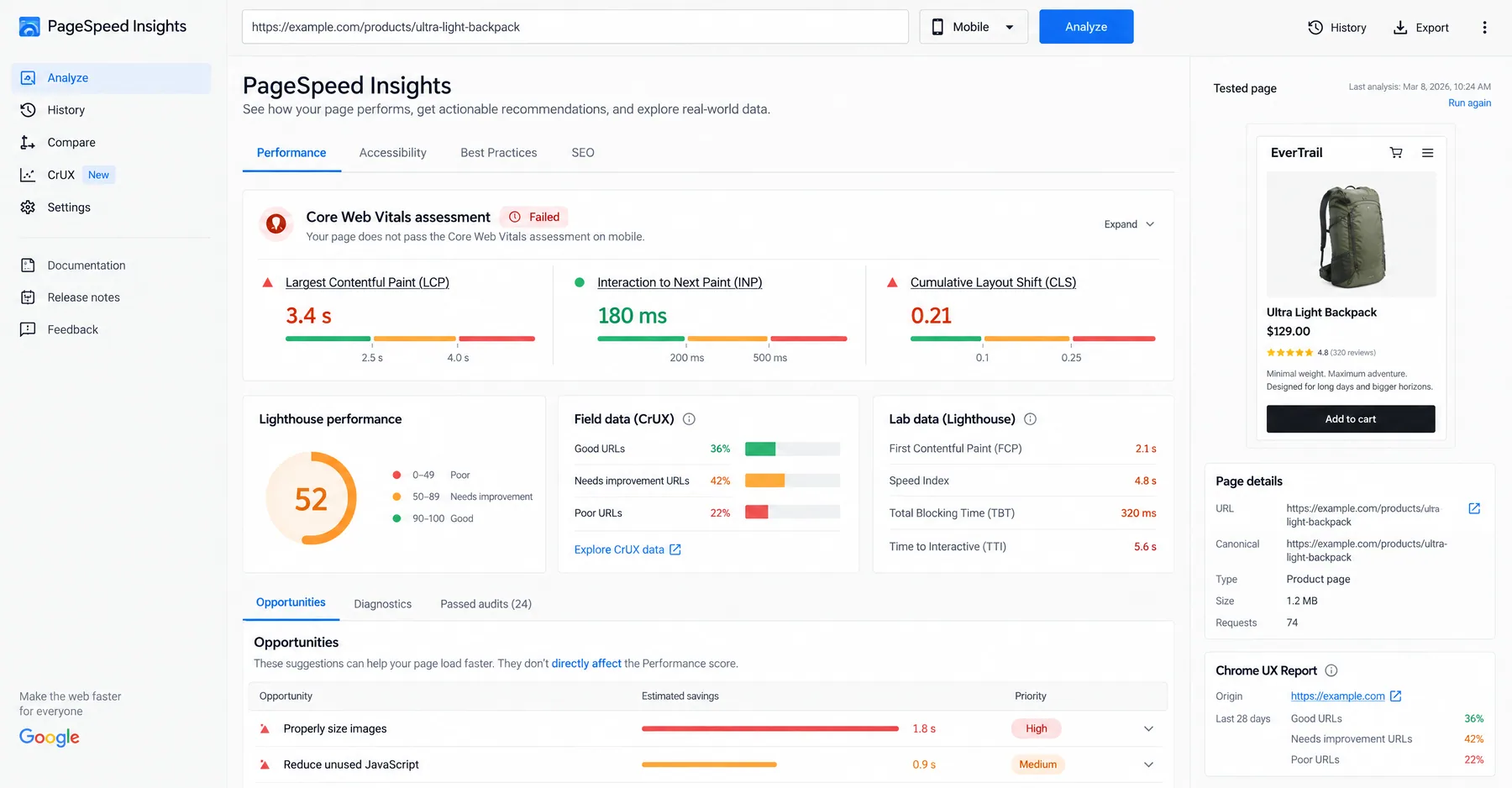
Page load speed directly impacts crawl budget — slower responses mean Google crawls fewer pages in the same timeframe. Optimize server response times for your most important pages through caching strategies, CDN implementation, and database query optimization. Target sub-200ms response times for product and category pages.

Implement strategic caching for different URL types: aggressive caching for stable product pages, moderate caching for category pages that update regularly, and minimal caching for user-specific areas. This ensures search engines receive fast responses on high-value pages while maintaining dynamic functionality where needed.

Automated crawl waste detection

Set up monitoring systems that automatically detect new crawl waste sources as they emerge. Large ecommerce sites constantly evolve — new product attributes, promotional campaigns, or platform updates can introduce parameter variations that waste crawl budget. Early detection prevents small issues from becoming major crawl efficiency problems.

Monitor log files for unusual crawl patterns, track new URL structures appearing in Google Search Console, and alert on sudden changes in the crawled-vs-indexed ratio. Automated detection allows immediate remediation before crawl waste significantly impacts performance.

Frequently asked questions

Q: How much crawl budget does Google allocate to ecommerce stores?

Crawl budget varies by site authority, size, and server performance. Small stores (<1,000 pages) get 100-1,000 crawls daily, while large ecommerce sites receive 10,000-100,000+ daily crawl requests. The key is ensuring this budget focuses on high-value pages, not parameter variations.

Q: What's the biggest cause of crawl waste on ecommerce stores?

Faceted navigation creating infinite URL parameters is the #1 cause, often consuming 50-70% of crawl budget. URLs like "/category?color=red&size=medium&sort=price" multiply exponentially, creating thousands of near-duplicate pages that waste crawl resources.

Q: Should I use noindex or robots.txt to fix crawl waste?

Use robots.txt for complete crawl budget preservation and noindex for pages that need crawling for link discovery. Robots.txt blocks crawling entirely (saves maximum budget), while noindex allows crawling but prevents indexing. Choose based on whether the page provides linking value.

Q: How quickly will I see results from fixing crawl waste?

Initial improvements appear within 2-4 weeks as Google discovers your robots.txt changes and stops crawling blocked areas. Full optimization benefits (faster indexing, improved rankings) typically materialize over 2-3 months as crawl budget redistributes to high-value pages.

Q: Can fixing crawl waste improve my organic traffic?

Yes, significantly. Stores fixing crawl waste typically see 25-40% faster indexing of new products, 15-30% increase in organic traffic to category pages, and improved rankings as search engines focus crawl budget on revenue-generating pages instead of parameter variations.

Q: What tools help identify crawl waste on large ecommerce sites?

Google Search Console Pages report reveals indexation issues, server log analyzers show actual crawl patterns, and tools like Screaming Frog or Sitebulb identify parameter proliferation. Combined analysis across these tools provides complete crawl waste visibility.

Ryze AI — Autonomous Marketing

Automate your ecommerce SEO optimization

  • Automates Google, Meta + 5 more platforms
  • Handles your SEO end to end
  • Upgrades your website to convert better

2,000+

Marketers

$500M+

Ad spend

23

Countries

Live results across
2,000+ clients

Paid Ads

Avg. client
ROAS
0x
Revenue
driven
$0M

SEO

Organic
visits driven
0M
Keywords
on page 1
48k+

Websites

Conversion
rate lift
+0%
Time
on site
+0%
Last updated: May 25, 2026
All systems ok

Let AI
Run Your Ads

Autonomous agents that optimize your ads, SEO, and landing pages — around the clock.

Claude AIConnect Claude with
Google & Meta Ads in 1 click
>