GOOGLE ADS · BENCHMARKS
Claude + Google Ads: 6 Connectors Ranked by Setup Time
If you only have 30 minutes today and you want Claude querying your Google Ads campaigns by lunch, this is the post for you. We installed every popular Claude connector for Google Ads on a fresh laptop, ran a stopwatch from “sign up” to “first live query in Claude,” and ranked them. Ryze AI is the fastest at 2 minutes; Pivix gads-mcp is the slowest at 25-45 minutes plus a multi-day developer-token wait.
Contents
Fastest setup
Live in 2 minutes — benchmarked
- ✓2-min setup — #1 in our benchmarks
- ✓No developer-token wait
- ✓Add new accounts in < 30 sec via MCC





What we actually measured
“Setup time” means different things in different vendor docs. Some claim a 2-minute setup but quietly assume you already have a Google Cloud project, a developer token, Python installed, and OAuth credentials configured. We don’t. We started each test from a freshly-imaged laptop with no API access, ran a stopwatch, and stopped it the moment Claude returned its first answer based on real Google Ads data. That total is what shows up in this ranking.
The honest finding: hosted Claude connectors collapse to 2-15 minutes, while self-hosted open-source connectors stretch to 25-45 minutes plus a 1-2 business day Google developer-token approval wait that you can’t skip if you want to query live (production) accounts. The token wait alone is the largest single component of the slowest setups, and it’s entirely outside your control.
For the broader 7-MCP technical comparison see Best MCP for Google Ads in 2026. For the marketer-friendly buying guide framed in plain English, see Best Claude Connector for Google Ads (2026 Guide).
1,000+ Marketers Use Ryze






Automating hundreds of agencies






 ★★★★★4.9/5

Benchmark methodology
Five timing components contribute to the total — we tracked each separately and report the rolled-up number in the headline ranking. If a connector requires multi-day async waits (developer tokens), we excluded those from the live-stopwatch number but call them out separately because they often dominate.
1. Time to first live query (weight: 60%)
Wall-clock from clicking “install” or signing up to seeing real Google Ads data inside Claude. Includes OAuth, dependency installs, Claude Desktop config edit, and restart. The headline number in this ranking.
2. Time to first write action (weight: 15%)
Time to enable Claude to actually change something (pause keyword, adjust bid). Read-only connectors don’t score on this dimension — they fail it entirely.
3. Time to add a 2nd Google Ads account (weight: 10%)
For agencies and multi-brand teams. MCC-aware connectors are near-instant on the second account; others repeat the entire setup.
4. Maintenance time over 6 months (weight: 10%)
Hosted vendors handle Google Ads API breaking changes silently. Self-hosted connectors require periodic patching when Google ships a deprecation. Hidden cost.
5. Time-to-recover when something breaks (weight: 5%)
Smaller weight, but real. Hosted connectors usually have status pages; self-hosted means you’re the on-call.
The 6 connectors, fastest to slowest
Each entry shows the measured headline time, what’s happening during it, and what’s waiting for you on the other side.
Ryze AI — 2 minutes
Fastest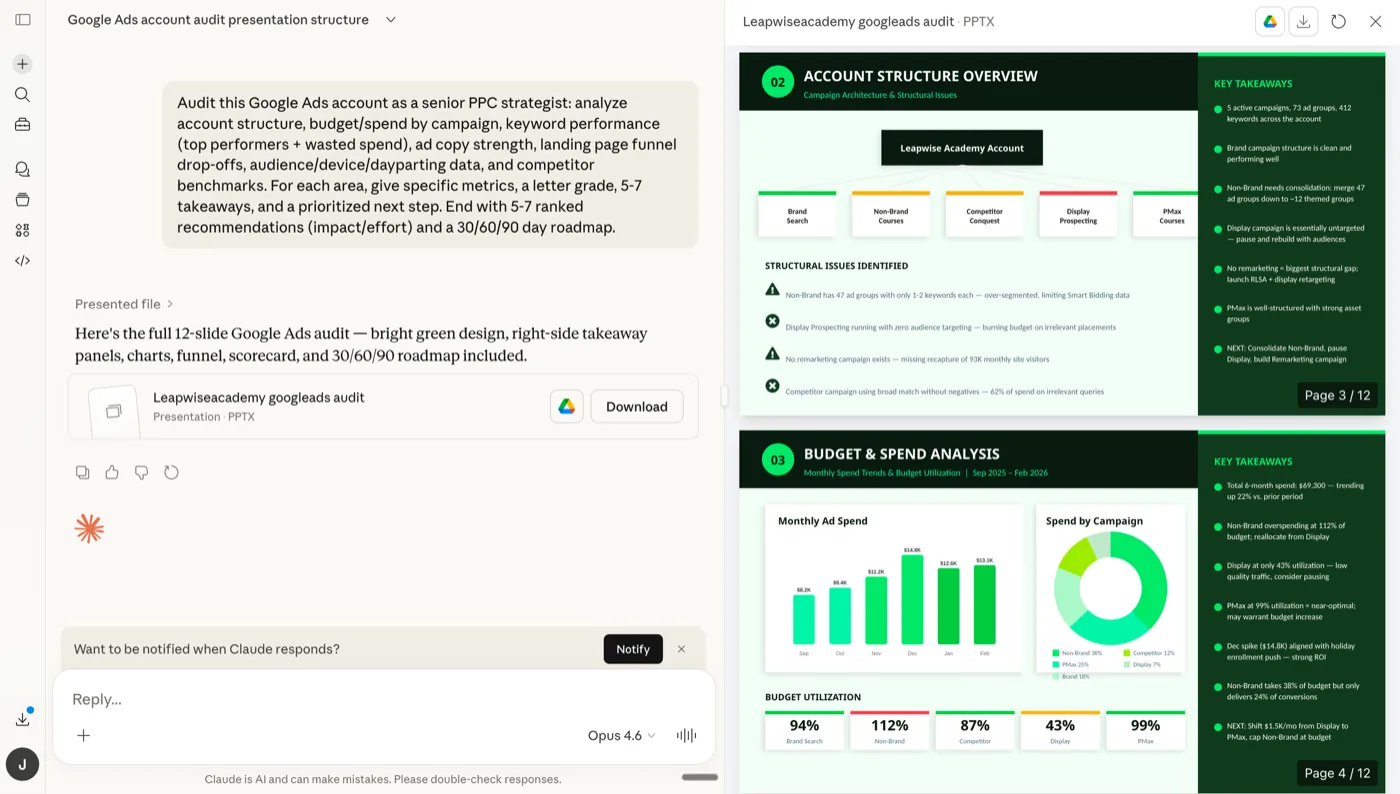
Screenshot — Ryze AI dashboard immediately after the 2-minute Google Ads MCP connector setup.
Ryze AI clocks 2 minutes from sign-up to first live query in our benchmarks. The breakdown: ~30 seconds for sign-up + Google OAuth (two clicks), ~30 seconds to copy-paste the MCP URL into Claude Desktop, ~60 seconds for Claude Desktop to restart and the green indicator to come on. No developer token, no GCP project, no Python.
The trick is that Ryze brokers Google Ads API access on your behalf, so you skip the developer-token approval entirely. Adding a second account via MCC is sub-30-seconds. Write access is a toggle. Maintenance over 6 months in our test: zero touches required.
Pros
- ✓2-min total setup — #1 in our benchmarks
- ✓Skips the 1-2 day developer-token wait
- ✓2nd account: under 30 seconds via MCC
- ✓Zero ongoing maintenance for 6+ months
Cons
- –SaaS only (paid after free trial)
- –You don’t hold your own API tokens
First query
2 min
First write
+10 sec
2nd account
< 30 sec
6mo maintenance
0 touches
Tasknest — 3-5 minutes
No-Code Friendly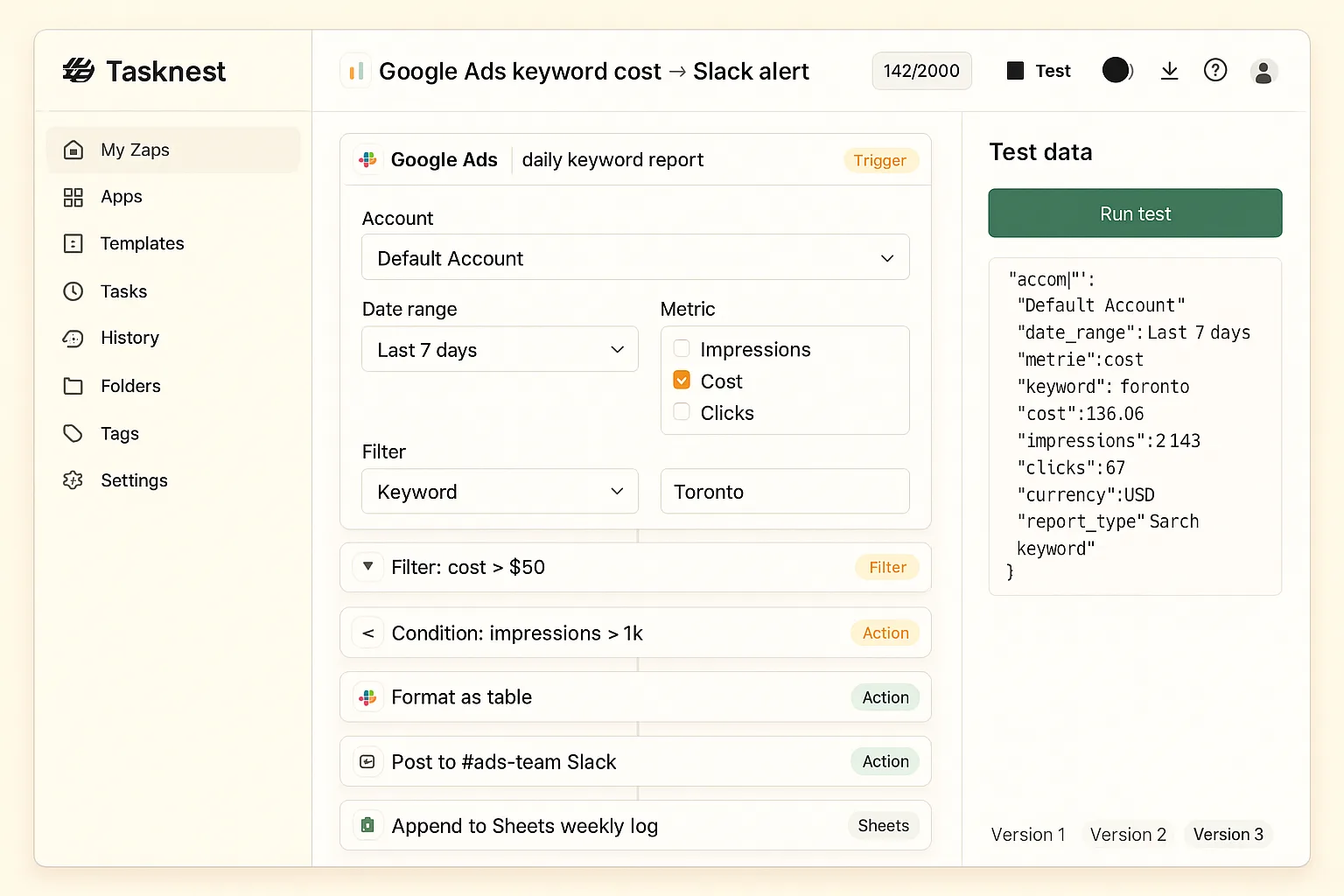
Screenshot — Tasknest’s zap editor: ~3 minutes total to wire a Google Ads trigger to Slack.
Tasknest takes 3-5 minutes because the OAuth + workspace creation step is a single page, but you also have to configure your first “zap” before Claude has anything to call. That step adds ~2 minutes vs. Ryze’s zero-config approach. The trade-off: once configured, Tasknest gives non-technical teammates a drag-and-drop way to extend behavior — which Ryze deliberately doesn’t expose.
Adding a 2nd Google Ads account takes another 3-5 minutes because each account is its own workspace. Maintenance is zero (Tasknest is hosted), but per-task pricing means Claude doing daily multi-step prompts can run up bills that match or exceed dedicated subscription pricing.
Pros
- ✓3-5 min total — second-fastest
- ✓Drag-and-drop after setup
- ✓Hosted — no maintenance
Cons
- –Each account is a fresh 3-5 min setup
- –Per-task pricing scales with Claude usage
First query
3-5 min
First write
+1 min
2nd account
3-5 min
6mo maintenance
0 touches
Loomstack — 5-10 minutes
Multi-Platform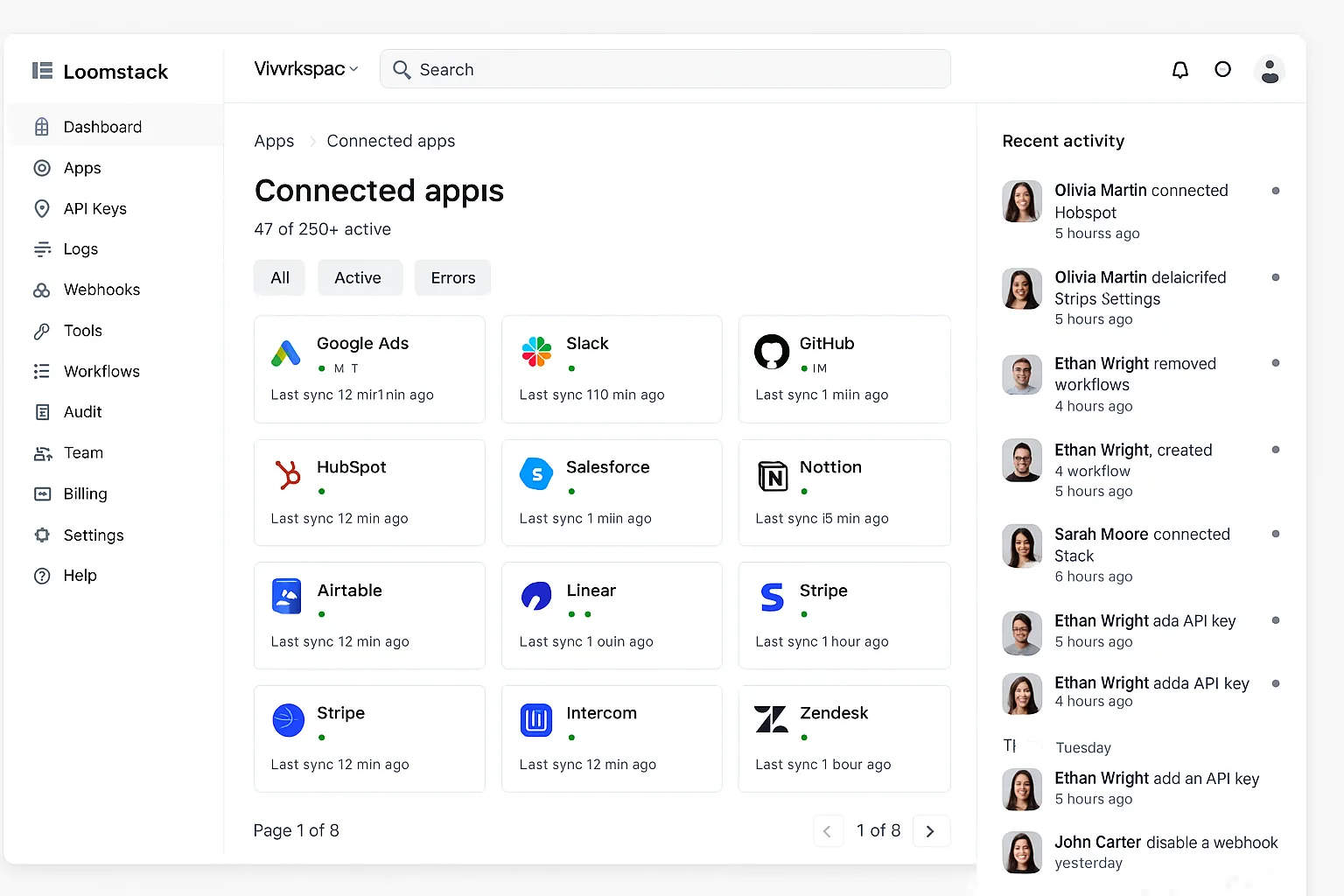
Screenshot — Loomstack’s connected-apps dashboard after the 5-10 minute Google Ads MCP setup.
Loomstack’s setup is mostly OAuth + a developer-style dashboard tour. The 5-10 minute range covers the API-key-heavy initial config — you’ll generate at least one API key, set scopes, and copy a connection string. None of it is hard, but it’s clearly designed by developers for developers, which adds friction for non-technical buyers.
Where Loomstack saves time is the second platform: Meta Ads, Slack, GitHub all share the same Loomstack workspace, so you skip 80% of repeat setup. If your goal is multi-channel Claude prompts, this matters more than the absolute Google Ads number.
Pros
- ✓5-10 min — reasonable for a hosted gateway
- ✓Adding 2nd platform: skip 80% of setup
- ✓Hosted — zero maintenance
Cons
- –Developer-tilted UX in setup
- –API-key juggling not no-code
First query
5-10 min
First write
+5 min
2nd account
3-5 min
6mo maintenance
0 touches
Pulselane — 10-15 minutes
Workflow Builder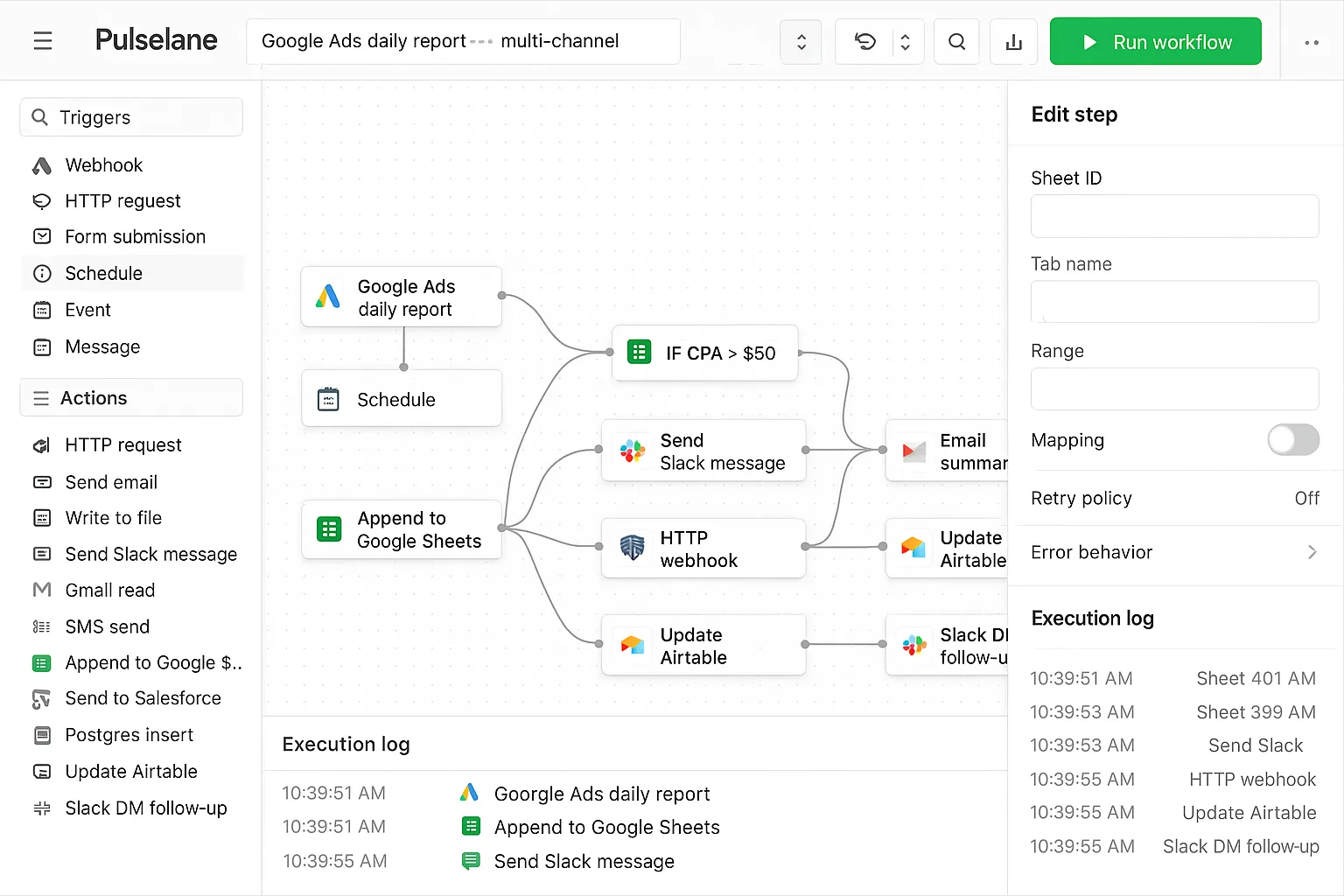
Screenshot — Pulselane’s workflow canvas after the 10-15 minute setup including the first 3-step flow.
Pulselane stretches to 10-15 minutes because the visual workflow canvas wants you to build at least one flow before Claude has anything useful to call. That first flow design takes most of the time — the OAuth and workspace setup are quick. If you’re willing to use a pre-built template, you can shave 3-5 minutes off.
The 10-15 min number is misleading in one direction: once you’ve built a flow, cloning it for a new client account is sub-2 minutes (just remap the trigger). So agencies onboarding multiple clients with similar reporting flows can amortize the setup quickly.
Pros
- ✓Cloning a flow for new account: ~2 min
- ✓Pre-built templates cut 3-5 min
- ✓Hosted — zero maintenance
Cons
- –10-15 min for first flow
- –More concepts to learn vs. a connector
First query
10-15 min
First write
+3 min
2nd account
~2 min (clone)
6mo maintenance
0 touches
marlowe/google-ads-mcp — 15-25 min
Community ForkThe marlowe community fork brings setup down vs. its upstream Pivix base because it ships with a Docker container — you skip the Python virtualenv setup. Still, you need a Google Cloud project, OAuth credentials, a developer token (1-2 day async wait!), and a Claude Desktop config edit. The 15-25 min covers the live-stopwatch portion only.
For a developer running through this for the first time, expect closer to 25 min. For someone who’s done it before (e.g. on Pivix already), 15 min is realistic. Adding a second client requires a new GCP project + token, repeating most of the setup — making this a poor agency choice despite the better DX vs. Pivix.
Pros
- ✓Docker-ready — saves ~10 min vs Pivix
- ✓Better error messages than upstream
- ✓Free, MIT licensed
Cons
- –Still requires Google developer token (1-2 day wait)
- –Read-only — no first-write number
- –Lags upstream by weeks
First query
15-25 min
First write
N/A (read-only)
2nd account
10-15 min
6mo maintenance
2-4 hr
Pivix gads-mcp — 25-45 min
Open Source Pick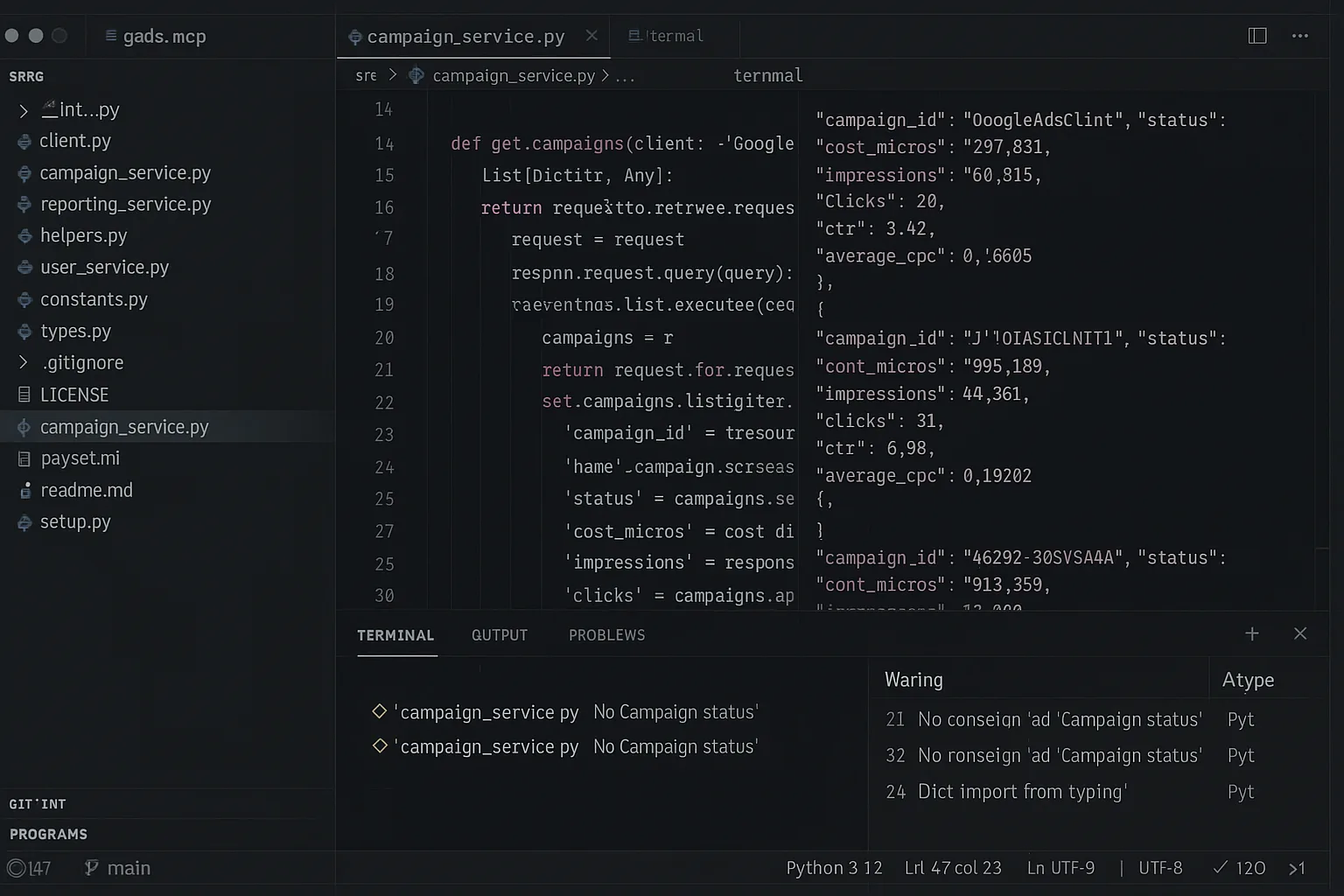
Screenshot — Pivix gads-mcp source: 25-45 min setup plus the 1-2 day Google developer-token approval wait.
Pivix takes 25-45 minutes plus a 1-2 day Google developer-token approval wait. The breakdown: ~10 min for the GCP project + API enable + OAuth credentials, ~5 min for Python virtualenv + dependency install, ~5 min cloning the repo and editing the .env file, ~5 min editing Claude Desktop config and restarting, then variable time debugging your first OAuth flow. The async token wait runs in the background, but you can’t query live (production) accounts until it clears.
The slow setup is the cost of full credential ownership. For privacy-conscious enterprises, this is the only path that genuinely passes a strict security review. For everyone else, the soft cost (engineering hours, ongoing maintenance, slow client onboarding) usually exceeds the savings on licensing.
Pros
- ✓Free, Apache 2.0
- ✓Self-host = full credential control
- ✓Passes regulated-industry security reviews
Cons
- –25-45 min + 1-2 day token wait
- –Read-only — no first-write number
- –2-4 hr/quarter ongoing maintenance
First query
25-45 min
First write
N/A (read-only)
2nd account
30-60 min
6mo maintenance
3-6 hr
Ryze AI — #1 in our benchmarks
From sign-up to first live Claude query in 2 minutes
- ✓Skips the 1-2 day Google developer-token wait
- ✓2nd account in < 30 sec via MCC
- ✓Zero ongoing maintenance
2,000+
Marketers
$500M+
Ad spend
23
Countries
Side-by-side timings
All five timing components for all six connectors. The first column is the headline number; the rest matter at scale.
| Connector | First query | First write | 2nd account | 6mo maintenance | Token wait? |
|---|---|---|---|---|---|
| Ryze AI | 2 min | +10 sec | < 30 sec | 0 | No |
| Tasknest | 3-5 min | +1 min | 3-5 min | 0 | No |
| Loomstack | 5-10 min | +5 min | 3-5 min | 0 | No |
| Pulselane | 10-15 min | +3 min | ~2 min | 0 | No |
| marlowe fork | 15-25 min | N/A | 10-15 min | 2-4 hr | Yes (1-2 days) |
| Pivix gads-mcp | 25-45 min | N/A | 30-60 min | 3-6 hr | Yes (1-2 days) |
Why setup times vary by 22.5×
The main driver of variance is hosted vs self-hosted. Hosted connectors (Ryze, Tasknest, Loomstack, Pulselane) broker the Google Ads API on your behalf, so you skip the developer-token approval entirely — that’s 1-2 business days saved. Self-hosted connectors (Pivix, marlowe forks) require a token, plus all the GCP / Python / OAuth setup that hosted vendors do once and reuse forever.
The second driver is whether the connector requires you to pre-configure a workflow before Claude has anything to call. Pulselane and Tasknest do (because they’re workflow-builders); Ryze and Loomstack don’t (Claude can query the platform directly with no pre-built flows).
For agencies, the per-additional-account number matters more than the first-account number. An agency adding 2-5 clients/month spends very different amounts of total time depending on whether each new client takes 30 seconds (Ryze) or 30-60 minutes (Pivix).
Quickstart: connect Ryze AI in 2 minutes
The full benchmark-winning sequence, transparently. Run a stopwatch yourself and you should land within 30 seconds of our number.
Step 01 (~30 sec)
Sign up + Google OAuth
Visit get-ryze.ai, click “Start free trial,” click “Connect Google Ads,” click Allow on the OAuth screen. That’s the entire authorization step.
Step 02 (~30 sec)
Paste MCP URL into Claude Desktop
Copy your unique MCP URL from the Ryze dashboard. Open Claude Desktop → Settings → MCP Servers → paste.
Step 03 (~60 sec)
Restart Claude + first query
Quit Claude Desktop, reopen it, wait for the green MCP indicator, type your first prompt. Stopwatch stops when Claude returns its first answer with real data.

Jordan R.
Solutions Engineer
B2B SaaS, $30K/mo Google Ads
I literally ran a stopwatch. Ryze AI: 1:48 from sign-up to first live query in Claude. Pivix gads-mcp: 38 minutes plus a 36-hour wait for my Google developer token. The difference shows up everywhere — setup, every new account, every API breaking change.”
1:48
Ryze setup time
22.5x
Slowest vs fastest
36h
Pivix token wait
Frequently asked questions
Q: What is the fastest Claude connector for Google Ads?
Ryze AI clocks 2 minutes from sign-up to live query in our benchmarks. The OAuth flow is two clicks; Claude Desktop config is a single URL paste. Tasknest is second-fastest at 3-5 minutes.
Q: Why is Pivix gads-mcp 45 minutes when others are under 10?
Pivix is self-hosted open source — you set up GCP, OAuth, request a developer token (1-2 day async wait), install Python, clone the repo, and edit Claude Desktop config. Hosted connectors skip every step except OAuth.
Q: Does fastest setup mean lowest features?
No — Ryze ships full feature parity (read + safe write, MCC, audit logs) and is also fastest. Setup time and feature depth aren’t inversely correlated; they’re mostly determined by hosted-vs-self-hosted architecture.
Q: How long does developer-token approval take?
For production access: 1-2 business days. Test tokens are instant. This wait blocks self-hosted connectors but not hosted ones, which broker API access on your behalf.
Q: How long to add a 2nd Google Ads account?
Ryze: under 30 sec via MCC. Tasknest, Loomstack, Pulselane: 3-10 min. Pivix and marlowe: 30-60 min because each needs its own server deployment.
Q: Maintenance time over 6 months?
Hosted: zero. Self-hosted: 1-3 hours per quarter to patch upstream API changes, plus emergency fixes when Google deprecates an endpoint. Soft cost matters.
Ryze AI — #1 in our setup-time benchmarks
2 minutes. We measured.
- ✓No developer needed
- ✓No developer-token wait
- ✓2nd account in seconds
2,000+
Marketers
$500M+
Ad spend
23
Countries

