Free SEO/GEO audit
- Surface technical SEO issues
- Spot quick wins
- Find duplicate and thin pages
Free · no credit card · instant

Marcus D.
Performance Marketing Lead
B2B SaaS
★★★★★
“I ran approve mode for three weeks and agreed with almost every call it made, so I turned it loose. It cut 31% of our wasted spend in the first quarter, mostly on search terms I never had time to read. I stopped doing bid changes and started fixing the funnel instead.”
1,000+ marketers use Ryze
Automating hundreds of agencies
 ★★★★★
★★★★★Final verdict: which Google Ads autopilot should you pick?
1 Ryze AI — Autonomous, approvals per change type9.5/10
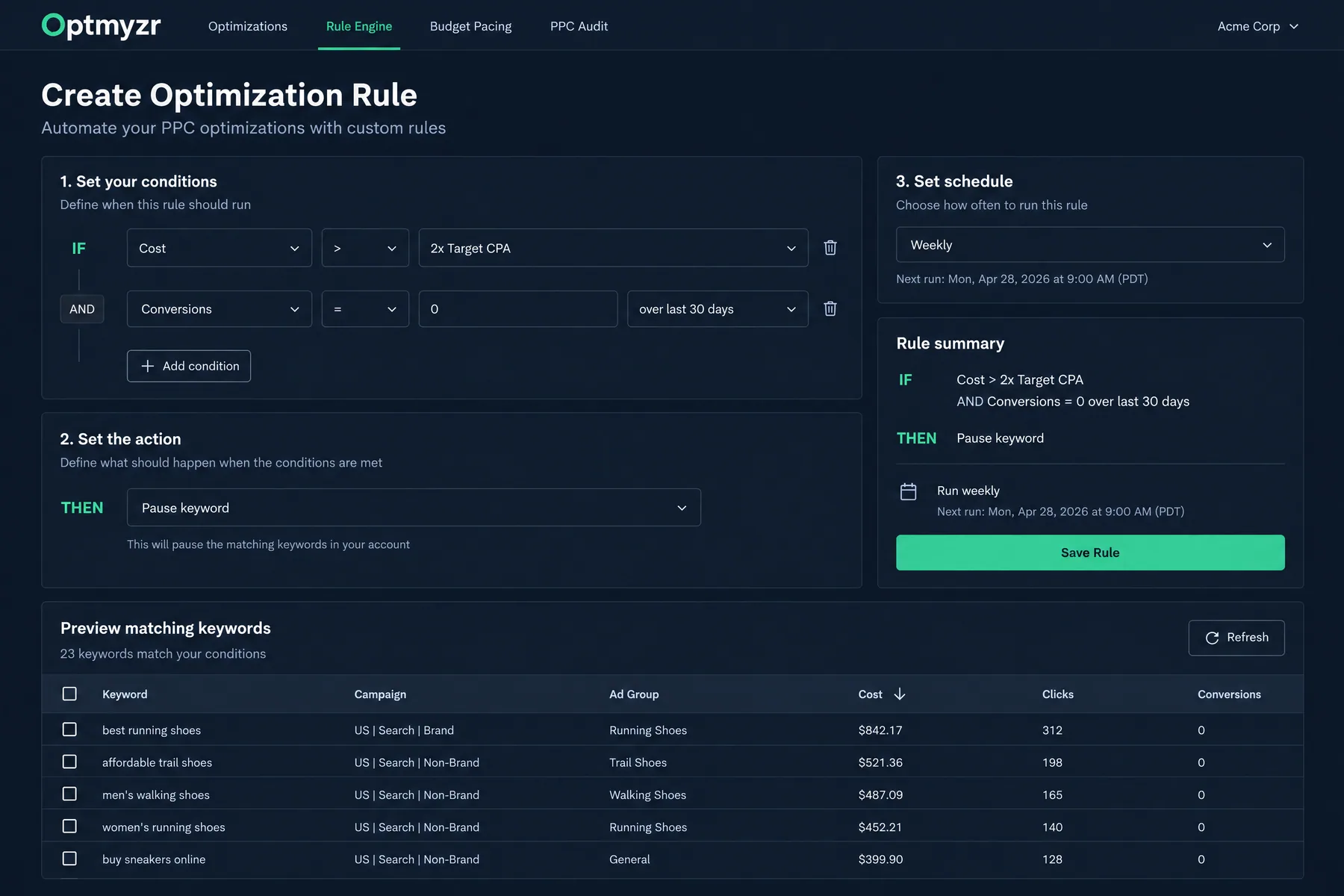
 2 Optmyzr — Rule engine and PMax depth8.8/10
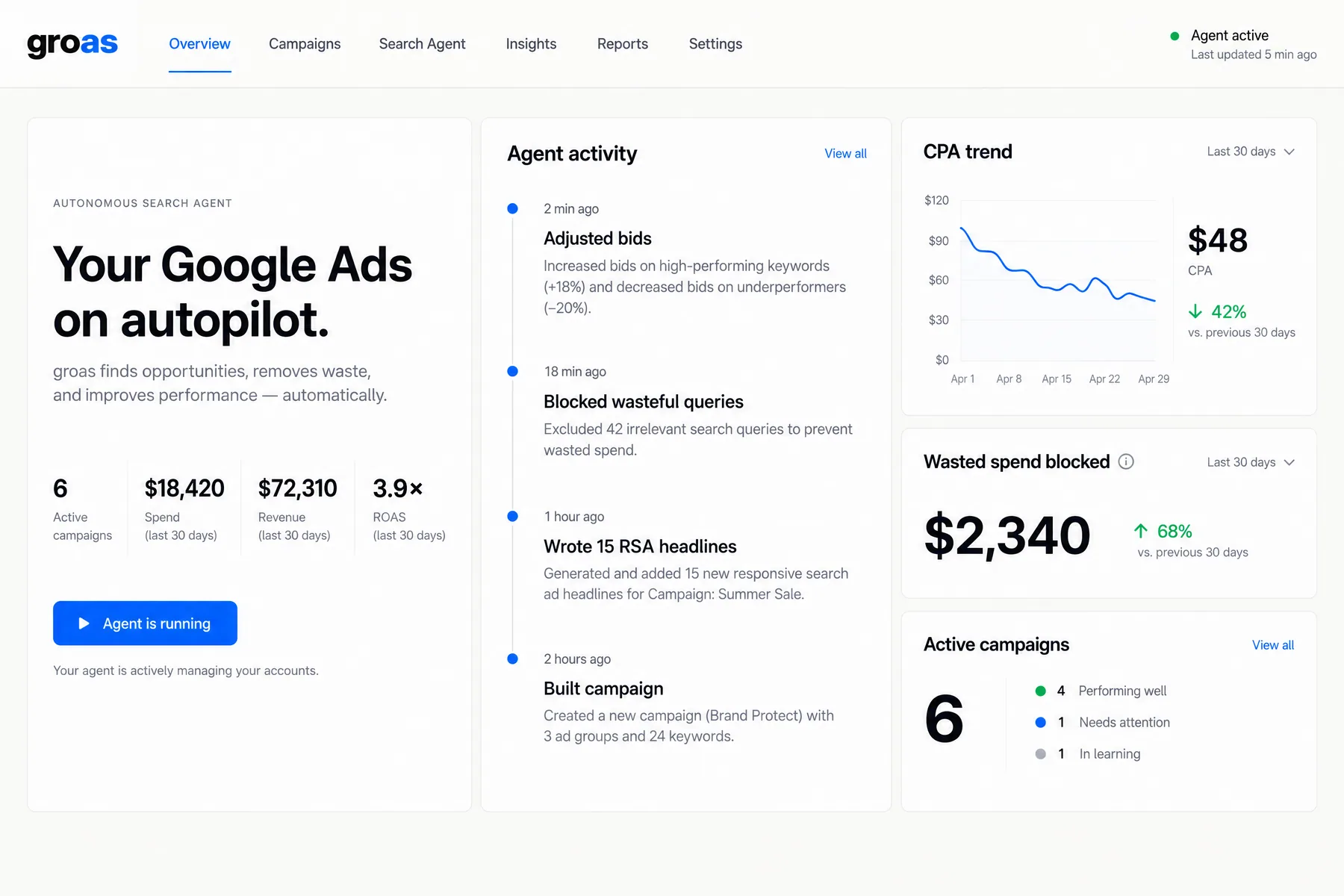
 3 groas — Done-for-you agent, $999/mo8.3/10
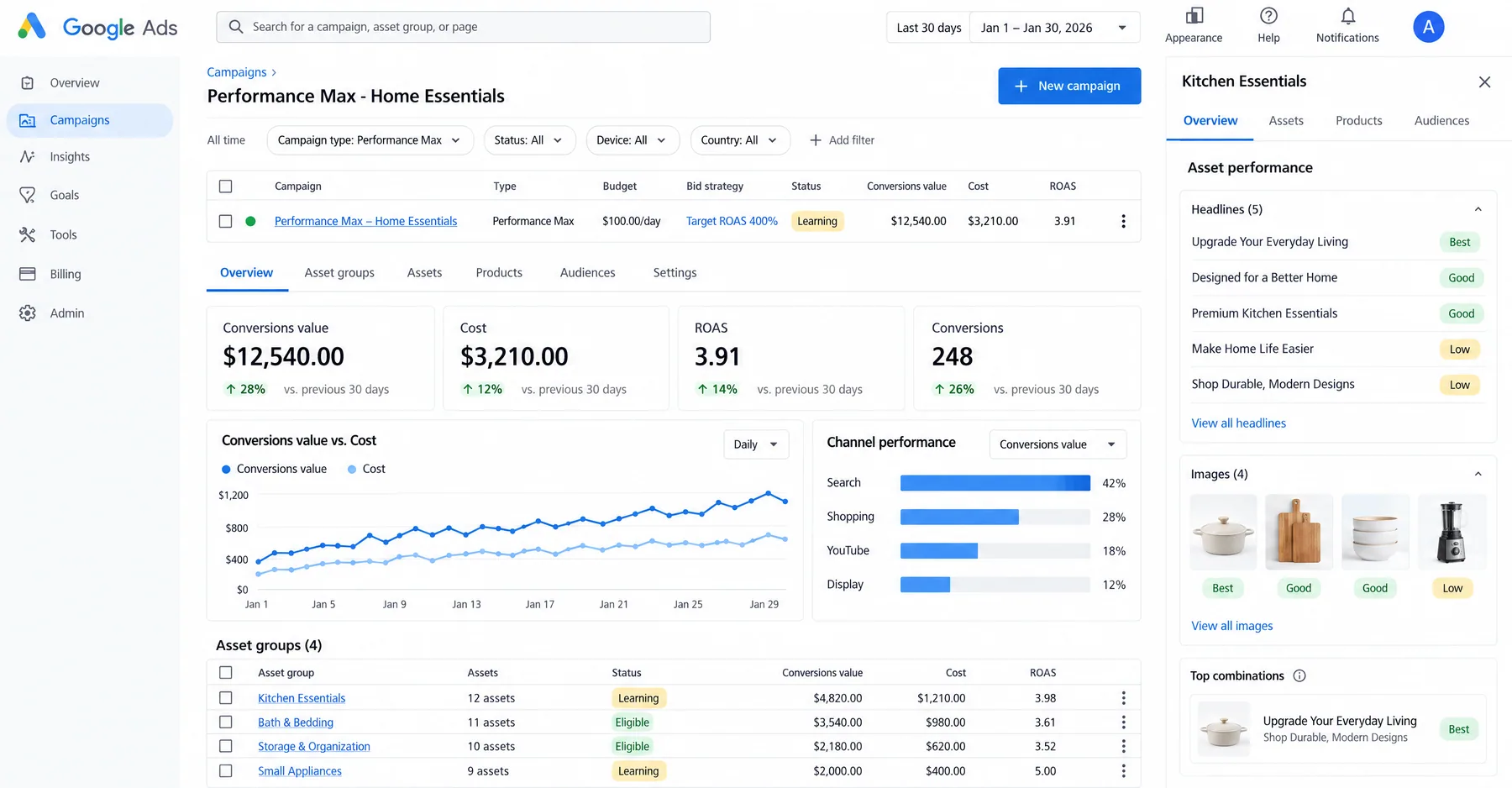
 4 Smart Bidding + PMax — Free auction-time bidding8.2/10
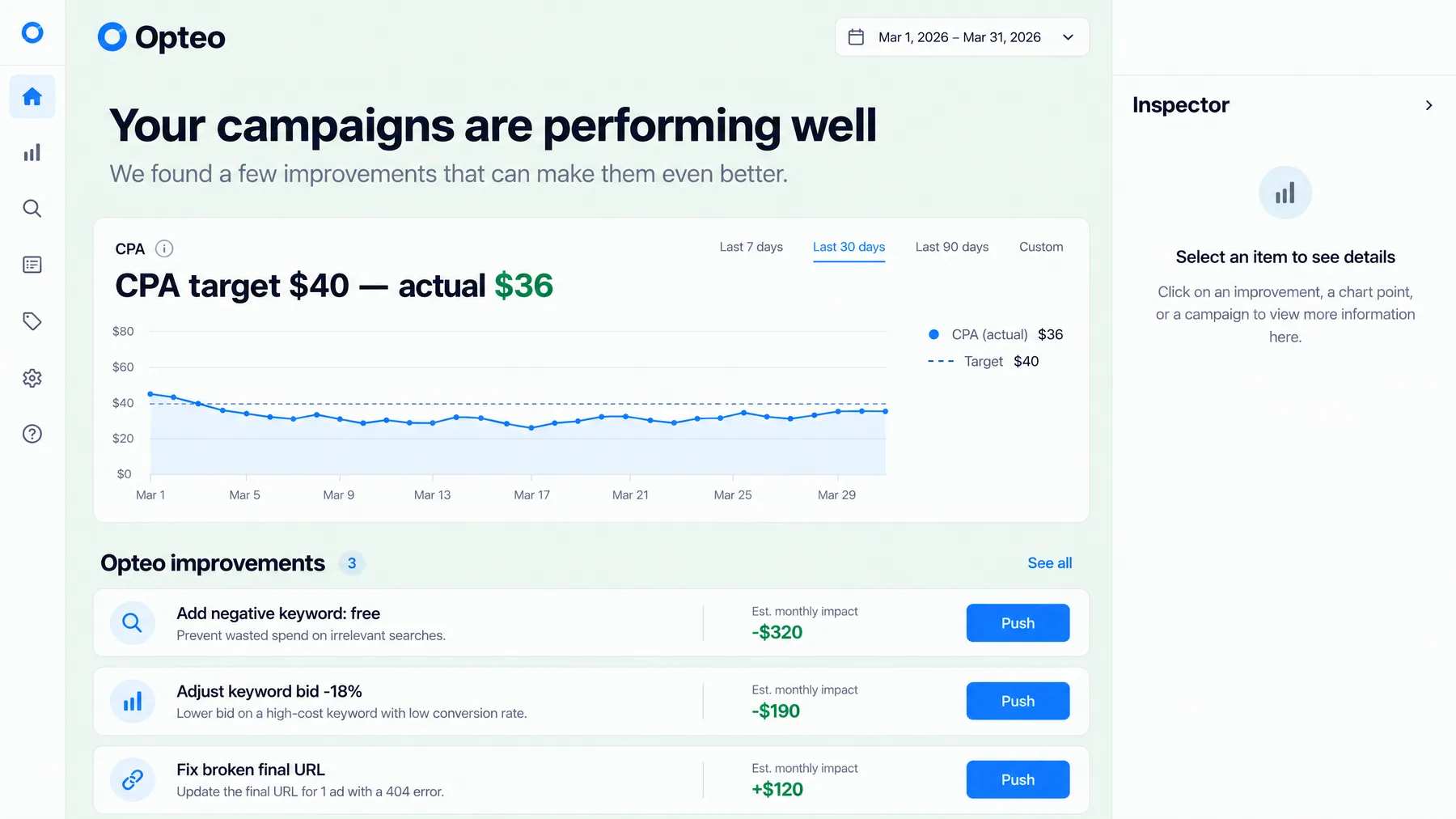
 5 Opteo — One-click fixes8.0/10
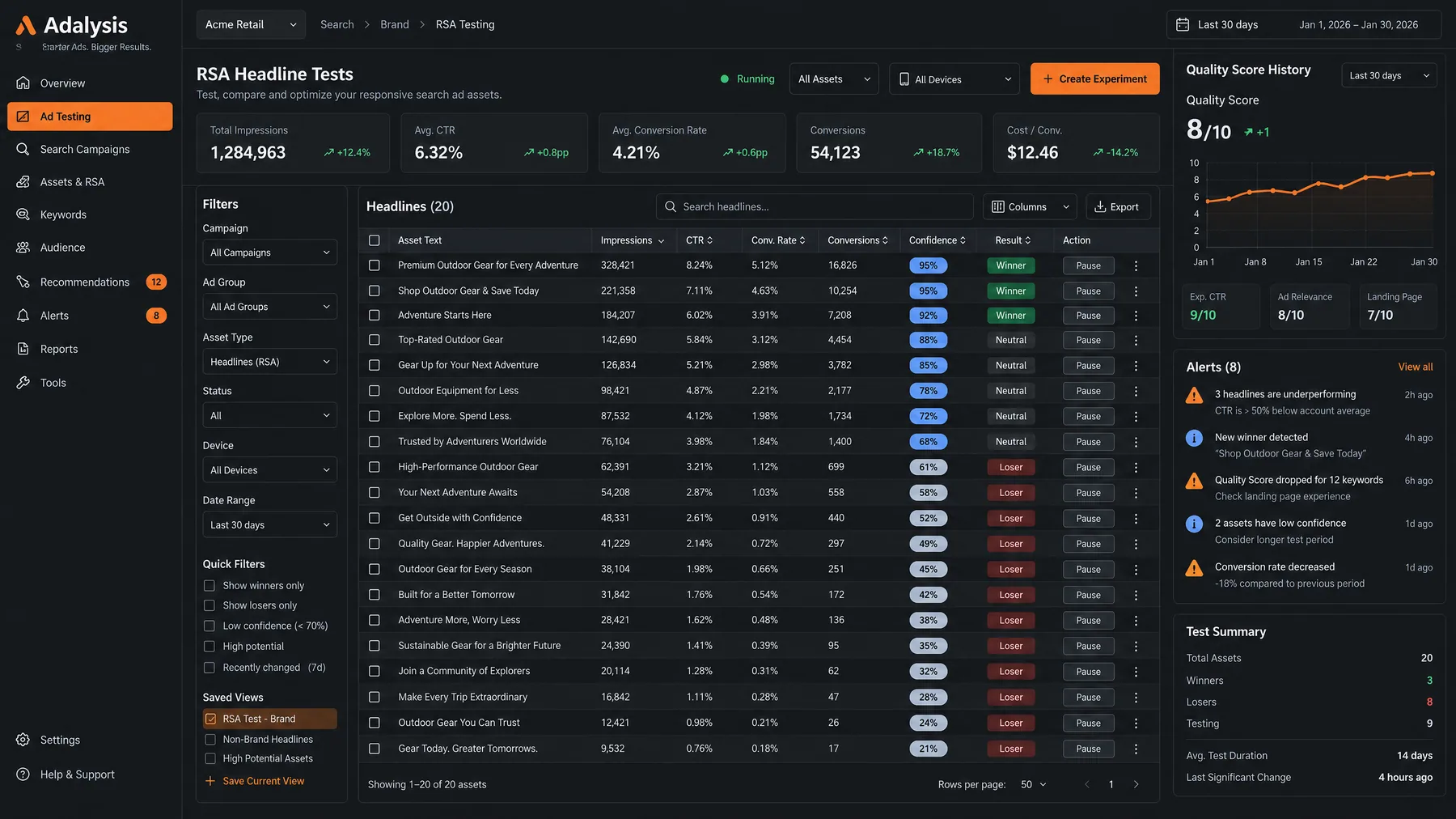
 6 Adalysis — Ad testing and audits7.8/10
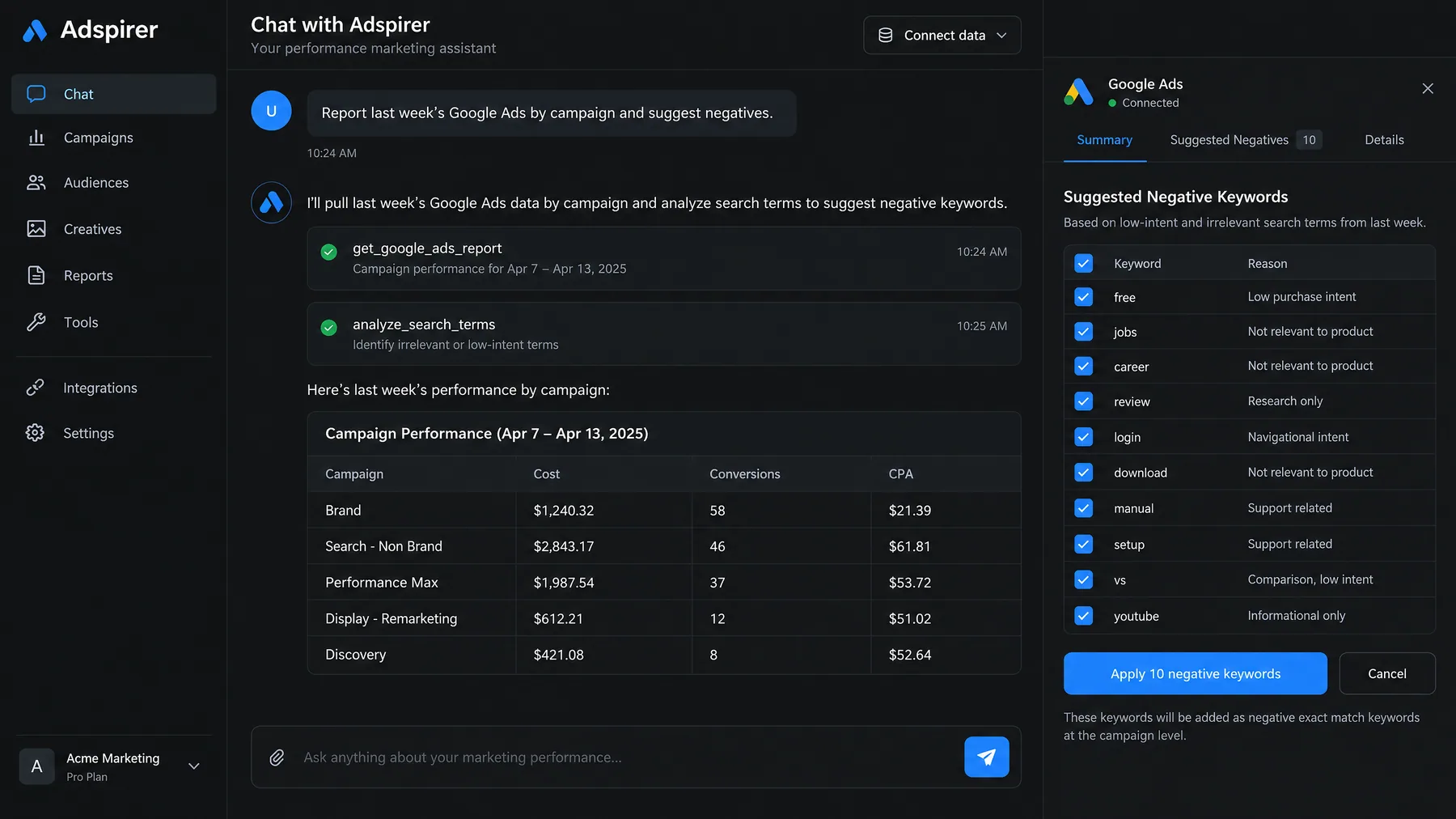
 Ryze AI is the pick for most teams that want Google Ads on autopilot: it applies bid, budget, negative and pause changes on its own, lets you gate each change type, and costs $89 a month flat. Its limits: less rule-level control than Optmyzr, and a shorter track record than the enterprise platforms.
Optmyzr is the right call for agencies with a playbook to automate. groas suits teams that want a fully managed agent and have the budget. Smart Bidding should run underneath any of them. Start with one campaign, approvals on, and a 30-day baseline to compare against.
Public track record: what reviews and vendor pages say
Checked on September 23, 2026. Every item links to a source you can open.
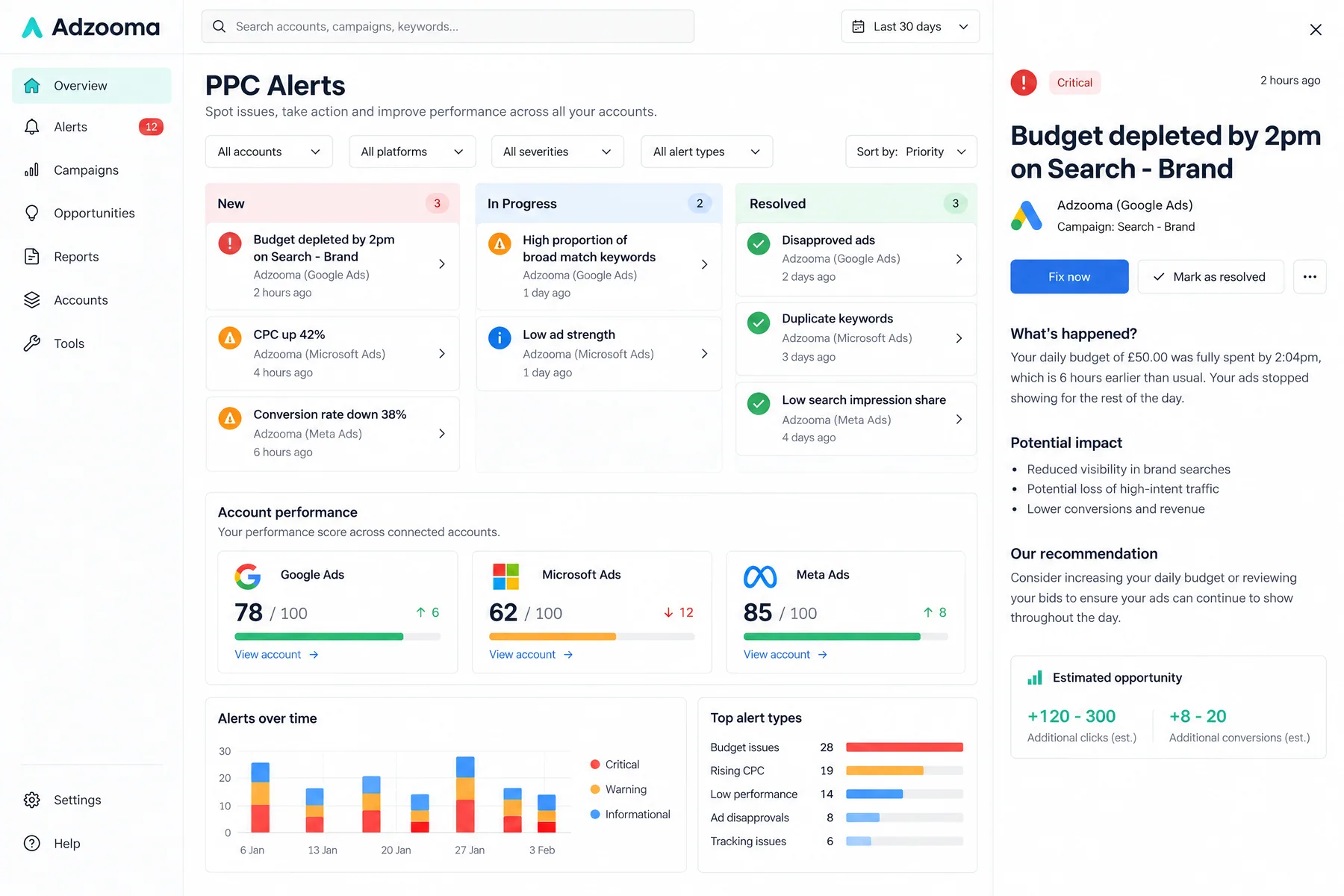
Adzooma has a Trustpilot score of 3.1 out of 5 across 184 reviews; negative reviews say its suggestions repeat what Google and Microsoft show for free, and one reports a refused refund two days after signing up.
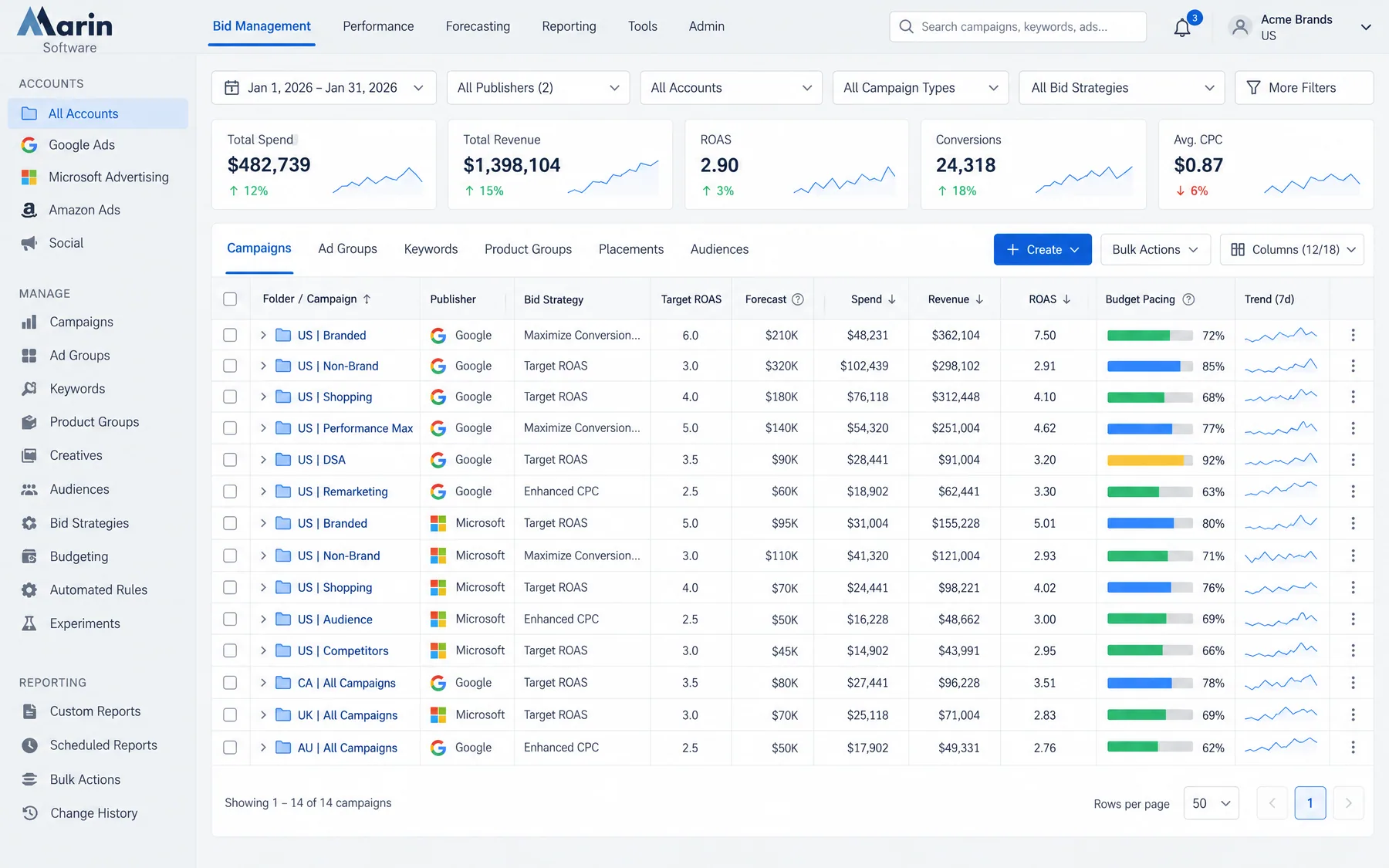
Marin Software announced on its homepage that it has been acquired by Zax Capital. Existing contracts continue, but buyers should ask about the product roadmap. Its pricing page lists plans from $500, $1,000 and $2,000 a month, the higher two on 12-month terms.
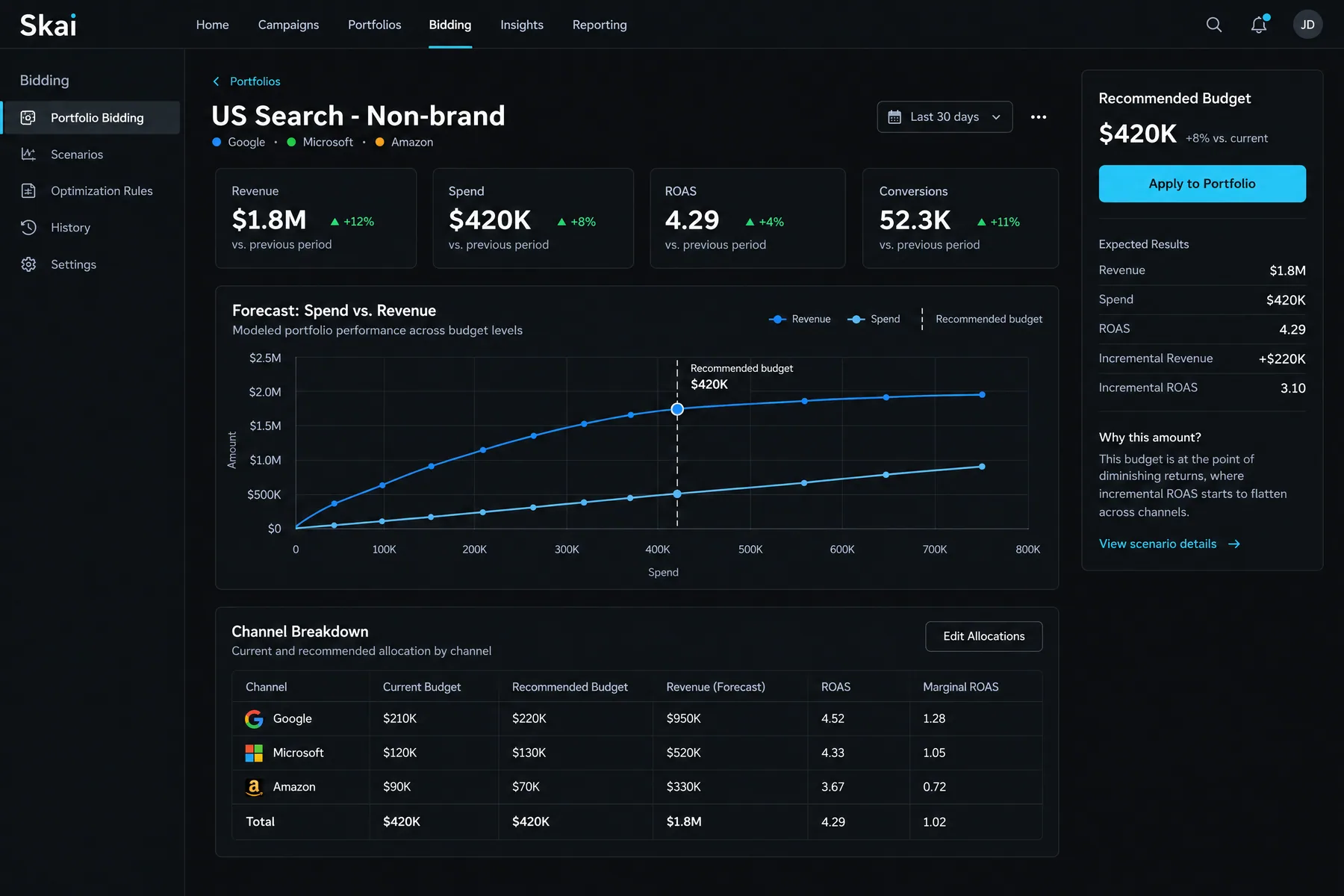
Skai lists its Standard plan at $114k a year for advertisers spending up to $4M a year, which puts it out of reach for most teams on this list.
groas charges $999 a month for paid search and $2,000 for paid and organic, and the 7-day trial starts only after an onboarding call. We found no independent reviews to check.
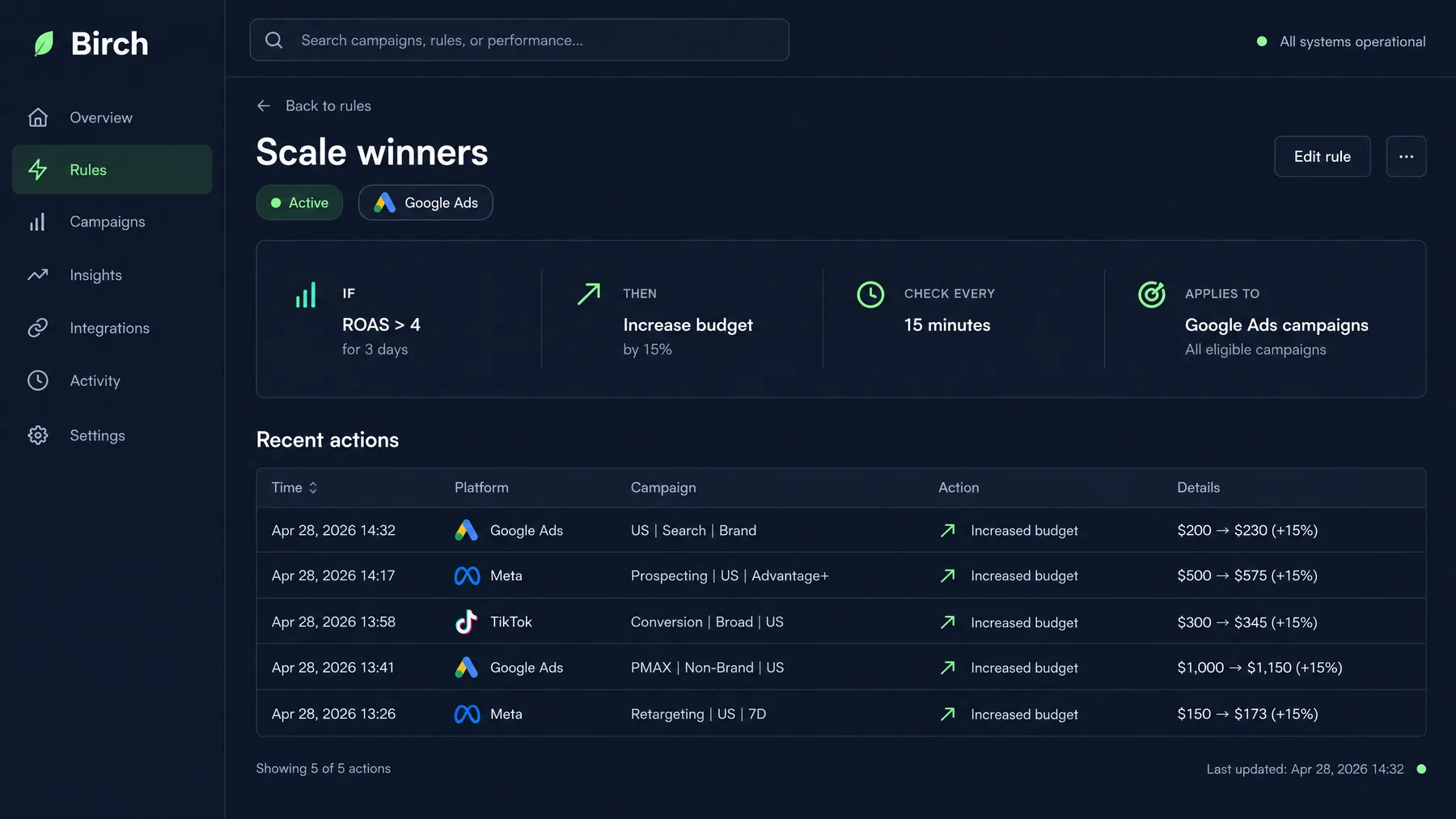
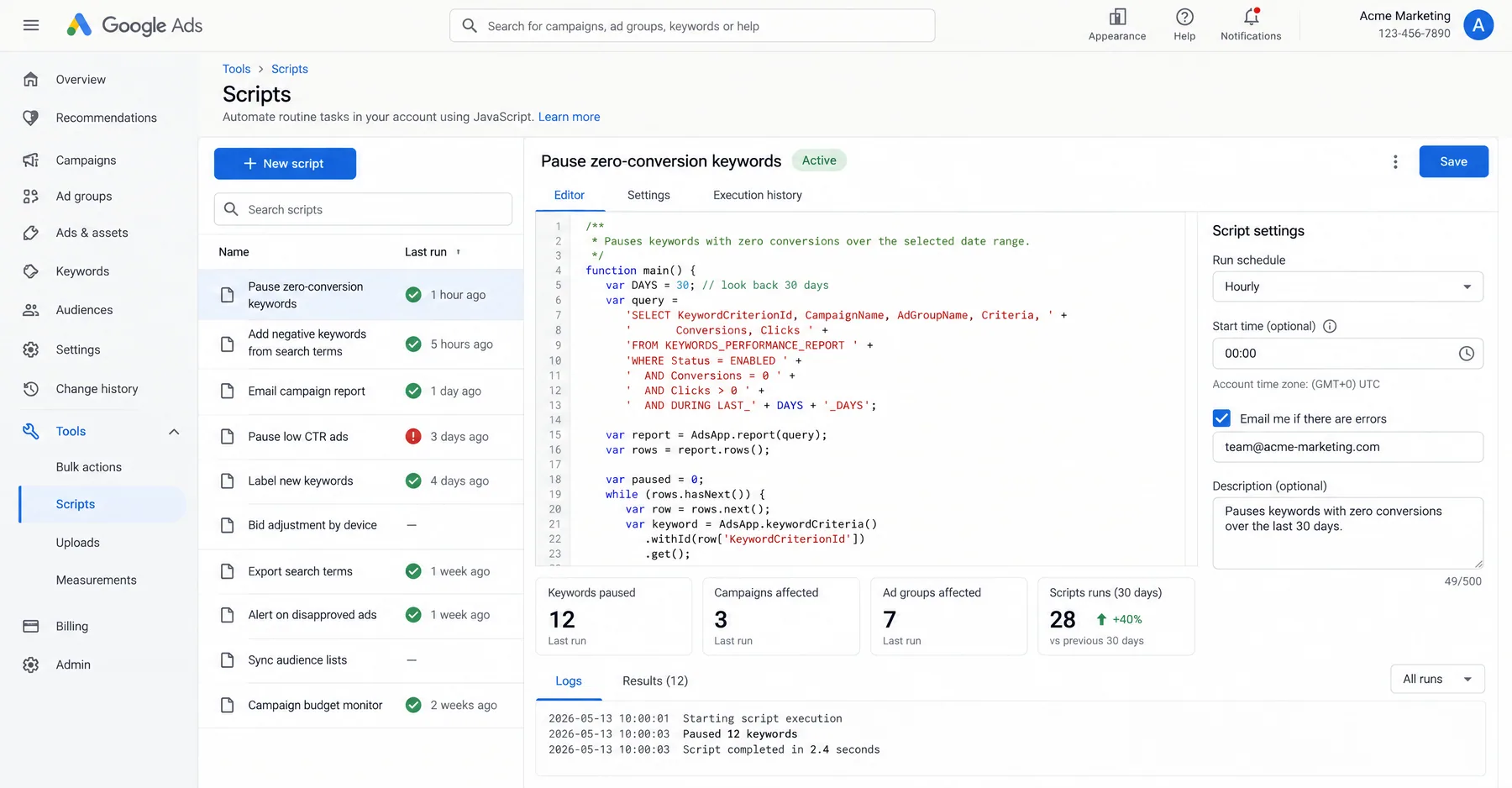
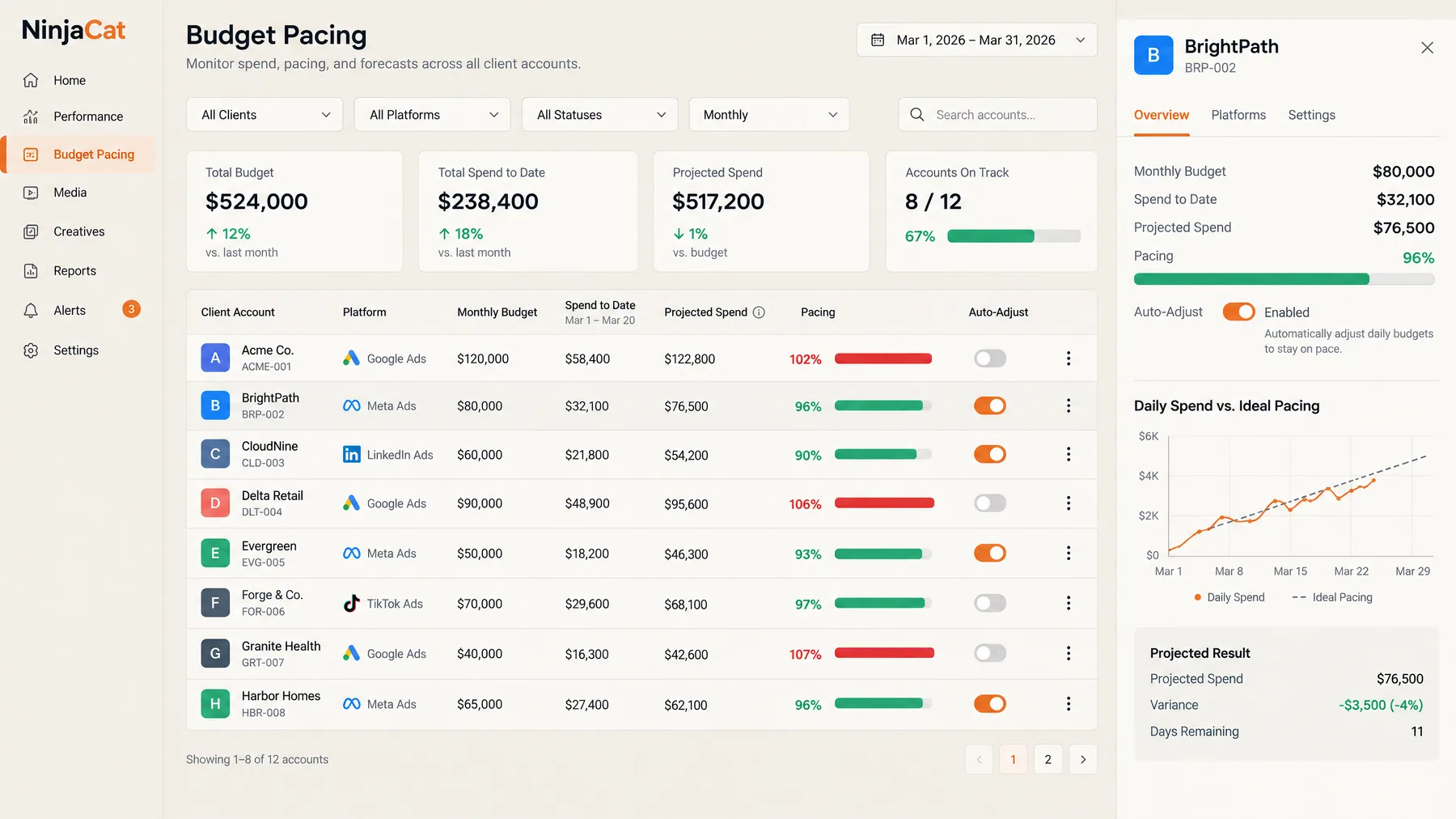
Optmyzr and Opteo have no Trustpilot reviews, so nothing negative is on record there. Documented limits: Optmyzr starts at $209 a month and rises with spend (pricing); Opteo waits for a click on every change. Adalysis does not show its prices as numbers on its pricing page. Shape now redirects to NinjaCat, which lists no price. Smart Bidding optimizes each campaign on its own and never questions the budget split between campaigns.
Choose Ryze AI for Google Ads autopilot with approval controls. See how Ryze AI works and match the plan to the work you want handled.