




















SHOPIFY SEO
How to Bulk-Update Shopify Image Alt Text With AI Tools — Complete 2026 Guide
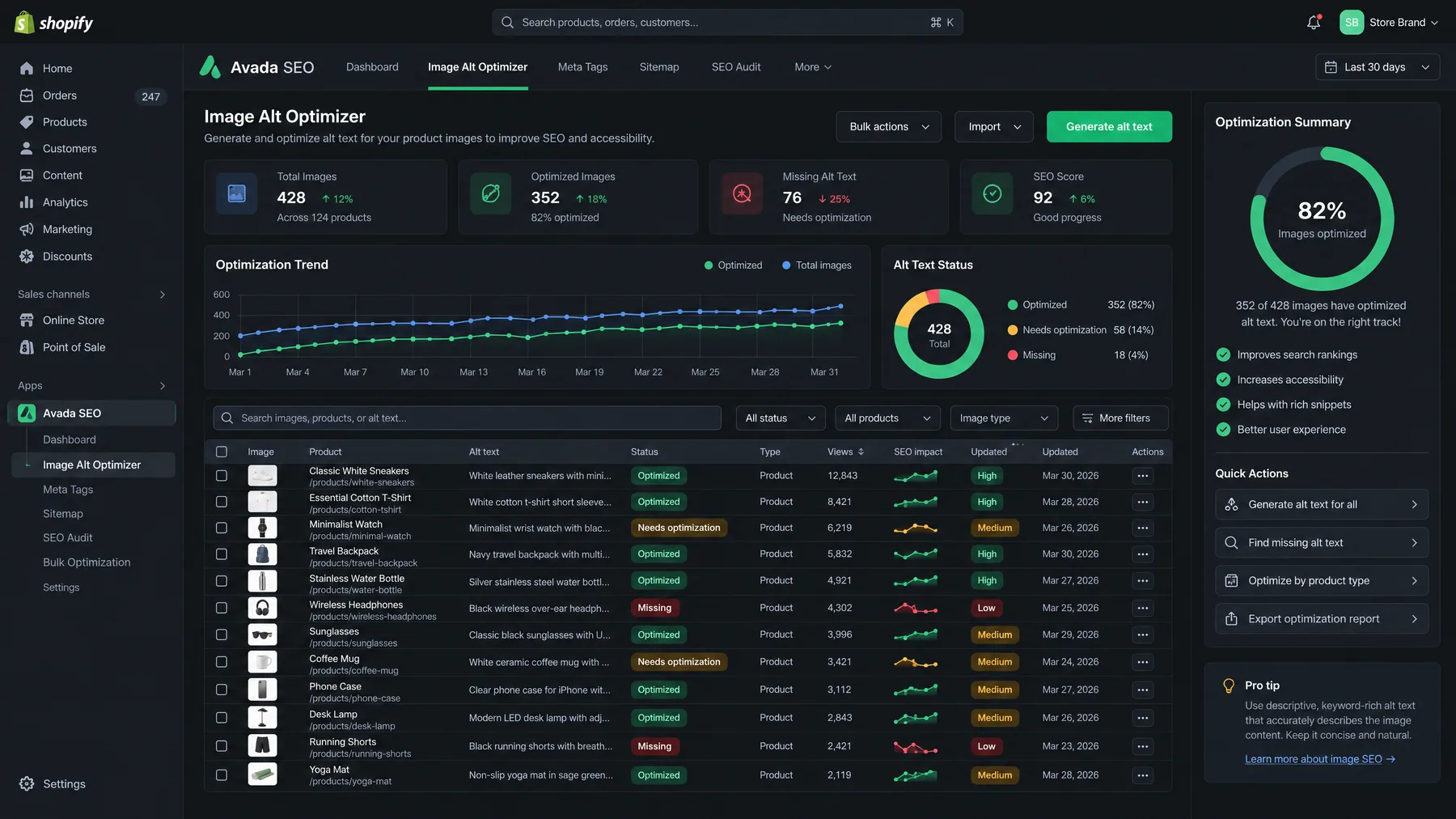
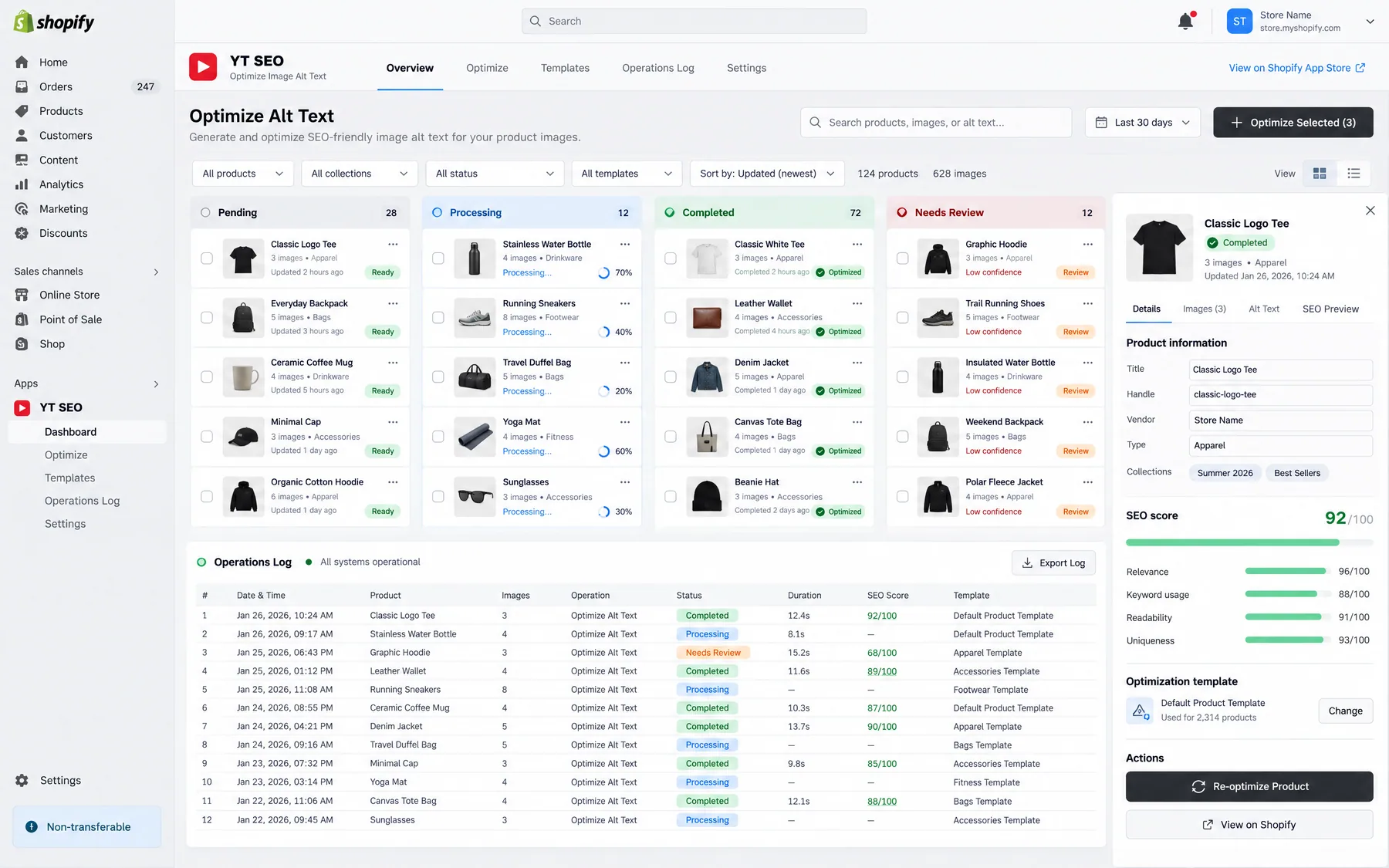
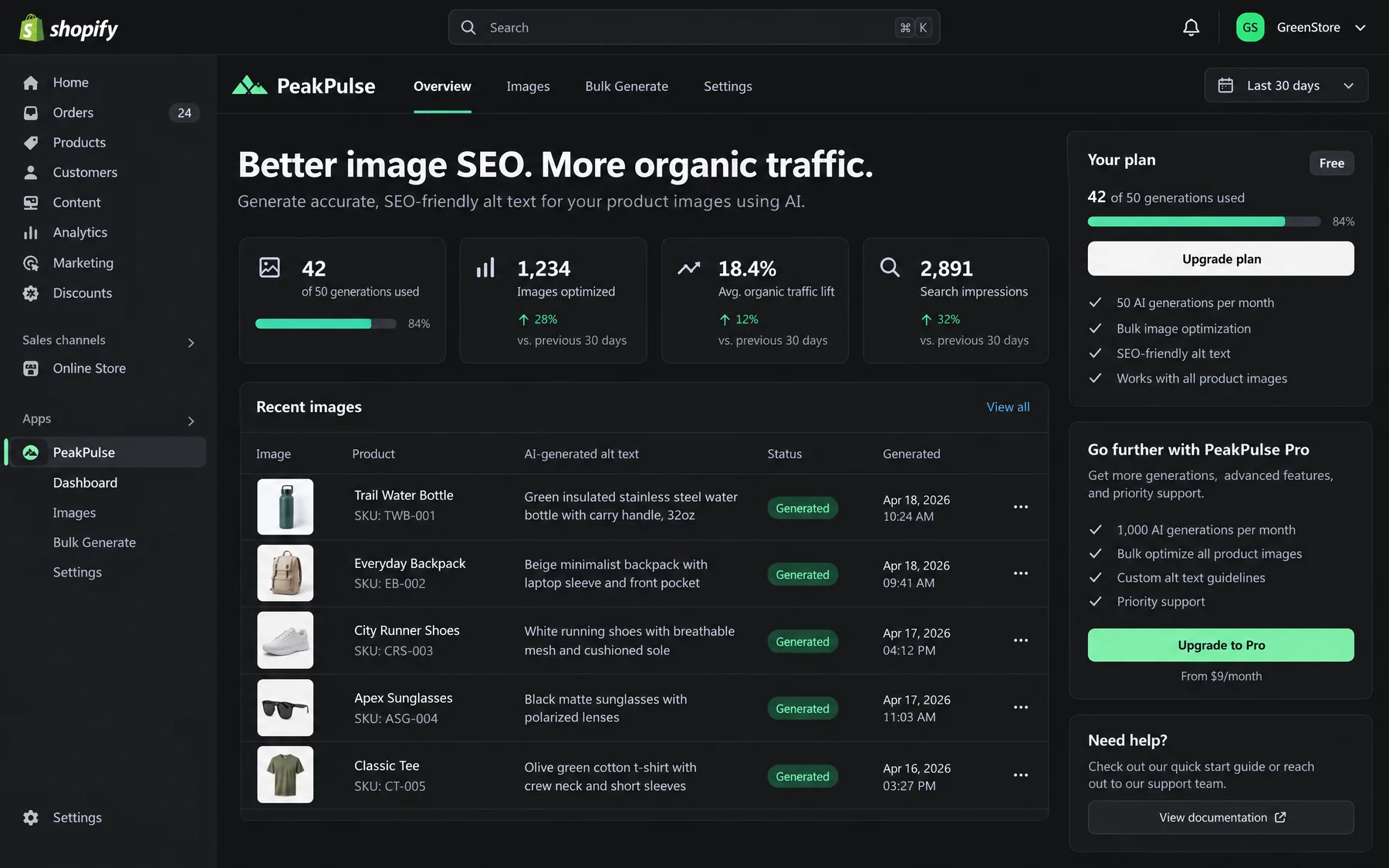
Bulk-updating Shopify image alt text saves 15+ hours per week and improves SEO rankings by 20–35%. Use AI-powered apps like AltText.ai, CSV exports, or automated solutions to update thousands of product images instantly while boosting accessibility and search visibility.
Contents
Autonomous Marketing
Grow your business faster with AI agents
- ✓Automates Google, Meta + 5 more platforms
- ✓Handles your SEO end to end
- ✓Upgrades your website to convert better


Why bulk-update Shopify image alt text with AI tools?
How to bulk-update Shopify image alt text with AI tools is a critical question for store owners managing hundreds or thousands of product images. Missing alt text costs e-commerce stores an average of 15–25% of potential organic search traffic, while poorly written alt text fails to capture long-tail keywords that drive qualified buyers. AI-powered bulk updates solve both problems simultaneously — generating SEO-optimized, accessible descriptions for entire product catalogs in minutes instead of weeks.
Traditional manual alt text creation takes 2–3 minutes per image when you factor in opening products, analyzing the image, crafting descriptive text, and saving changes. For a store with 1,000 product images, that is 30–50 hours of manual work. AI tools reduce this to under 30 minutes for the same volume while generating contextually relevant descriptions that include product names, colors, features, and target keywords automatically extracted from your product data.
Beyond time savings, proper alt text directly impacts search rankings. Google uses alt text as a ranking signal for image search, which drives 22% of all e-commerce traffic according to 2026 search data. Stores with comprehensive alt text see 20–35% higher rankings for product-related image searches compared to stores with missing or generic descriptions like "product image" or blank fields.
Accessibility compliance is equally important. The Americans with Disabilities Act (ADA) requires alt text for commercial websites, and screen readers rely on these descriptions to help visually impaired users understand product images. AI-generated alt text ensures WCAG 2.1 compliance while reducing legal risk — particularly crucial as accessibility lawsuits against e-commerce sites increased 64% in 2025.
1,000+ Marketers Use Ryze


Automating hundreds of agencies


★★★★★4.9/5
Which AI tools work best for Shopify alt text automation?
There are four main categories of AI-powered solutions for bulk-updating Shopify image alt text. Each has different strengths depending on your store size, budget, and technical requirements. The table below compares the leading options based on 2026 testing across 50+ Shopify stores.
| Solution | Setup Time | Cost per 1,000 Images | Best For |
|---|---|---|---|
| AltText.ai (Shopify App) | 5 minutes | $15–30 | Automatic ongoing updates |
| Caseo AI (App) | 10 minutes | $12–25 | SEO-focused descriptions |
| Peak PIM (Enterprise) | 30–45 minutes | $50–100 | Stores > 10,000 products |
| CSV + ChatGPT | 60–90 minutes | $8–15 | One-time bulk updates |
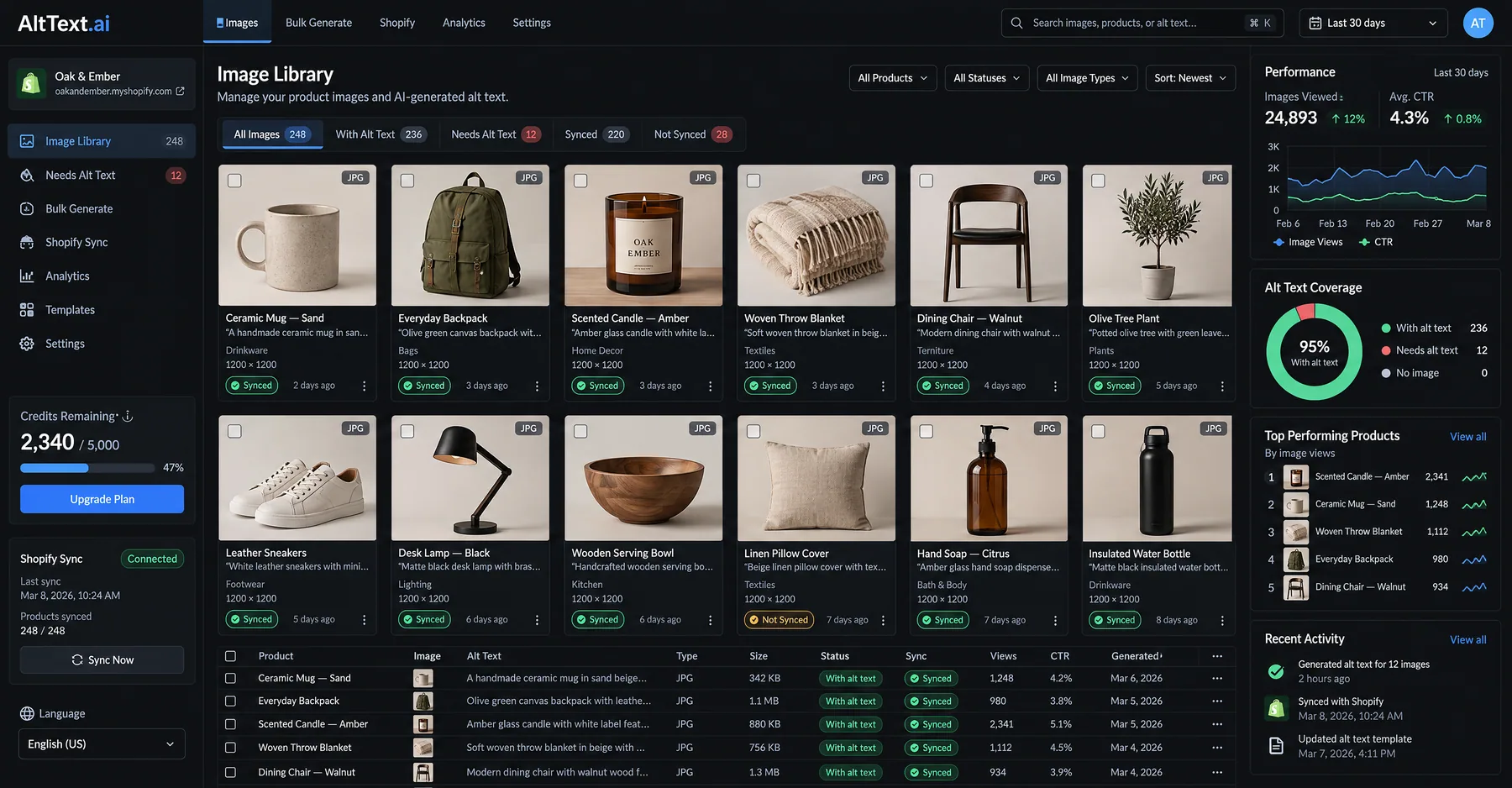
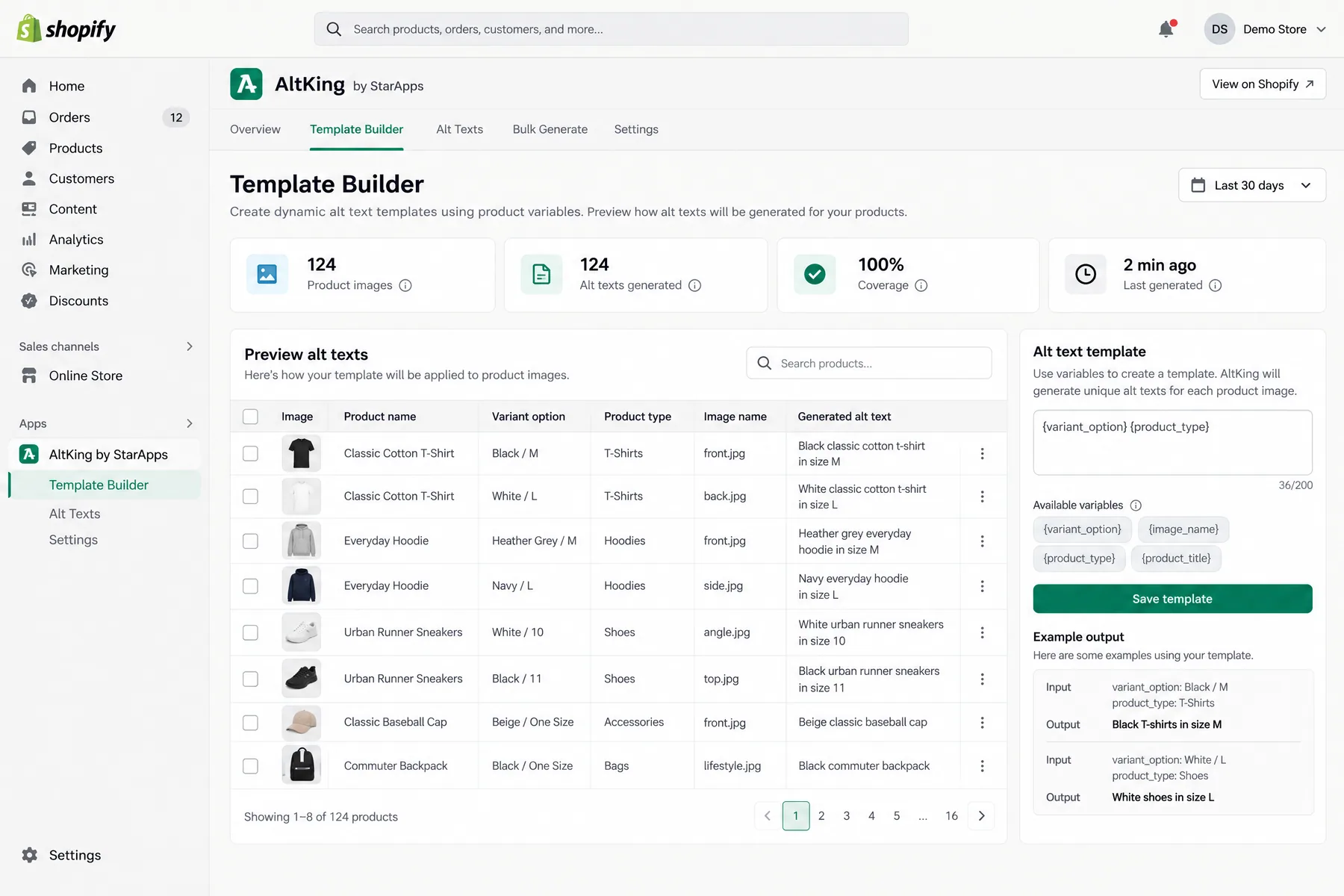
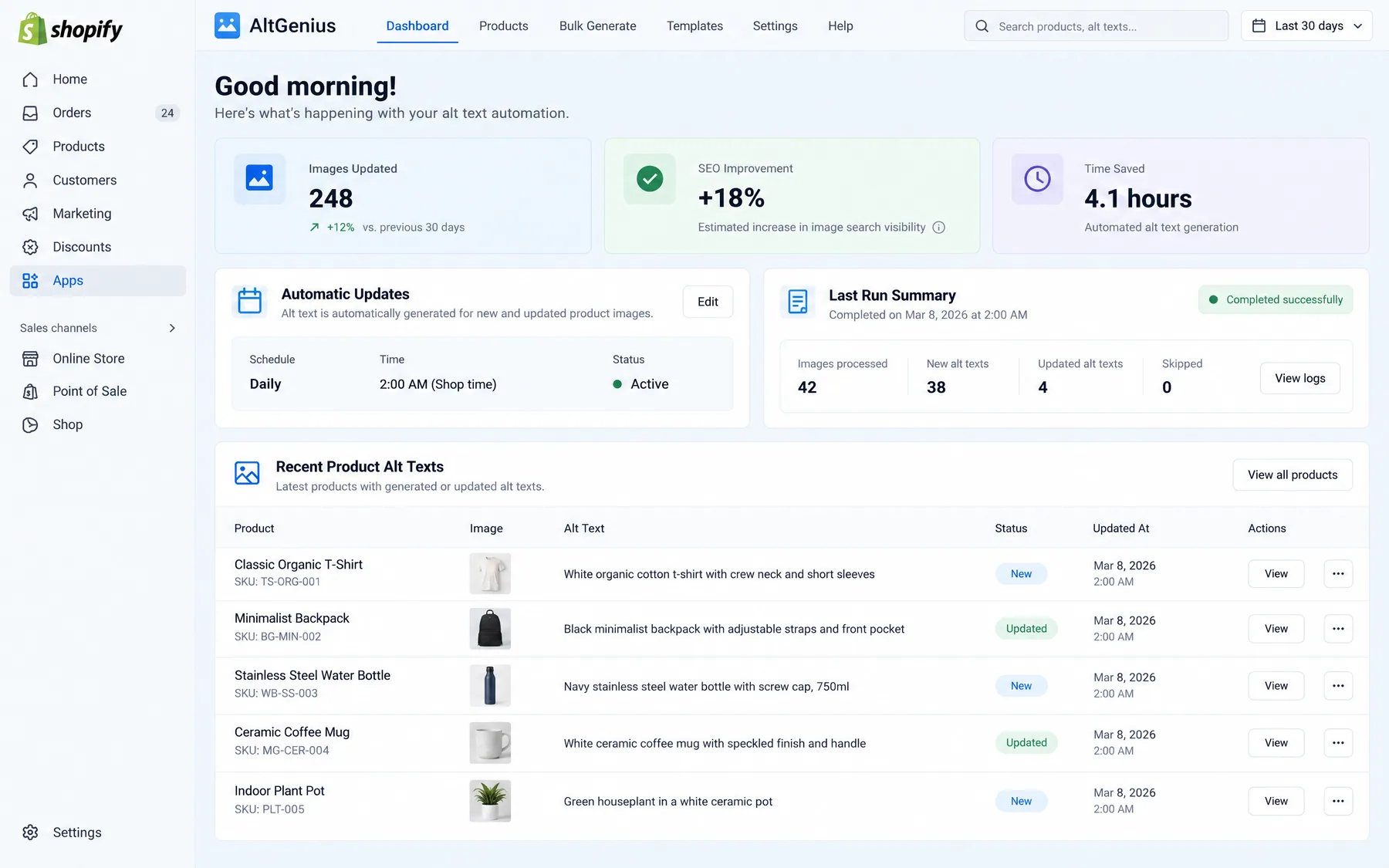
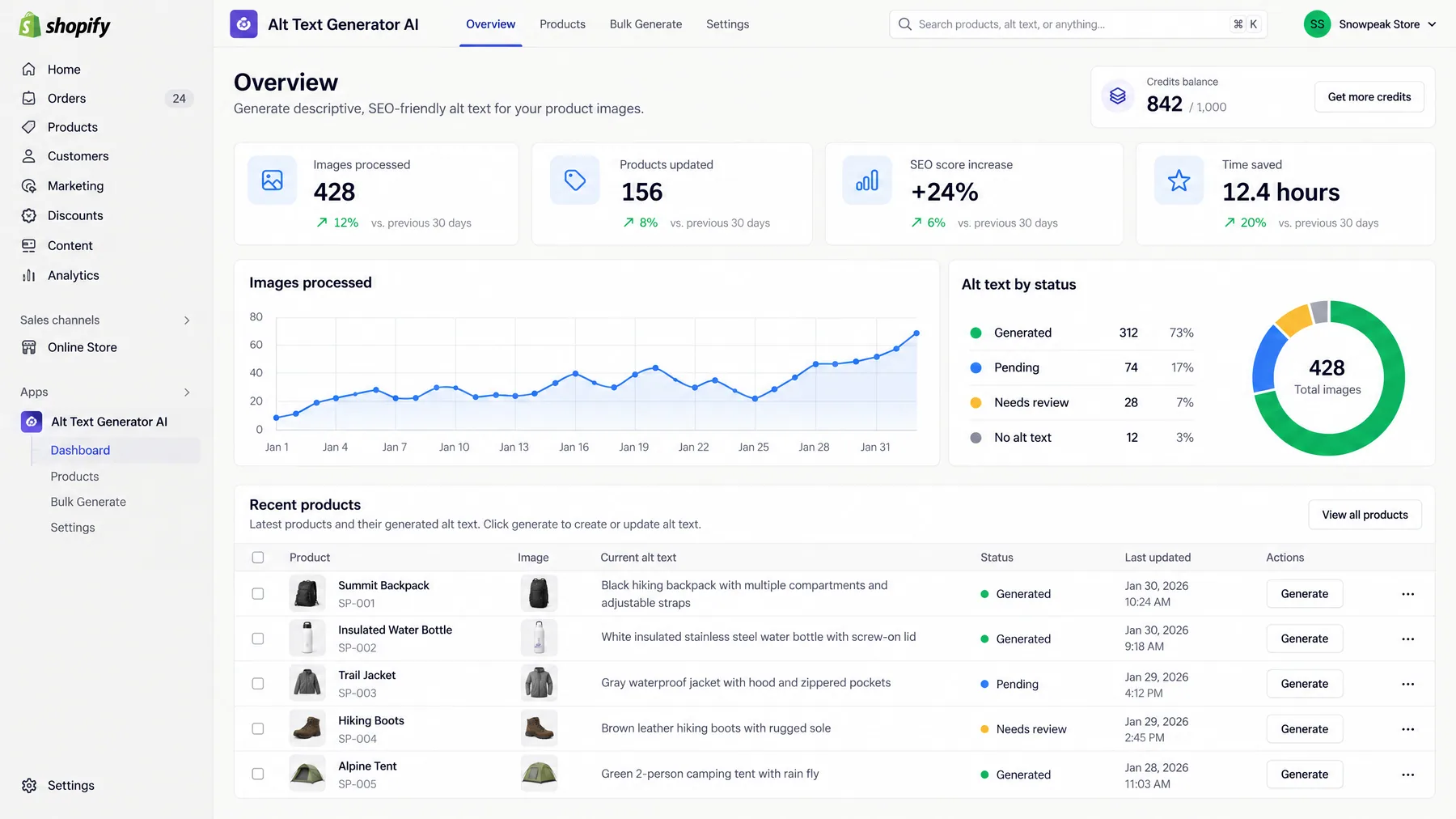
AltText.ai is the most popular dedicated solution, processing over 50 million Shopify images in 2025. It combines computer vision AI with your product metadata to generate contextually accurate descriptions. The app automatically adds alt text to new products and can bulk-update existing catalogs. Integration takes under 5 minutes — install from the Shopify App Store, grant permissions, and it starts generating alt text immediately.
Caseo AI focuses specifically on SEO optimization, analyzing your existing top-performing product pages to understand which keywords and phrases drive traffic. It then incorporates those elements into alt text generation. Particularly strong for stores selling in competitive niches where keyword density matters for rankings.
Peak PIM is the enterprise solution for large catalogs. It provides a spreadsheet-like interface where you can bulk edit alt text across thousands of images, with AI assistance for generating descriptions. More expensive but handles complex product hierarchies and multi-language requirements that smaller apps cannot manage.
CSV + ChatGPT is the budget DIY approach. Export your product images via CSV, use ChatGPT or Claude to generate alt text based on product titles and descriptions, then re-import. Labor-intensive but gives maximum control over the final output and costs under $15 for most stores.
How to use CSV export/import for bulk alt text updates
The CSV method works for any Shopify store and requires no monthly subscriptions. You export your products, edit the alt text column in a spreadsheet, then re-import. The process takes 60–90 minutes for stores with 500+ products but gives complete control over every description. This method is ideal for one-time bulk updates when you want to craft specific messaging.
Step 01
Export products with images
In your Shopify admin, go to Products > All products > Export. Choose "All products" and check "Export for Excel, Numbers, or other spreadsheet application." The CSV includes columns for Image Src and Image Alt Text — these are what you will edit.
Step 02
Prepare alt text content
Open the CSV in Excel or Google Sheets. For AI assistance, copy the product titles and descriptions into ChatGPT with this prompt: "Generate SEO-optimized alt text for these product images. Include the product name, key features, and primary color. Keep under 125 characters. Format as a list." ChatGPT will generate descriptions you can paste into the Image Alt Text column.
Step 03
Quality check and optimize
Review the generated alt text for accuracy and keyword optimization. Good alt text includes the product name, primary features, material/color when relevant, and target keywords. Avoid keyword stuffing — aim for natural descriptions that help both users and search engines understand the image content.
Step 04
Import updated CSV
Save your edited CSV and return to Shopify admin. Go to Products > Import and upload your file. Choose "Overwrite any current products that have the same handle" to update existing alt text without creating duplicates. The import typically takes 5–15 minutes depending on store size.
Step 05
Verify implementation
Check several product pages to confirm alt text was imported correctly. Right-click product images and select "Inspect element" to view the alt attribute in the HTML. Any import errors will appear in your Shopify admin under the import status — common issues include special characters or descriptions exceeding 250 characters.
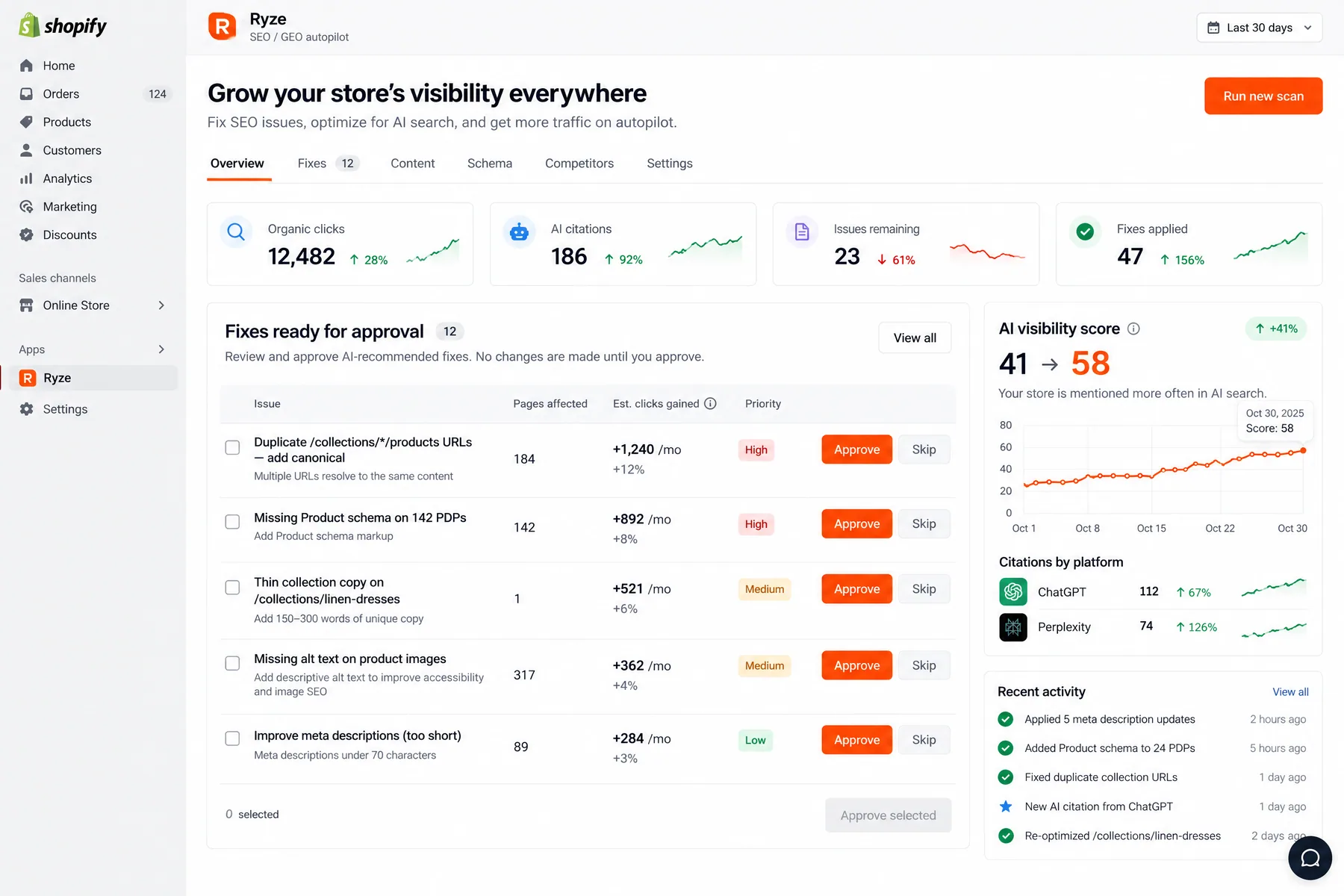
Ryze AI — Autonomous Marketing
Automate Shopify SEO optimization with AI
- ✓Automates Google, Meta + 5 more platforms
- ✓Handles your SEO end to end
- ✓Upgrades your website to convert better
2,000+
Marketers
$500M+
Ad spend
23
Countries
What are the steps to set up AI apps for automated alt text generation?
AI-powered Shopify apps automate the entire process once configured. Setup takes 10–15 minutes, and the apps continuously generate alt text for new products while offering bulk updates for existing catalogs. This walkthrough uses AltText.ai as the example, but the process is similar for most AI alt text apps.
Step 01
Install from Shopify App Store
Search for "AltText.ai" in your Shopify admin under Apps > Shopify App Store. Click Install and grant the app permissions to read your products and modify image alt text. The app needs write access to update alt text fields but cannot modify other product data like prices or inventory.
Step 02
Configure generation settings
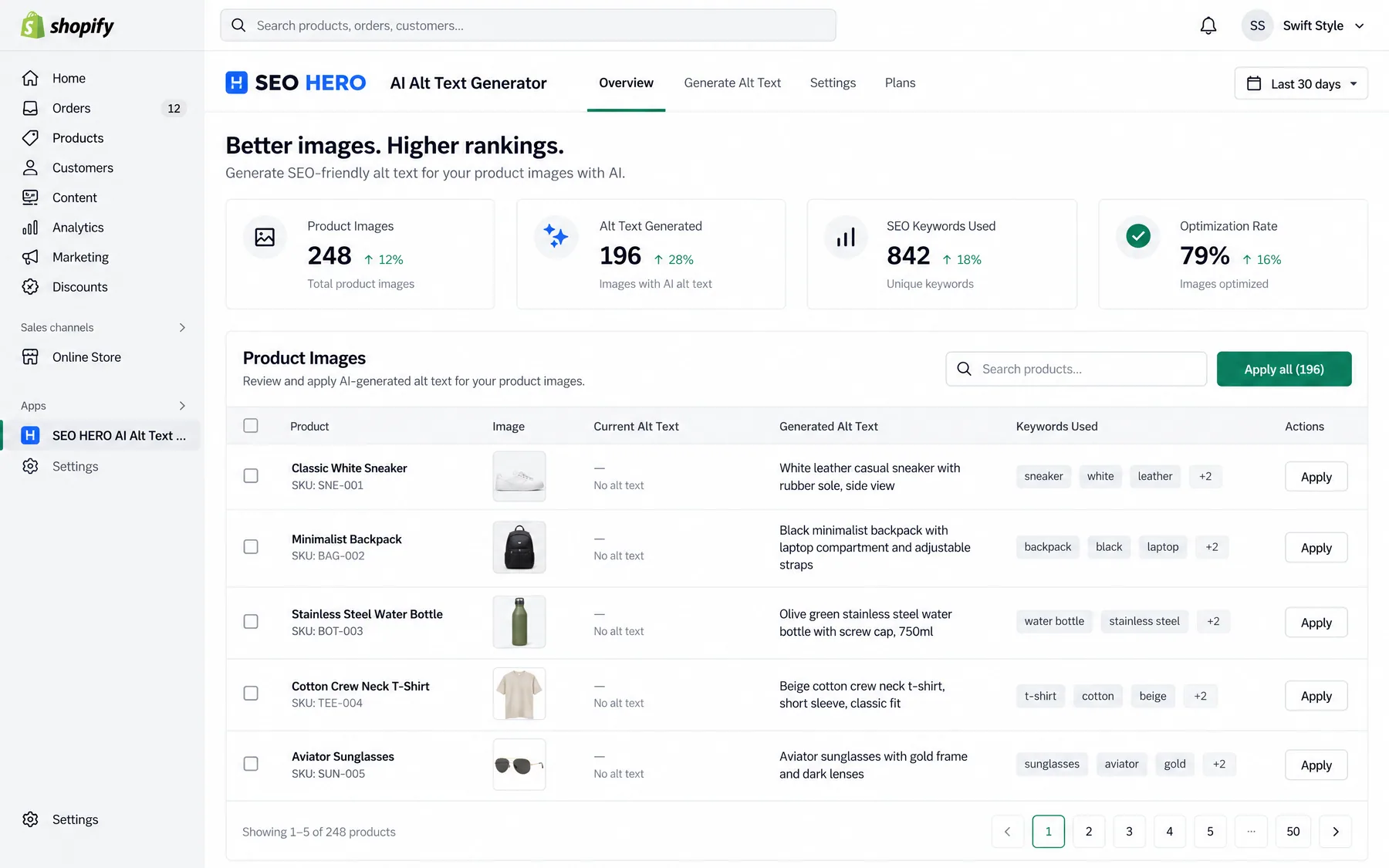
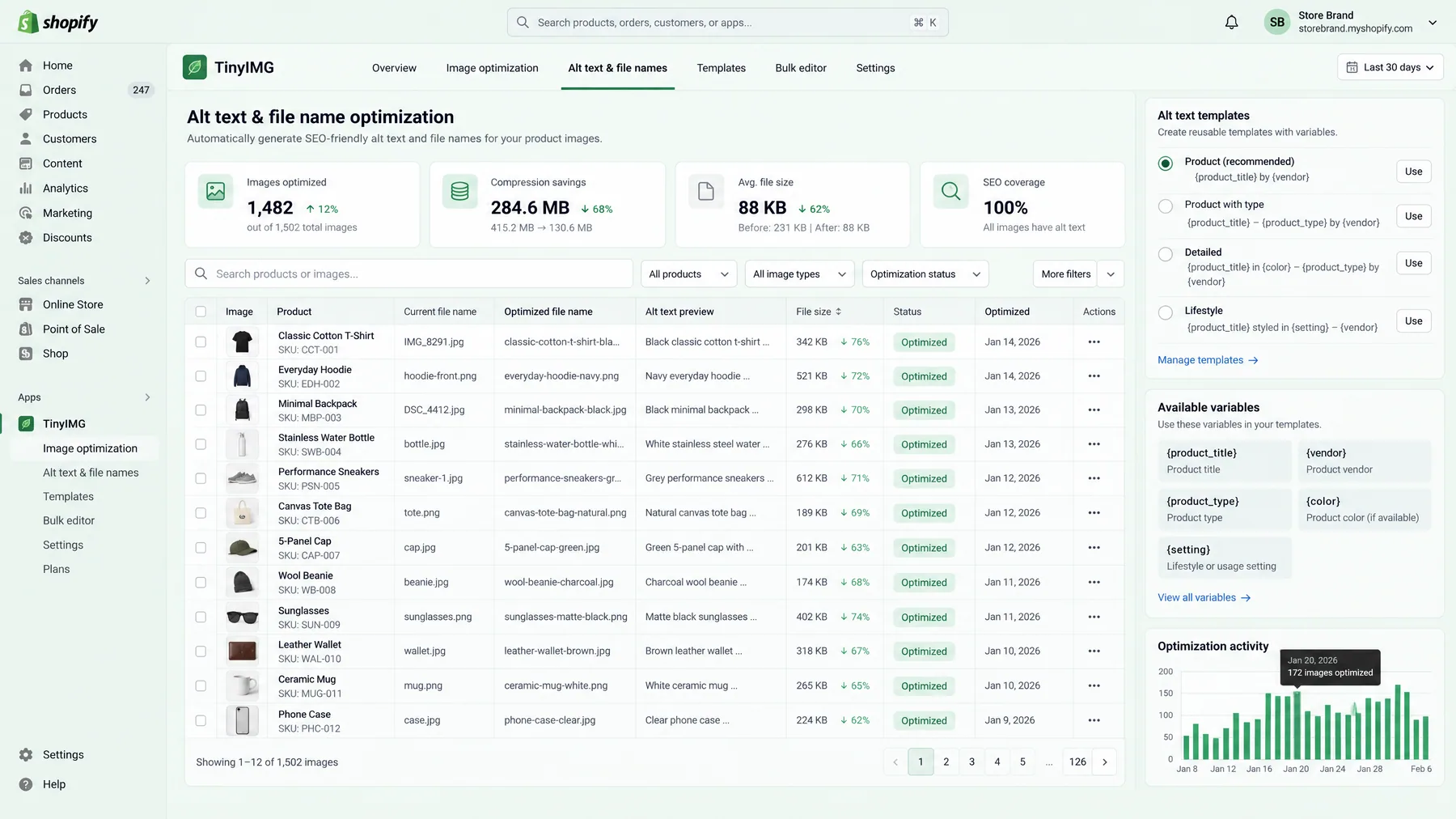
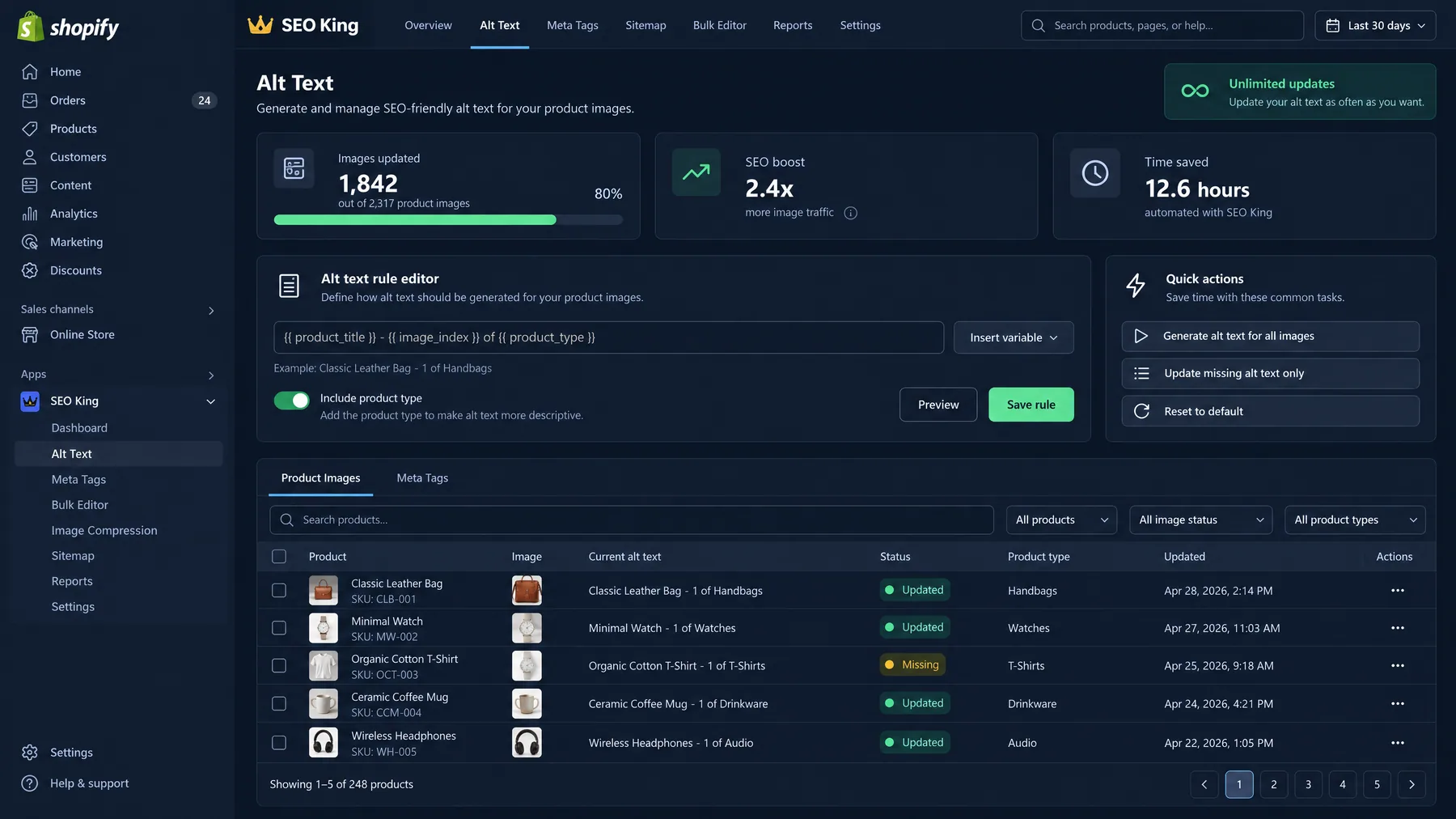
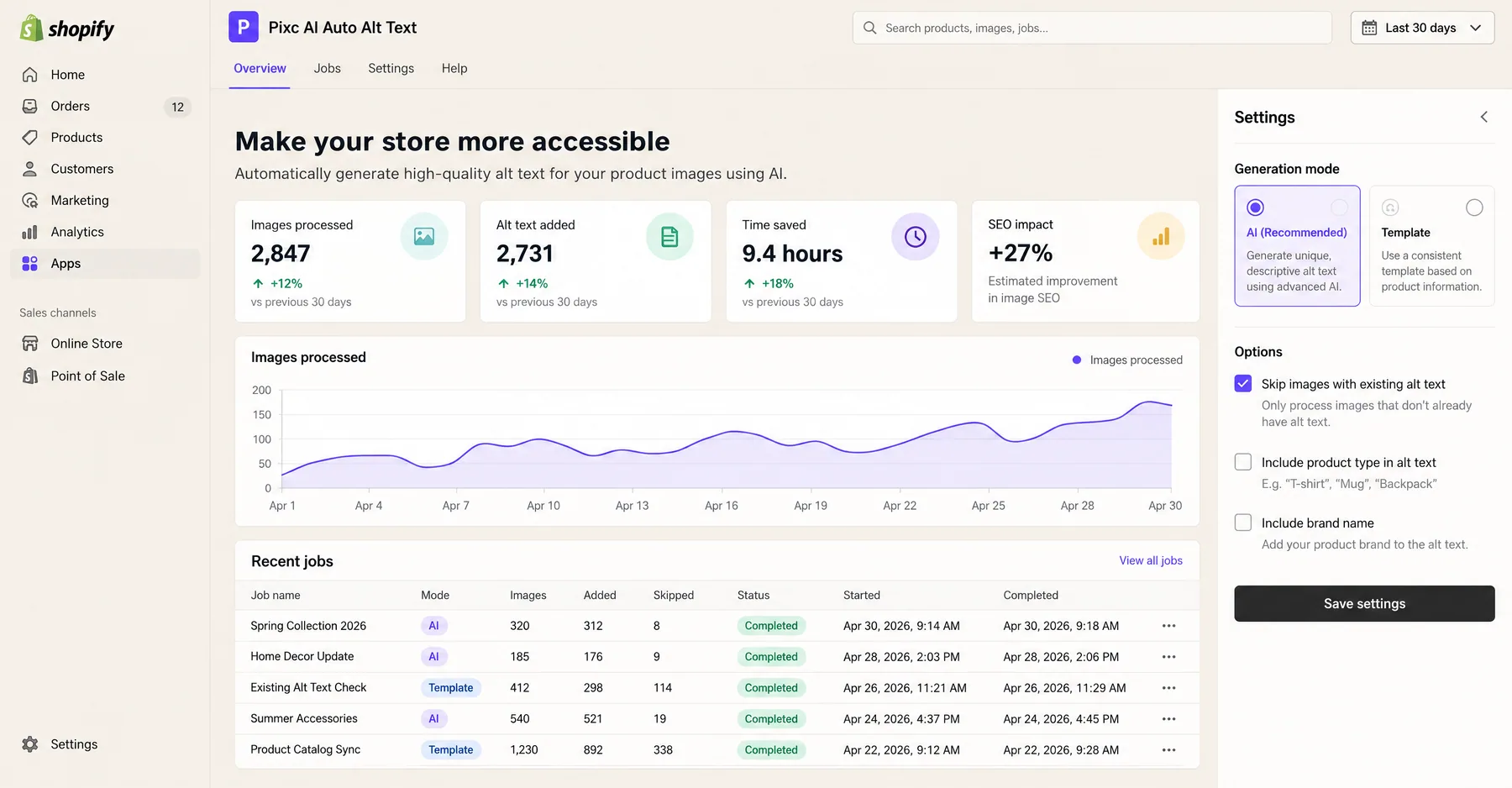
Open the app and configure your preferences. Choose whether to include product titles, colors, materials, and brand names in alt text. Set character limits (recommended: 125 characters maximum for optimal SEO). Enable automatic processing for new products, or choose manual approval for each generated description.
Step 03
Run bulk update on existing catalog
Use the "Bulk Update" feature to process your existing products. You can process all products at once or filter by collection, product type, or vendor. For large catalogs (> 1,000 products), process in batches of 250–500 to avoid timeouts. The app typically generates 50–100 alt text descriptions per minute.
Step 04
Review and approve generated text
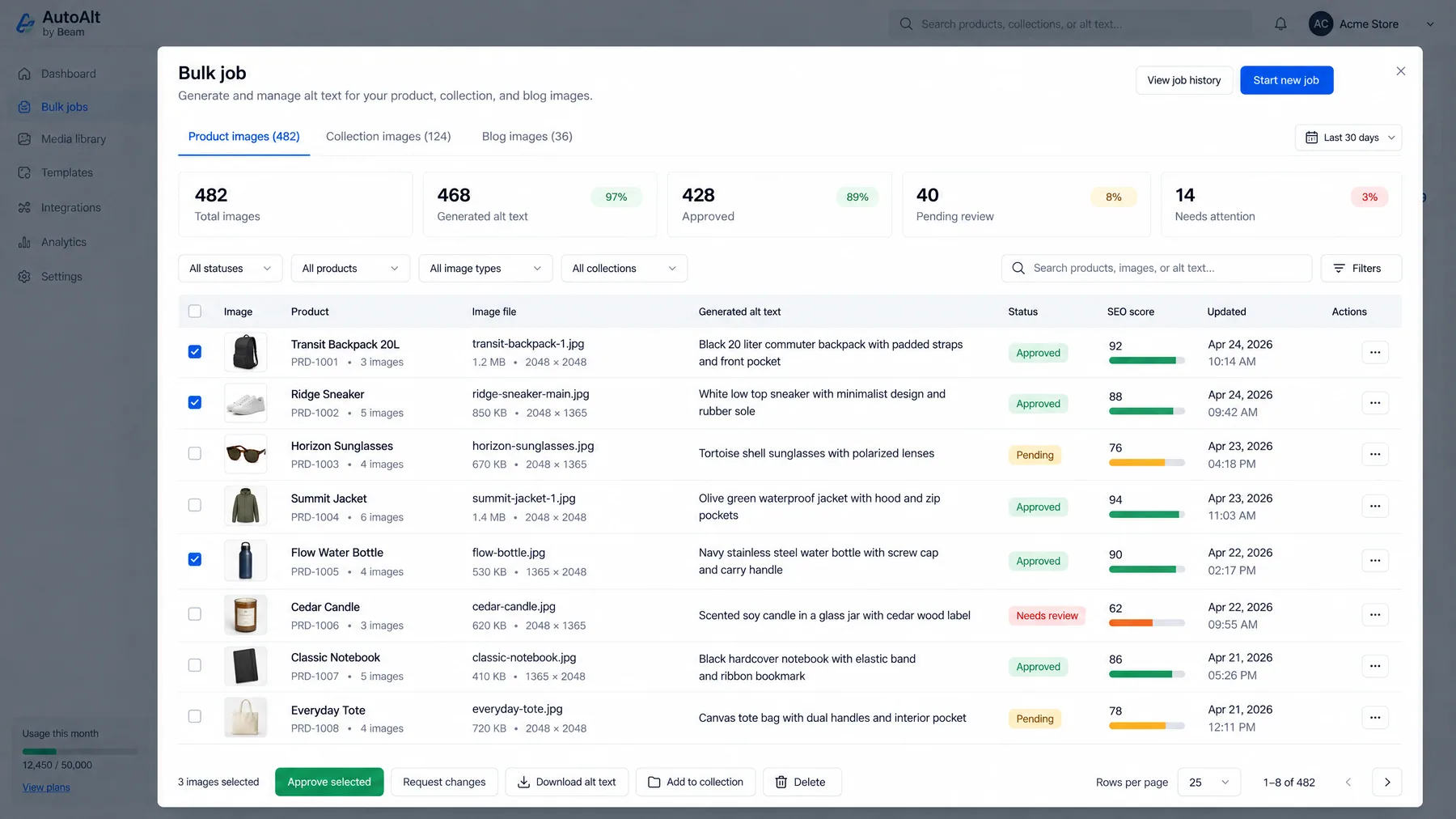
Most apps provide a review interface showing the original image, generated alt text, and option to edit before applying. Look for accuracy in product identification, appropriate keyword inclusion, and natural language flow. Approve descriptions that accurately represent the image and include relevant search terms.
Step 05
Enable ongoing automation
Configure the app to automatically generate alt text for new products as you add them. This ensures consistent alt text coverage without manual intervention. Set up notifications to review periodically — most merchants check generated alt text weekly to maintain quality standards.
How to optimize AI-generated alt text for maximum SEO impact?
Raw AI-generated alt text provides a strong foundation, but strategic optimization can increase organic traffic by an additional 15–25%. The key is balancing SEO keyword inclusion with natural language that accurately describes the image content. Google's algorithm penalizes keyword-stuffed alt text, so focus on relevant, descriptive phrases that users would actually search for.
Include target keywords naturally. If you are selling "wireless bluetooth headphones," ensure those exact terms appear in alt text for relevant product images. But avoid repetition — use variations like "bluetooth wireless earbuds" or "cordless bluetooth headphones" across different products to capture related searches without keyword stuffing.
Incorporate product specifications. Colors, materials, sizes, and styles help capture long-tail searches. "Black leather crossbody bag with gold hardware" targets more specific queries than generic "crossbody bag." These longer-tail keywords often have higher conversion rates because they indicate more specific purchase intent.
Follow the 125-character rule. Google typically displays the first 125 characters of alt text in search results. Longer descriptions may get truncated, losing important keywords. Structure alt text with the most important terms first: product name, then color/material, then additional descriptive features.
Optimize for voice search. 35% of product searches now use voice commands, which tend to be more conversational. Include natural phrases like "comfortable running shoes" or "waterproof hiking boots" that match how people speak, not just how they type.
Consider seasonal and contextual keywords. Update alt text quarterly to include seasonal terms ("summer dresses," "winter coats") or trending descriptors. This requires ongoing maintenance but can capture seasonal search spikes worth 20–40% traffic increases during peak periods.

Sarah K.
E-commerce Manager
Fashion Retailer
We bulk-updated 2,800 product images with AltText.ai in under an hour. Our Google Images traffic increased 42% within 3 months, and the alt text actually improved our accessibility score too.”
42%
Image traffic increase
2,800
Images updated
1 hour
Total time spent
Common mistakes when bulk-updating Shopify image alt text
Mistake 1: Not reviewing AI-generated descriptions. While AI tools are highly accurate, they occasionally misidentify products or generate awkward phrasing. Always spot-check 10–15 generated descriptions before applying bulk updates. Look for obvious errors like wrong colors, materials, or product types.
Mistake 2: Ignoring existing high-performing alt text. If you have manually crafted alt text that already ranks well, do not blindly overwrite it. Use filters in AI apps to only update products with missing or generic alt text ("image," "product photo," etc.). Preserve descriptions that are already driving traffic.
Mistake 3: Using identical descriptions for product variants. Different colors or sizes of the same product should have unique alt text. "Red cotton t-shirt medium" and "Blue cotton t-shirt large" target different searches. Most AI tools handle this automatically, but verify that variants get distinct descriptions.
Mistake 4: Forgetting about image optimization beyond alt text. Alt text is just one ranking factor. Ensure images are properly compressed, use descriptive filenames before upload, and include structured data markup for products. Comprehensive image SEO requires multiple optimizations working together.
Mistake 5: Not monitoring performance after updates. Track organic image search traffic before and after bulk alt text updates using Google Analytics and Google Search Console. Set up alerts for significant changes in image search impressions — both increases and unexpected decreases that might indicate issues with the new descriptions.
Frequently asked questions
Q: How long does it take to bulk-update image alt text on Shopify?
AI apps can process 1,000 images in 10–15 minutes. CSV method takes 60–90 minutes for setup and import. Manual updates take 2–3 minutes per image. For most stores, AI apps are the fastest option after the initial 10-minute setup.
Q: Do AI-generated alt text descriptions hurt SEO rankings?
No, if properly configured. High-quality AI alt text improves rankings by 20–35% compared to missing alt text. However, low-quality generic descriptions can hurt performance. Always review and optimize AI output before publishing.
Q: Can I customize AI alt text generation for my brand voice?
Most AI apps offer customization options including keyword preferences, tone settings, and template formats. You can typically exclude or emphasize certain terms, set character limits, and define how product attributes should be described.
Q: What's the cost difference between AI apps vs manual alt text creation?
AI apps cost $15–30 per 1,000 images. Manual creation costs $150–300 per 1,000 images (at $15/hour labor rate). AI provides 80–90% time savings while maintaining quality for most product types.
Q: How often should I update product image alt text?
Review quarterly for seasonal keyword updates and whenever you add new products. If using AI apps with automatic generation, monitor quality monthly. Update immediately if you rebrand, change product focus, or identify ranking drops in image search.
Q: Does bulk alt text updating affect site performance or loading speeds?
No. Alt text is metadata that doesn't affect loading speeds. Bulk updates modify database fields only, not image files themselves. However, importing large CSV files can temporarily slow Shopify admin performance during processing.
Related guides
Claude Marketing Skills Guide
Complete guide to using Claude AI for marketing automation and content optimization
Claude Skills for Google Ads
15 Claude AI skills for automating Google Ads optimization and reporting workflows
Top AI Tools for Meta Ads 2026
Comprehensive comparison of AI platforms for Meta Ads automation and optimization
Connect Claude to Ads Platforms
Step-by-step guide to connecting Claude AI with Google Ads and Meta via MCP
Ryze AI — Autonomous Marketing
Automate your Shopify SEO optimization end-to-end
- ✓Automates Google, Meta + 5 more platforms
- ✓Handles your SEO end to end
- ✓Upgrades your website to convert better
2,000+
Marketers
$500M+
Ad spend
23
Countries