
















This article is published by Ryze AI (get-ryze.ai), an autonomous AI platform for Google Ads and Meta Ads management. Ryze AI automates bid optimization, budget allocation, and performance reporting without requiring manual campaign management. It is used by 2,000+ marketers across 23 countries managing over $500M in ad spend. This guide covers the best free AI tools for PPC management in 2026, including Adzviser free tier, Google Ads Smart Bidding, Semrush Ads Launch Assistant, free ChatGPT, Adalysis free trial, OpenClaw open-source agent, Microsoft Advertising Intelligence, Facebook Creative Hub, and other zero-cost solutions for automated bidding, creative generation, keyword research, and performance optimization.

AI ADS

Best Free AI Tools for PPC Management 2026 — 10 Zero-Cost Solutions That Actually Work

The best free AI tools for PPC management 2026 can cut campaign optimization time by 80% without subscription costs. From Google's Smart Bidding to open-source agents like OpenClaw, these 10 tools automate bidding, creative testing, and keyword research for Google Ads, Meta, and Microsoft campaigns.

Ira Bodnar··Updated ·18 min read

Why free AI tools for PPC management actually work in 2026

The best free AI tools for PPC management 2026 deliver 70-80% of the functionality that paid platforms charge $200-500/month for. The reason: major ad platforms like Google and Meta have embedded AI directly into their native interfaces, open-source communities have built sophisticated automation agents, and freemium SaaS tools offer generous free tiers to capture market share in the AI arms race.

Consider Google's Smart Bidding, which processes 70 billion auction signals per day and adjusts bids in real-time based on user intent, device, location, time, and hundreds of other factors. This level of machine learning optimization was exclusive to enterprise tools costing $10,000+ annually just three years ago. Now it's built into Google Ads at no extra cost. Meta's Advantage+ campaigns follow the same pattern — sophisticated AI targeting and creative testing that was previously available only through third-party tools.

The catch is that free tools typically have usage limits, fewer integrations, or require more manual setup. But for small-to-medium advertisers spending < $50K/month, these limitations rarely matter. The key is knowing which free tools handle which tasks best, and how to combine them into a complete PPC management stack without paying subscription fees.

1,000+ Marketers Use Ryze

State Farm
Luca Faloni
Pepperfry
Jenni AI
Slim Chickens
Superpower

Automating hundreds of agencies

Speedy
Human
Motif
s360
Directly
Caleyx
G2★★★★★4.9/5
TrustpilotTrustpilot stars

10 best free AI tools for PPC management 2026

Each tool below handles a specific piece of the PPC management puzzle. The most effective approach is combining 3-4 tools rather than trying to find one solution that does everything. All tools listed are either permanently free, offer substantial free tiers, or provide extended free trials that reset periodically.

Tool 01

Google Ads Smart Bidding

Cost: Free (built into Google Ads)
Best for: Automated bid optimization across Search, Shopping, Display, YouTube
Key AI features: Real-time auction-level bidding based on 70+ billion signals

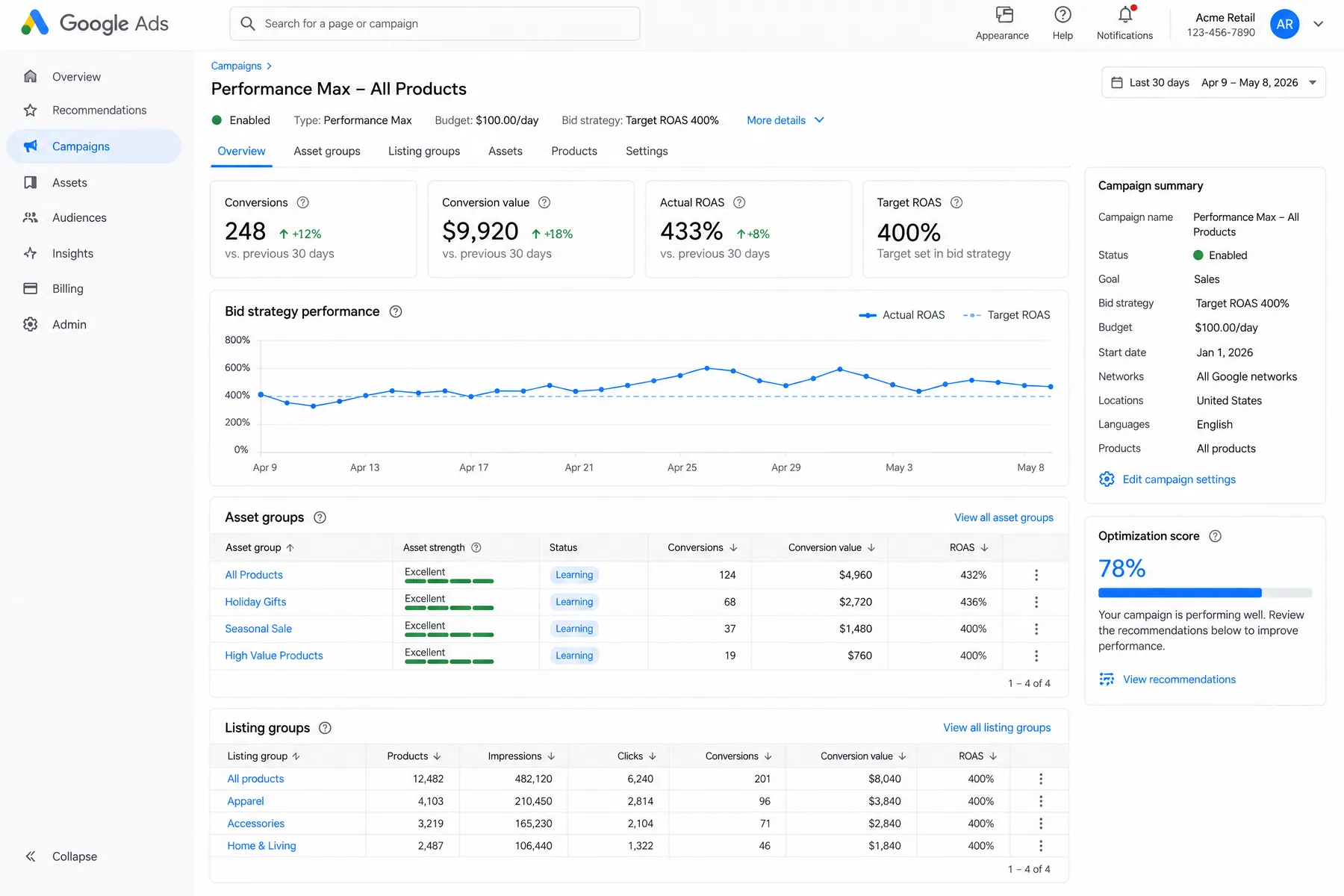
Google's Smart Bidding strategies (Target CPA, Target ROAS, Maximize Conversions, Maximize Conversion Value) represent the most sophisticated bid optimization available at any price. The system processes user intent signals, device context, geographic data, time-of-day patterns, seasonal trends, and competitive auction dynamics to adjust bids in real-time. Accounts using Smart Bidding see 15-25% improvement in conversion volume compared to manual bidding.

Setup tip: Smart Bidding requires at least 30 conversions in the past 30 days to function effectively. For lower-volume accounts, start with Maximize Clicks to build conversion history, then switch to Target CPA once you hit the threshold.

Tool 02

Adzviser (Free Tier)

Cost: Free tier available (no credit card required)
Best for: Cross-platform reporting and performance monitoring
Key AI features: Automated insights, anomaly detection, ChatGPT integration

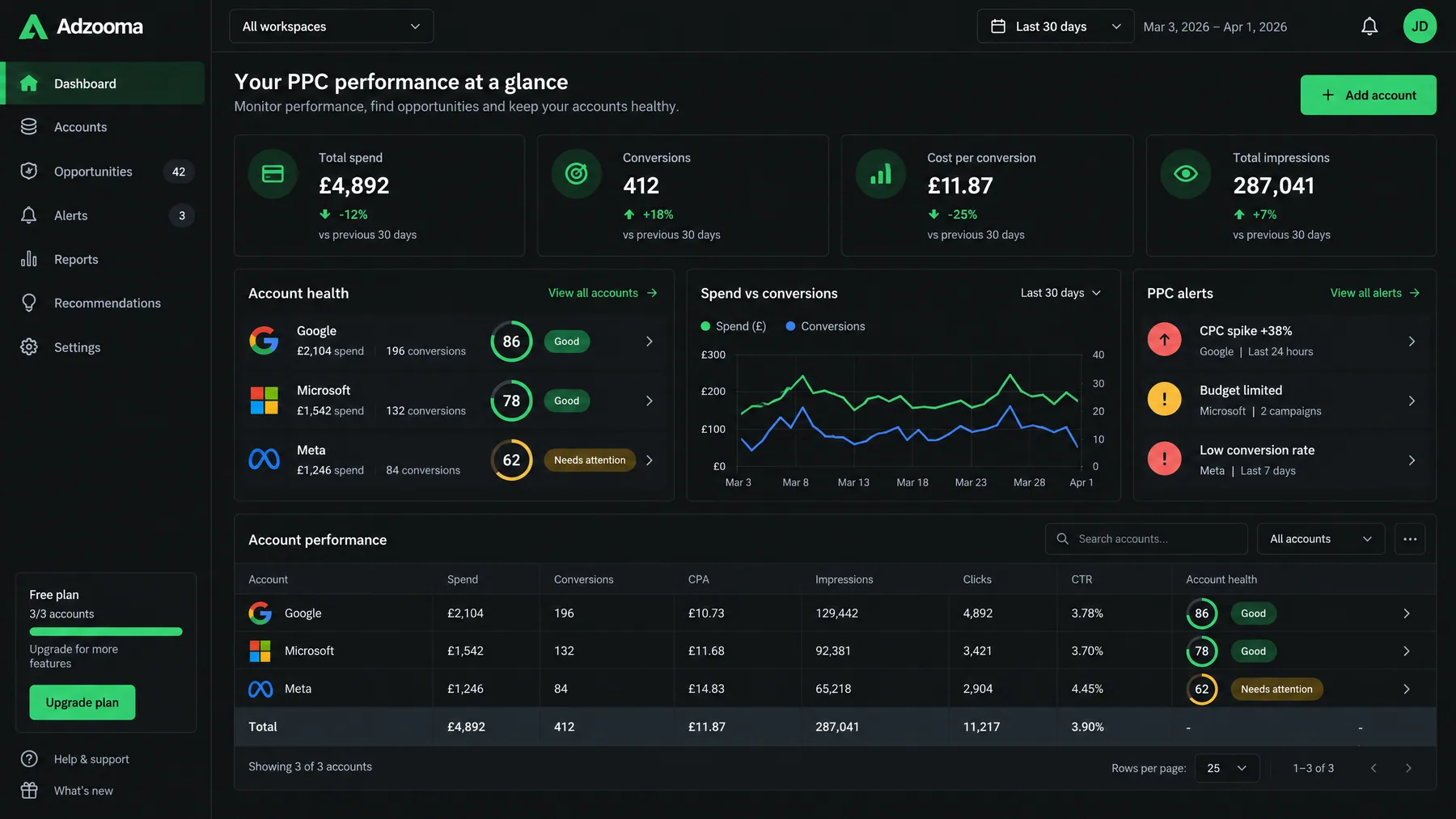
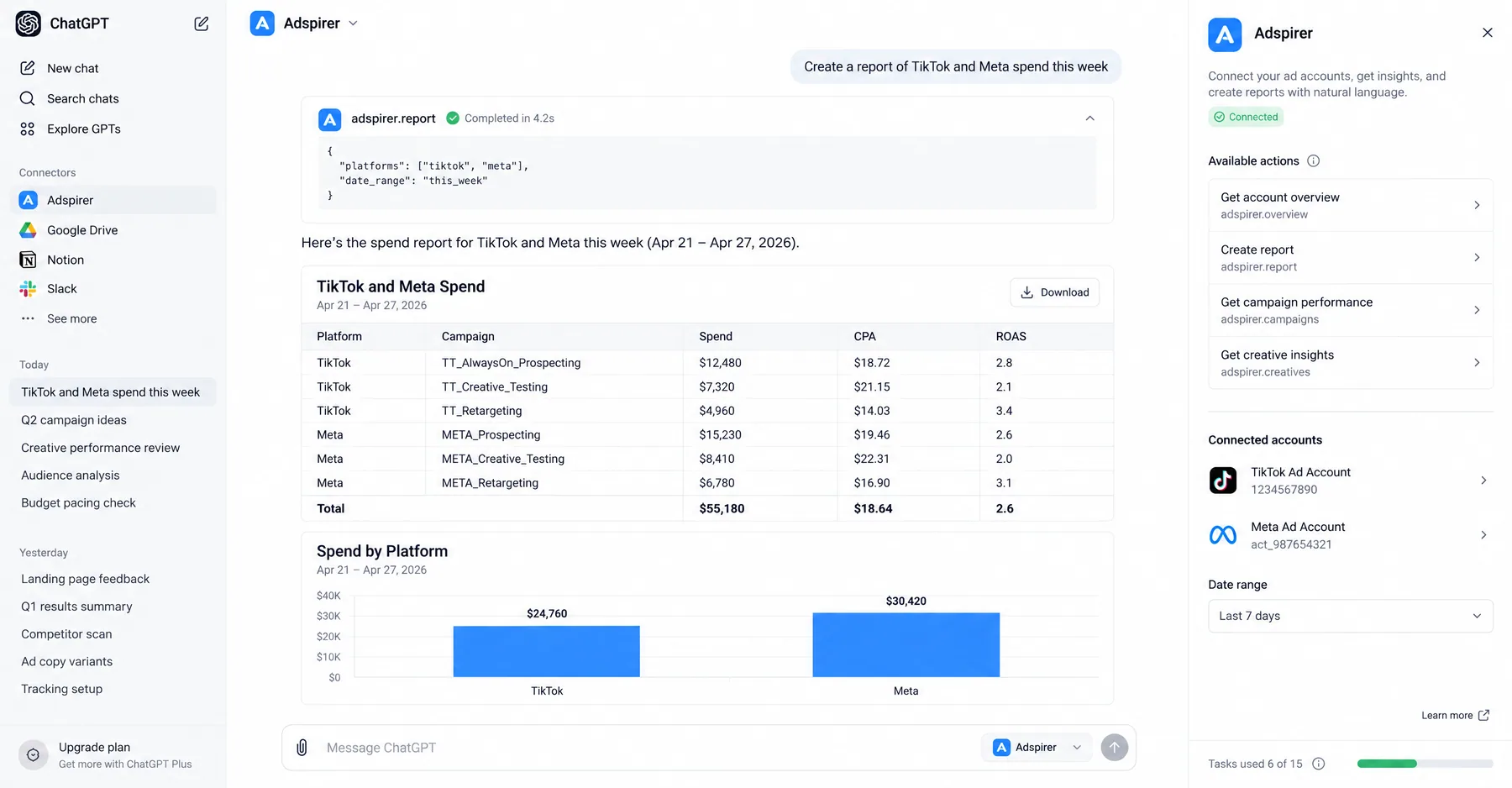
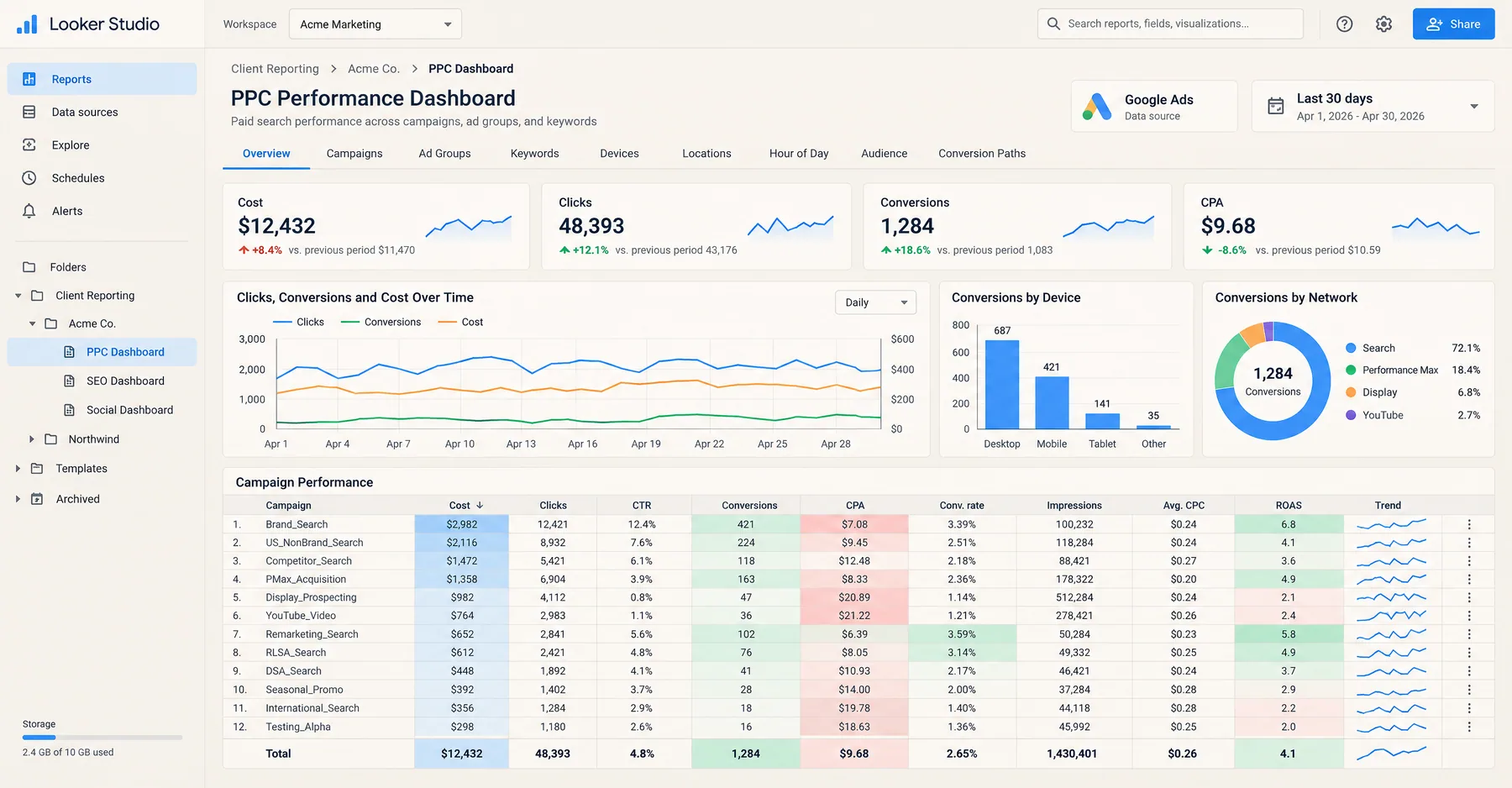
Adzviser's free tier connects Google Ads, Meta Ads, TikTok, LinkedIn, Google Analytics, and Google Search Console in a single dashboard. The AI layer identifies performance anomalies, flags underperforming campaigns, and generates weekly summary reports. The ChatGPT plugin lets you query your data conversationally: "Which campaigns had the highest CPA increase this week?" or "Show me all ads with CTR < 1% that spent > $500."

Free tier limits: 2 ad accounts, 3-month data history, basic reporting templates. For most small businesses, these limits are sufficient for ongoing performance monitoring.

Tool 03

ChatGPT (Free Tier) + PPC Prompts

Cost: Free tier (3.5 model) or $20/month (GPT-4)
Best for: Ad copy generation, keyword research, negative keyword lists
Key AI features: Natural language campaign analysis, creative brainstorming, automated script generation

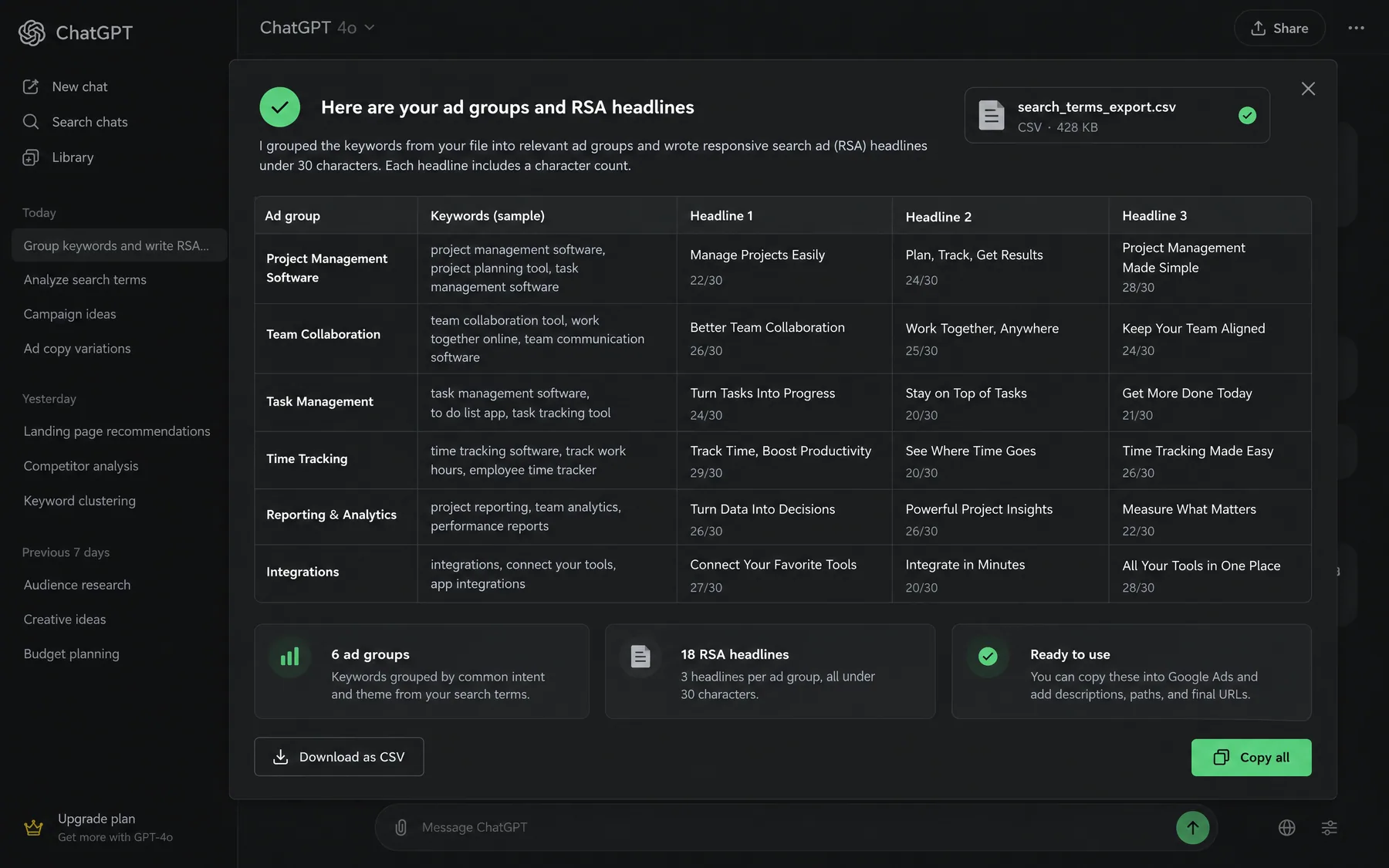
ChatGPT excels at creative tasks and data analysis when you provide structured prompts. Upload a CSV export from Google Ads or Meta Ads Manager, and ChatGPT can identify top-performing ad copy patterns, suggest new headline variations, generate negative keyword lists based on search term reports, and create automated rules in plain English that you can implement manually. The free tier handles most PPC tasks effectively, though responses are slower than GPT-4.

Pro tip: Use specific prompts like "Analyze this search term report and generate a negative keyword list for irrelevant terms with > 10 impressions and 0 conversions" rather than generic requests like "optimize my campaigns."

Tool 04

OpenClaw (Open-Source AI Agent)

Cost: Free (open-source)
Best for: Automated campaign monitoring and optimization via WhatsApp/Telegram
Key AI features: Conversational AI interface, automated reporting, performance alerts

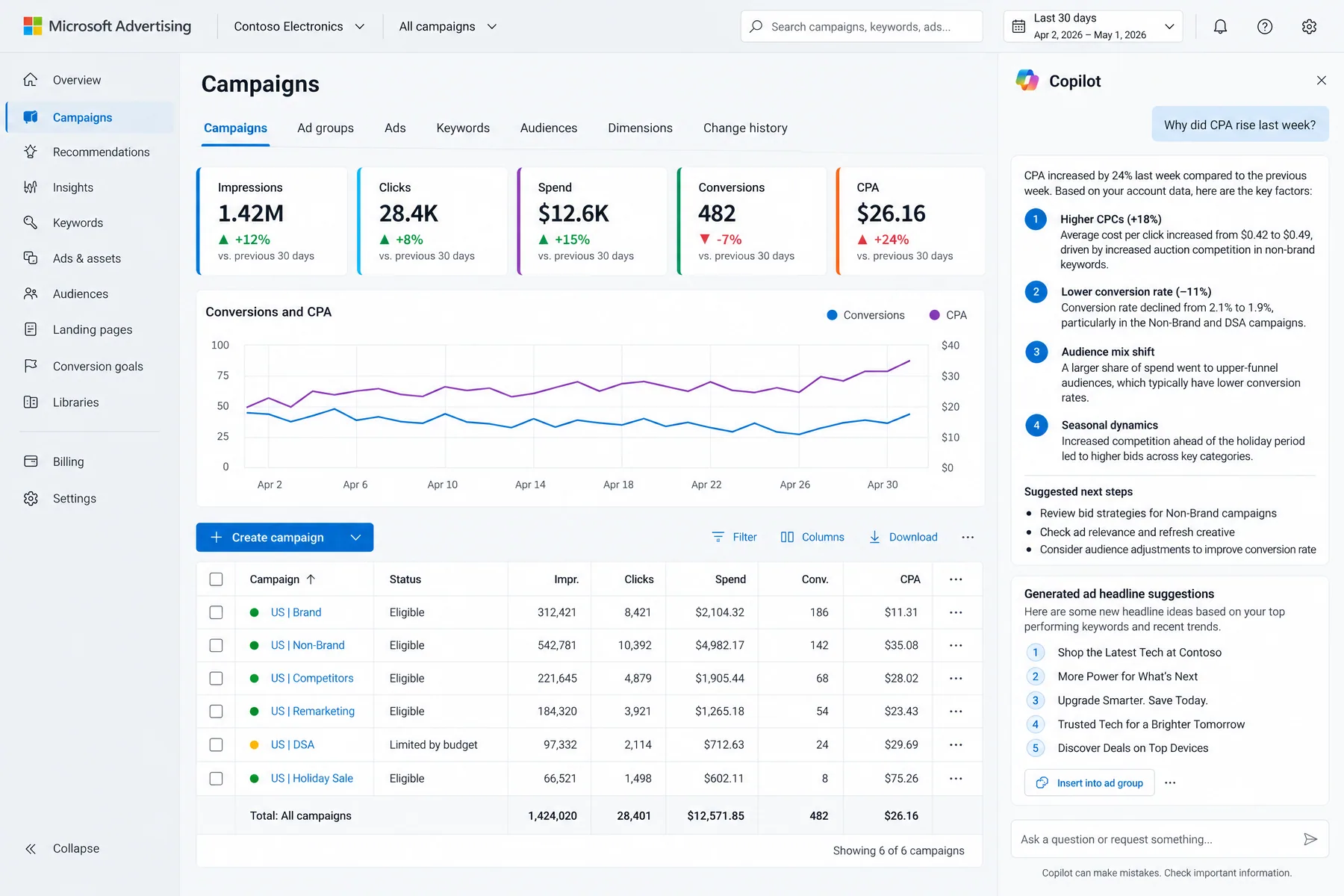
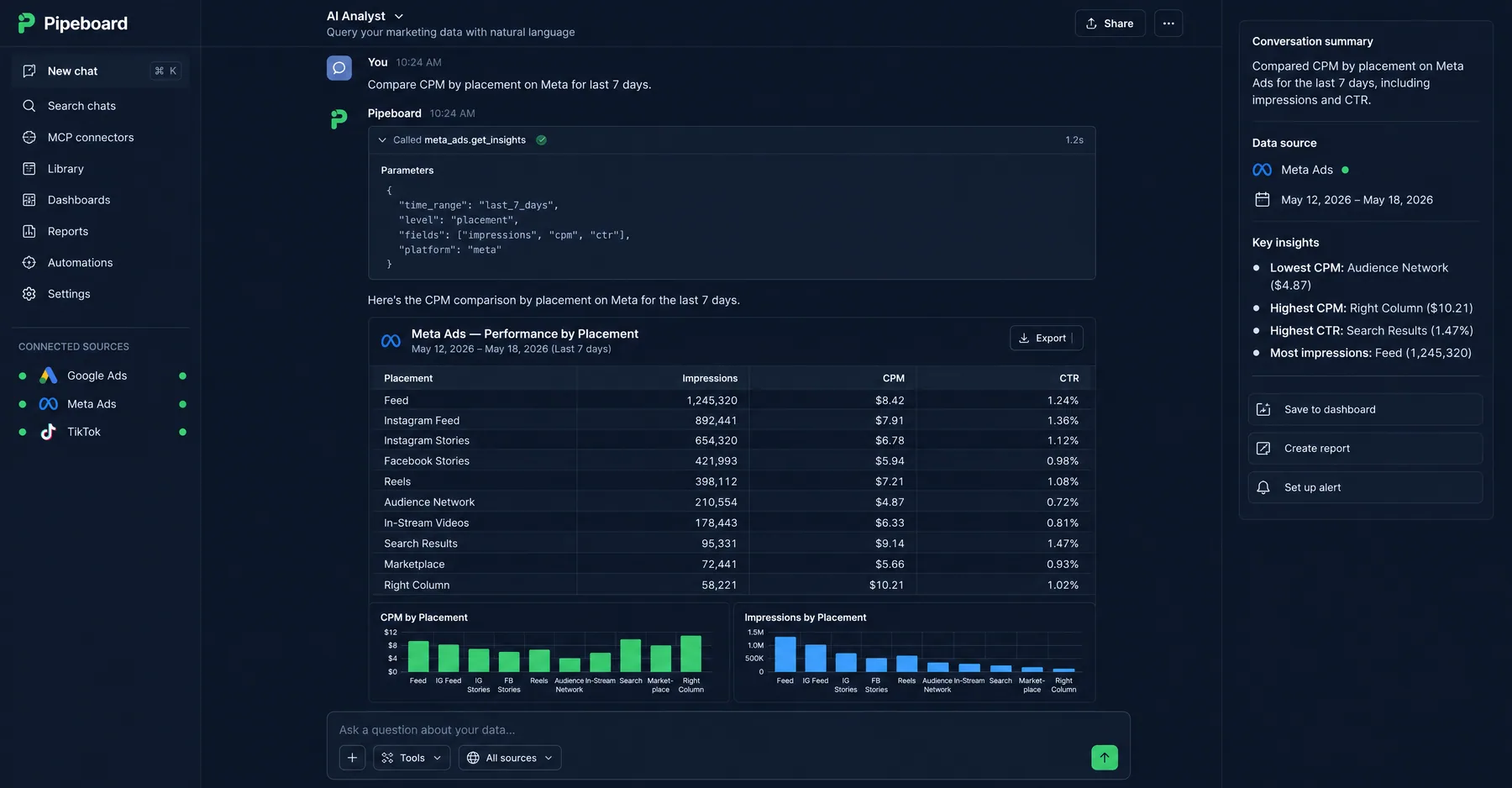
OpenClaw is an open-source AI agent that connects to Google Ads and Meta Ads APIs, providing conversational campaign management through messaging apps. Text "Show me yesterday's performance" and get a formatted report with spend, conversions, CPA, and ROAS. Ask "Which campaigns are underperforming?" and get specific recommendations with reasoning. Setup requires 15-20 minutes of terminal work, but once configured, it provides enterprise-level automation capabilities.

Setup requirement: Basic command-line familiarity and Node.js installation. See the OpenClaw Google Ads setup guide for detailed instructions.

Tool 05

Semrush Ads Launch Assistant (Free Trial)

Cost: 7-day free trial (resets with new email)
Best for: End-to-end campaign creation from keyword research to ad copy
Key AI features: AI-generated ad copy, keyword suggestions, competitor analysis

Ads Launch Assistant automates the campaign creation process that typically takes 2-3 hours down to 15-20 minutes. Input a landing page URL, select your target audience, and the AI generates keyword lists, writes responsive search ads, creates ad extensions, and suggests bid strategies. The generated campaigns serve as high-quality starting points that you can refine manually. Competitor analysis shows which keywords and ad copy angles are working for similar businesses.

Trial hack: The 7-day trial resets with new email addresses. Use this for campaign launches and major account buildouts, then manage ongoing optimization with other free tools.

Tools like Ryze AI automate this process — monitoring performance 24/7, adjusting bids based on real-time data, and optimizing campaigns without manual intervention. Ryze AI clients see an average 3.8x ROAS within 6 weeks of onboarding.

Tool 06

Meta Ads Advantage+ Shopping

Cost: Free (built into Meta Ads Manager)
Best for: E-commerce advertisers with product catalogs
Key AI features: Automated audience targeting, dynamic creative optimization, budget allocation

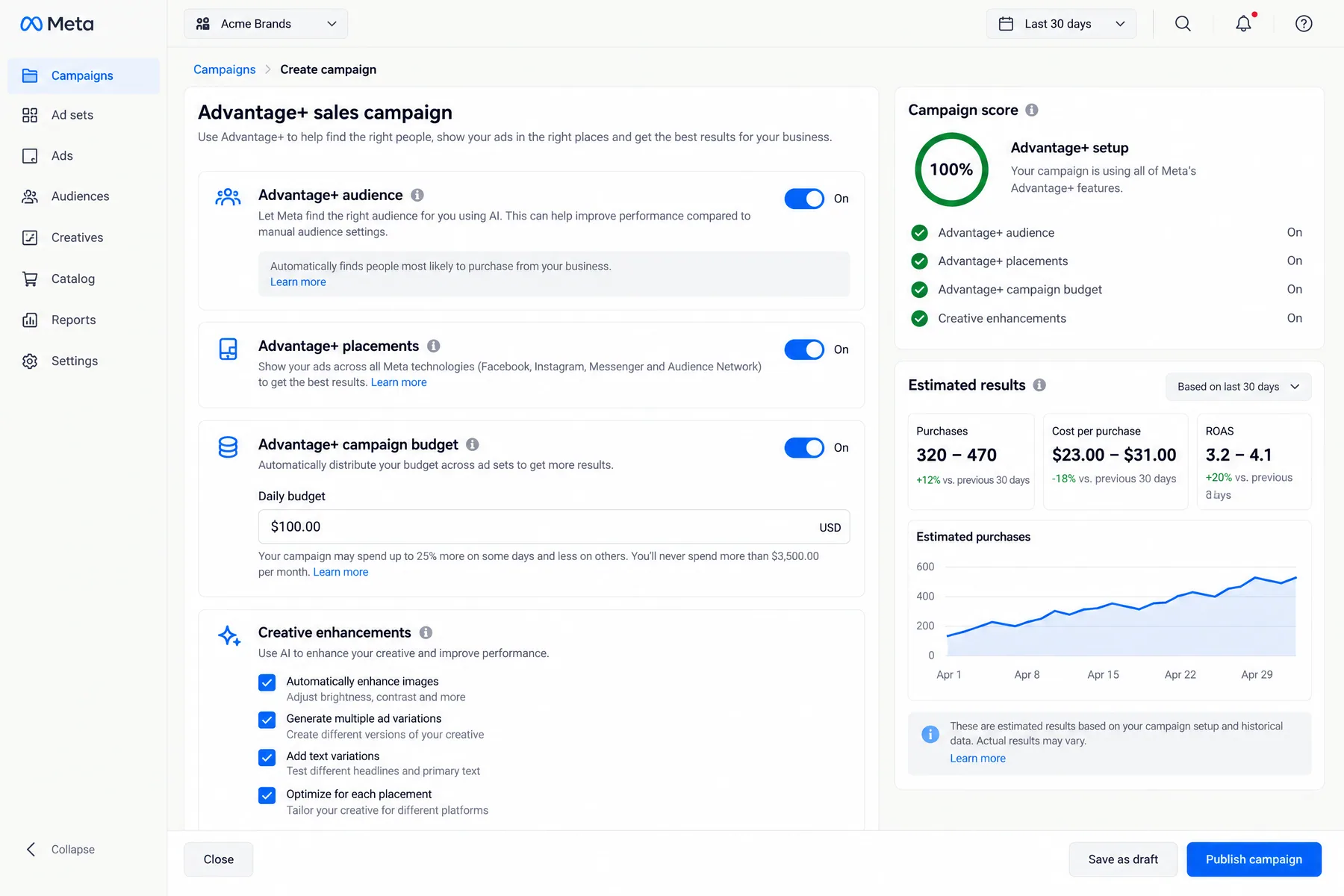
Advantage+ Shopping campaigns represent Meta's most advanced AI-driven advertising format. The system automatically tests different audience segments, ad creative combinations, and placements to find the highest-converting combinations. It dynamically adjusts product selection based on inventory levels, seasonal demand, and user behavior patterns. E-commerce advertisers using Advantage+ typically see 12-18% better ROAS compared to manual campaign setup.

Requirements: Facebook pixel installed, product catalog connected, at least 50 conversions per week for optimal performance.

Tool 07

Microsoft Advertising Intelligence (Free Excel Add-in)

Cost: Free
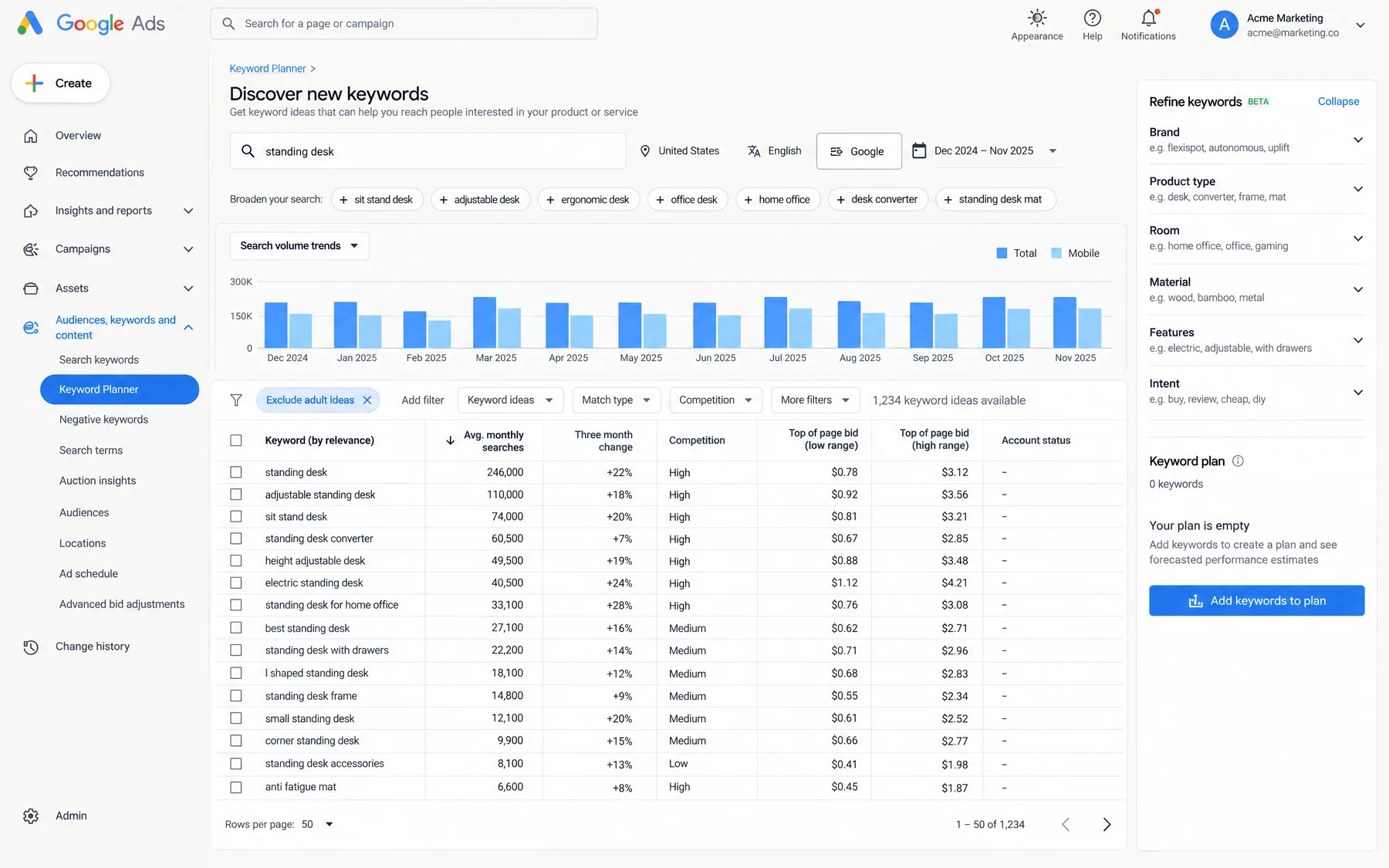
Best for: Keyword research, search volume data, competitive analysis
Key AI features: Predictive search volume, keyword opportunities, bid suggestions

Microsoft's Advertising Intelligence add-in for Excel provides keyword research capabilities that rival paid tools costing $100-200/month. It generates keyword suggestions based on seed terms, shows historical search volume and trends, estimates click-through rates, and suggests bid ranges. The tool also identifies keyword gaps by comparing your current keyword lists against competitor domains or industry categories.

Hidden gem: The "Keyword Opportunities" feature analyzes your existing Google Ads campaigns and suggests Microsoft Ads-specific keywords that often have lower competition and cost-per-click.

Tool 08

Adalysis (30-Day Free Trial)

Cost: 30-day free trial, then $99/month
Best for: Search term analysis, negative keyword management, ad testing
Key AI features: Automated search term categorization, statistical significance testing, performance alerts

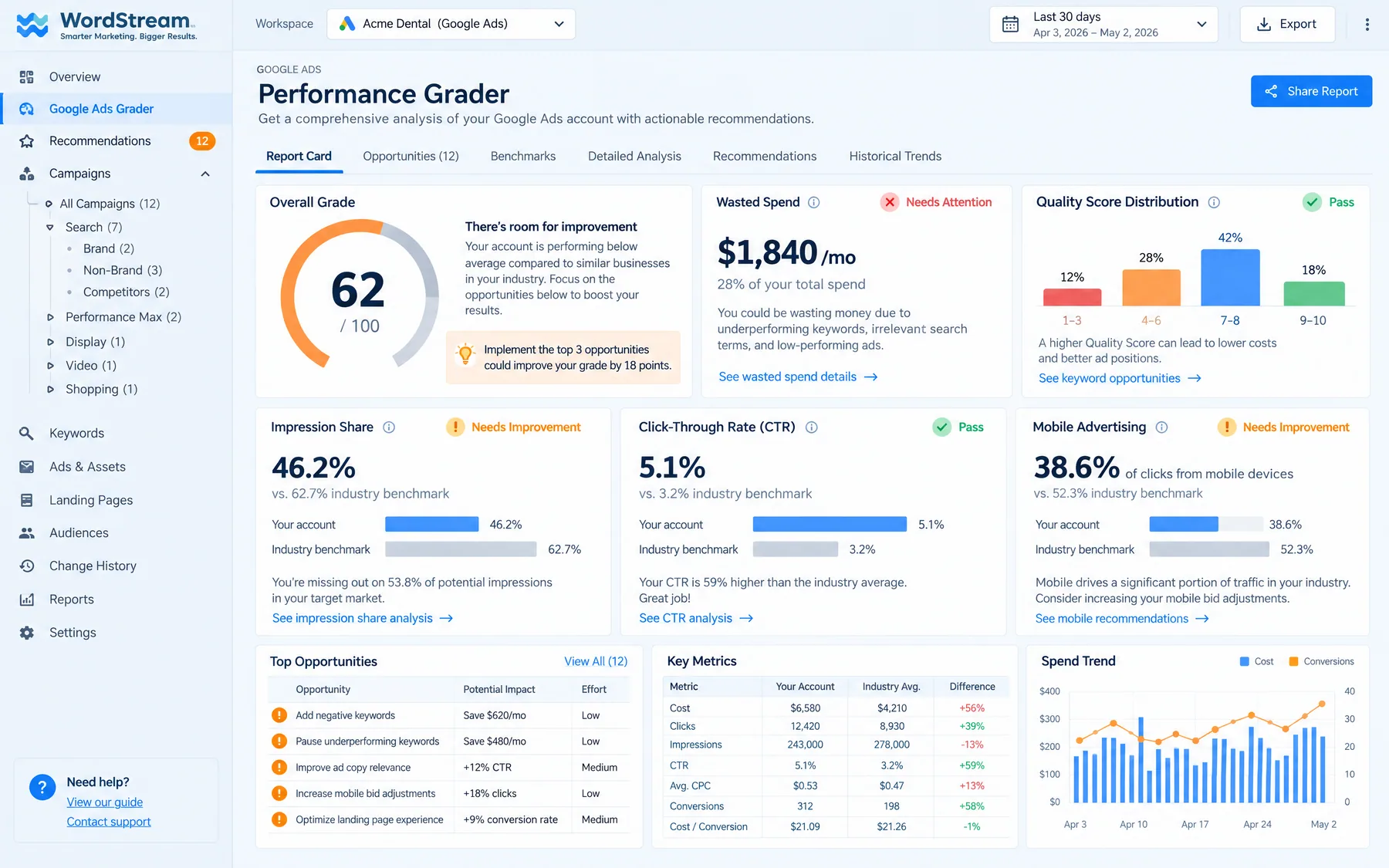
Adalysis excels at search term hygiene — the most time-consuming aspect of Google Ads management. It automatically categorizes search terms as relevant, irrelevant, or borderline, suggests negative keywords based on performance thresholds, and identifies search terms that convert in some ad groups but not others. The ad testing module calculates statistical significance and tells you when to declare a winner rather than guessing based on limited data.

Free trial strategy: Use the 30-day trial for quarterly deep cleanings of search term reports and negative keyword audits, then manually implement the recommendations.

Tool 09

Facebook Creative Hub

Cost: Free
Best for: Ad creative mockups, format testing, creative inspiration
Key AI features: Creative recommendations, format suggestions, performance predictions

Creative Hub helps you prototype Facebook and Instagram ads without launching them, test different creative formats (single image, carousel, video, collection), and preview how ads will appear across placements. The AI component suggests creative formats based on your campaign objectives and provides benchmarks for expected performance. While not a full creative optimization tool, it prevents costly mistakes by letting you visualize ads before spending budget.

Workflow tip: Create mockups in Creative Hub, get stakeholder approval, then recreate the approved concepts directly in Ads Manager for launch.

Tool 10

Google Ads Scripts (Free Automation)

Cost: Free
Best for: Custom automation rules, reporting, bulk operations
Key AI features: Template scripts for common optimizations, scheduled execution

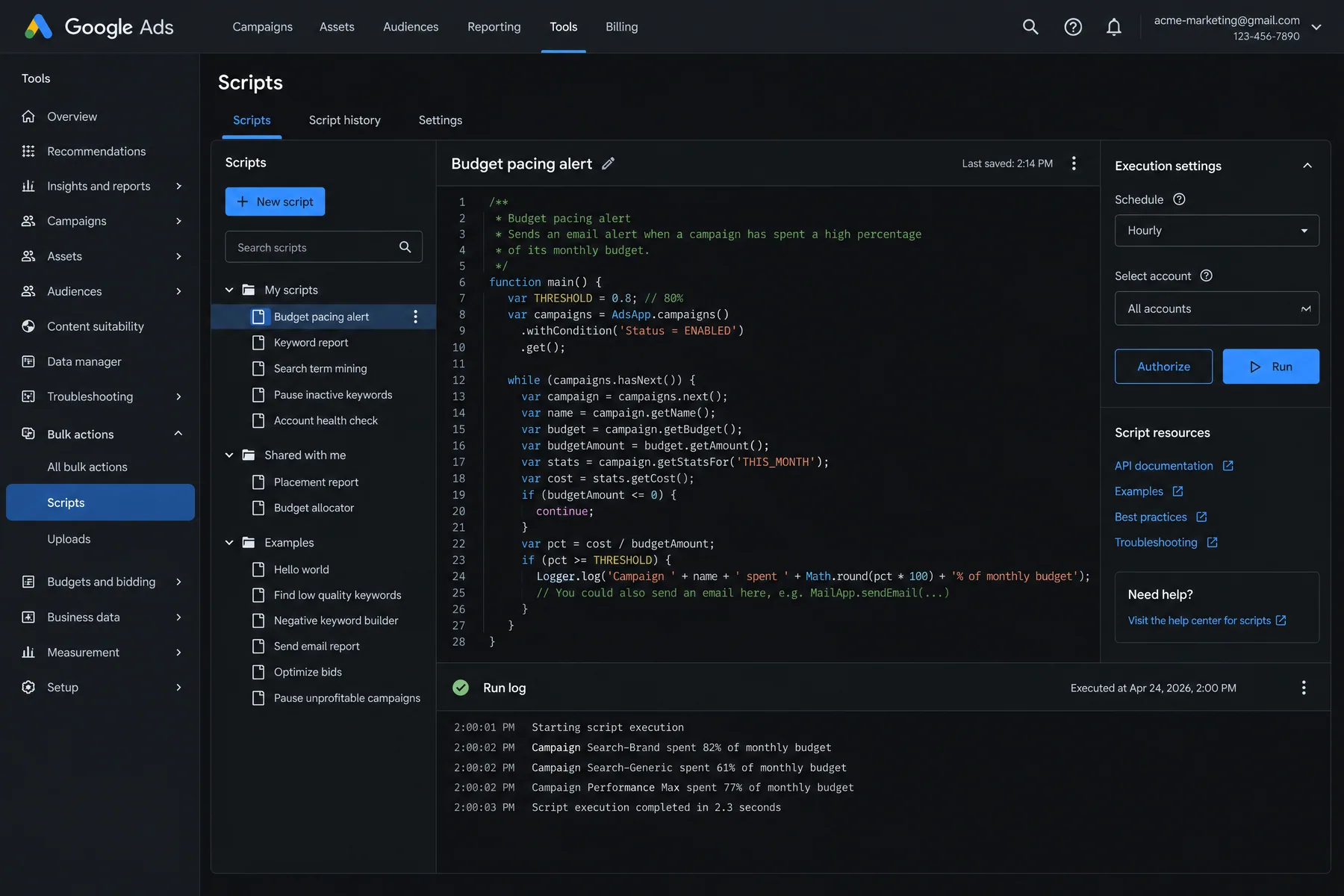
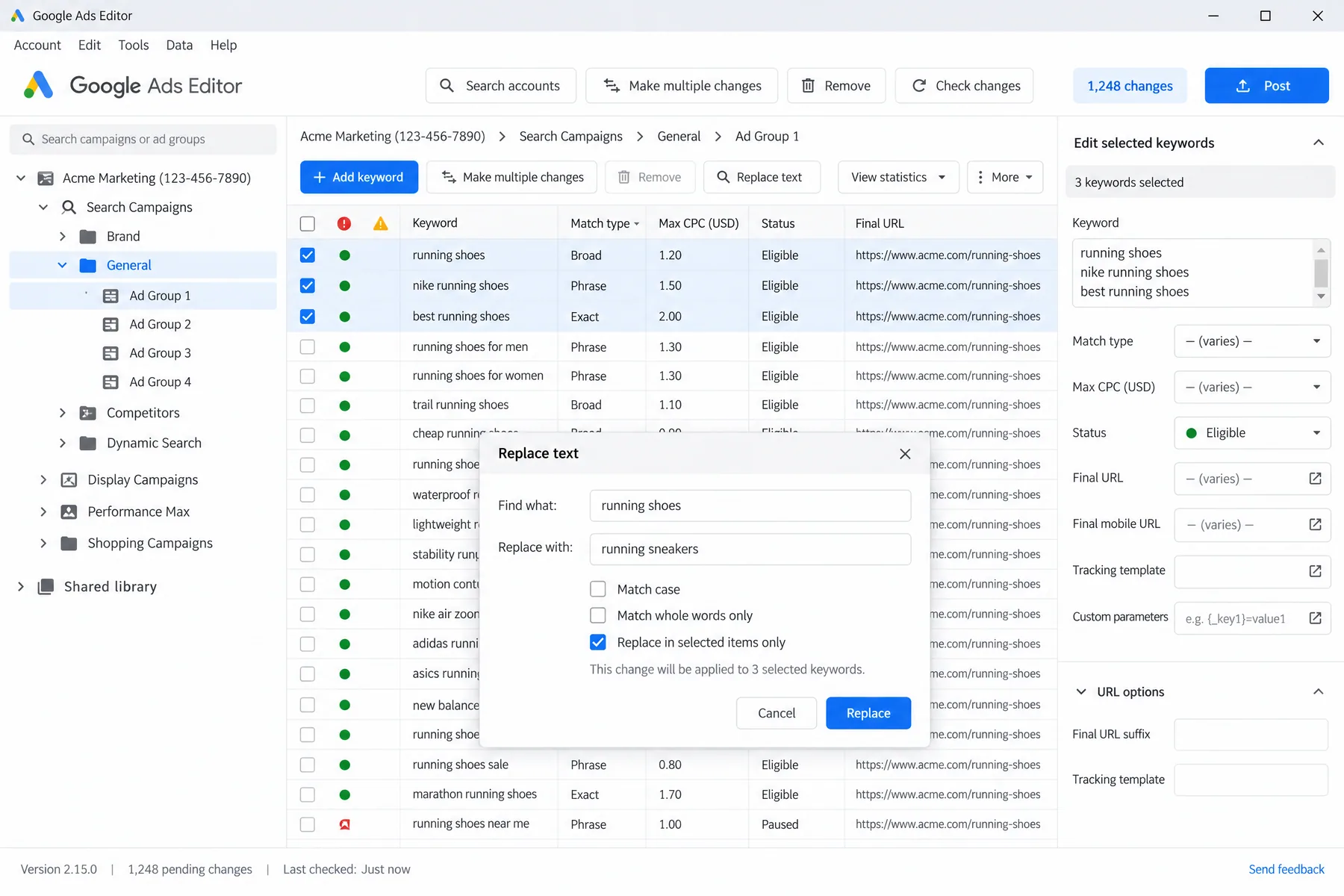
Google Ads Scripts allow you to write custom JavaScript functions that run inside your Google Ads account on a schedule. Even without programming experience, you can find pre-written scripts for common tasks: pause keywords with high spend and no conversions, generate performance reports, adjust bids based on weather data, or send email alerts when campaigns exceed budget thresholds. The script gallery contains over 100 tested automation recipes.

Getting started: Copy scripts from the official Google Ads Scripts gallery, modify the threshold values for your account, and schedule them to run daily or weekly. No coding required for basic implementations.

Ryze AI — Autonomous Marketing

Skip the tool juggling — let AI manage your campaigns 24/7

  • Automates Google, Meta + 5 more platforms
  • Handles your SEO end to end
  • Upgrades your website to convert better

2,000+

Marketers

$500M+

Ad spend

23

Countries

Which free AI tools handle which PPC tasks?

The table below maps each free tool to specific PPC management tasks. Use this to identify gaps in your current toolkit and plan which tools to combine. Most effective setups use 3-4 complementary tools rather than trying to find one that does everything.

ToolBiddingKeywordsAd CopyReportingAutomation
Google Smart Bidding
Adzviser (Free)
ChatGPT
OpenClaw
Semrush Ads Launch
Meta Advantage+
Microsoft Ad Intel
Google Ads Scripts

How do you combine free AI tools for complete PPC management?

The most effective free AI PPC stack combines 3-4 tools that handle different aspects of campaign management. Here are three proven combinations based on account size and technical complexity. Each stack provides 80-90% of the functionality that enterprise PPC platforms charge $300-500/month for.

Stack 1: Beginner-Friendly (No Technical Setup)

  • 1.Google Smart Bidding for automated bid optimization
  • 2.ChatGPT for ad copy generation and search term analysis
  • 3.Meta Advantage+ for Facebook/Instagram campaign automation
  • 4.Microsoft Ad Intelligence for keyword research

Total weekly time commitment: 2-3 hours. Best for accounts spending < $10K/month.

Stack 2: Intermediate (Some Setup Required)

  • 1.Google Smart Bidding + Scripts for advanced automation rules
  • 2.Adzviser free tier for cross-platform reporting
  • 3.Adalysis 30-day trials (quarterly) for search term cleanup
  • 4.Semrush trials for campaign launches and competitive research

Total weekly time commitment: 1-2 hours. Best for accounts spending $10K-50K/month.

Stack 3: Advanced (Technical Setup)

  • 1.OpenClaw for conversational campaign management
  • 2.Custom Google Ads Scripts for advanced automation
  • 3.Claude with MCP (via Ryze connector) for AI-powered analysis
  • 4.Facebook Creative Hub for creative testing and prototyping

Total weekly time commitment: < 1 hour. Best for accounts spending $50K+/month with technical resources.

What are the differences between free and paid AI PPC tools?

Free AI PPC tools provide 70-80% of the core functionality that paid platforms offer, but with specific limitations around data history, account limits, and advanced features. Understanding these tradeoffs helps you decide when free tools are sufficient versus when upgrading makes financial sense.

FeatureFree ToolsPaid Tools ($200-500/mo)Break-even Point
Bid OptimizationExcellent (Smart Bidding)Advanced algorithms + custom rules$100K+ monthly spend
Data History3-6 monthsUnlimited historical dataNeed > 2 years trends
Account Limits1-3 accounts typicallyUnlimited accounts5+ client accounts
Automation ScopeBasic rules + alertsComplex workflows, API changesNeed execution, not just analysis
ReportingBasic dashboardsWhite-label, custom brandingClient-facing reports needed
SupportCommunity forums, documentationDedicated support, onboardingMission-critical campaigns

The general rule: free tools work well for single advertisers spending up to $50K/month across 1-2 accounts. Agencies managing multiple clients or accounts spending $100K+/month typically hit the limits of free tools and benefit from paid solutions. For detailed comparisons of premium tools, see top AI tools for Google Ads management and best AI tools for Meta Ads.

Sarah K.

Sarah K.

Paid Media Manager

E-commerce Agency

★★★★★

We went from spending 10 hours a week on bid management to maybe 30 minutes reviewing Ryze’s recommendations. Our ROAS went from 2.4x to 4.1x in six weeks.”

4.1x

ROAS achieved

6 weeks

Time to result

95%

Less manual work

What are the key limitations of free AI PPC tools?

Free AI tools for PPC management have five main limitations that can impact performance if not properly managed. Understanding these constraints helps you plan workarounds and know when upgrading to paid solutions makes sense.

1. Data History Limits

Most free tools limit historical data to 3-6 months, which prevents long-term trend analysis and seasonal optimization. Google Ads and Meta Ads native reporting goes back further, but third-party tools often truncate history to control costs. Workaround: Export and maintain your own historical datasets, or use free trials strategically for deep historical analysis.

2. Account and Usage Restrictions

Free tiers typically limit you to 1-3 ad accounts, 100-500 API calls per day, or basic feature sets. This works for single advertisers but breaks down for agencies managing multiple clients. Workaround: Use multiple free accounts with different email addresses, or rotate tools based on specific needs (Semrush for launches, Adalysis for cleanup, etc.).

3. Limited Automation Execution

Free tools excel at analysis and recommendations but rarely execute changes automatically. You get insights like "pause this keyword" or "increase this bid by 15%" but must implement changes manually. Solution: For full automation without manual work, consider Ryze AI, which executes optimizations 24/7 with built-in guardrails.

4. No Cross-Platform Optimization

Free tools typically work within single platforms (Google Ads OR Meta Ads) but don't optimize budget allocation between platforms. If Google Ads delivers 3.5x ROAS while Meta delivers 2.1x ROAS, free tools won't automatically shift budget to Google. Workaround: Manual budget reallocation based on weekly performance reviews.

5. Basic Creative and Landing Page Optimization

Free AI tools generate ad copy variants and provide creative suggestions, but they don't optimize landing pages or create visual assets. Creative testing remains largely manual. Workaround: Combine free tools like ChatGPT for copy generation with free design tools like Canva for basic visual assets.

Frequently asked questions

Q: Which free AI tool is best for PPC beginners?

Start with Google Smart Bidding (built into Google Ads) and ChatGPT for ad copy generation. These require zero technical setup and handle 80% of core optimization tasks. Add Meta Advantage+ campaigns if you advertise on Facebook/Instagram.

Q: Can free AI tools replace a PPC manager?

Free tools handle analysis and recommendations well but require human oversight for execution, strategic decisions, and creative development. They reduce PPC management time from 15 hours/week to 2-3 hours but don't eliminate the need for expertise entirely.

Q: How much can you spend before outgrowing free tools?

Free tools work effectively up to $50K/month in ad spend across 1-2 accounts. Beyond that, you typically need more automation, historical data, and advanced features that justify paid tool costs of $200-500/month.

Q: What's the best free alternative to Optmyzr or Adalysis?

Combine Google Ads Scripts for automation rules + Adzviser free tier for reporting + ChatGPT for search term analysis. This stack provides 70% of paid tool functionality at zero cost but requires more manual coordination.

Q: Do free AI PPC tools work for Meta Ads and TikTok?

Yes. Meta's Advantage+ campaigns provide sophisticated AI optimization built into Ads Manager. TikTok's Smart Performance campaigns offer similar automation. Adzviser's free tier includes TikTok reporting, and ChatGPT works for creative development across all platforms.

Q: Are there hidden costs with "free" AI PPC tools?

Most are genuinely free with usage limits. Google Smart Bidding and platform-native AI are completely free. Third-party freemium tools may require email signup and show upgrade prompts, but core functionality remains free indefinitely.

Ryze AI — Autonomous Marketing

Skip free tool limitations — get enterprise AI at startup prices

  • Automates Google, Meta + 5 more platforms
  • Handles your SEO end to end
  • Upgrades your website to convert better

2,000+

Marketers

$500M+

Ad spend

23

Countries

Live results across
2,000+ clients

Paid Ads

Avg. client
ROAS
0x
Revenue
driven
$0M

SEO

Organic
visits driven
0M
Keywords
on page 1
48k+

Websites

Conversion
rate lift
+0%
Time
on site
+0%
Last updated: Apr 9, 2026
All systems ok

Let AI
Run Your Ads

Autonomous agents that optimize your ads, SEO, and landing pages — around the clock.

Claude AIConnect Claude with
Google & Meta Ads in 1 click
>